Hi, I’m Nisha. If you’ve ever felt overwhelmed trying to pick the right AI tool for your projects, believe me, you aren’t alone.
The world of automation is moving incredibly fast, and honestly, deciding between AutoGPT vs BabyAGI vs GodMode can feel confusing. I’ve been there myself—spending hours testing these agents to see which one actually delivers real results without crashing or getting stuck in a loop.
Whether you are a developer needing raw coding power or a business owner looking for a simple browser-based solution, the “best” choice really depends on your specific goals.
In this guide, I’ll break down the key differences to help you find the best autonomous agent for your workflow in 2025. Let’s dive in and simplify this choice together.
What Are Autonomous AI Agents and Why Do You Need One?
Before we jump into the technical showdown, let’s clear up exactly what we are talking about. You probably use ChatGPT or Claude daily. You type a prompt, and it gives an answer. That is passive AI.
Autonomous AI agents are different. They are “goal-oriented.” You don’t tell them how to do something; you just tell them what you want done.
For example:
- ChatGPT: You ask, “Write a marketing plan for selling coffee.” It gives you a text plan.
- Autonomous Agent: You say, “Help me sell coffee.” The agent will research competitors, create a website, write the copy, and even try to execute the marketing campaign by itself.
It creates a “task list,” executes the first step, learns from the result, creates a new step, and continues until the goal is achieved. This is the magic of task automation in 2025.
If you are tired of micromanaging your AI tools, you need an autonomous agent. But which one? Let’s look at the big three.
AutoGPT: The Developer’s Powerhouse
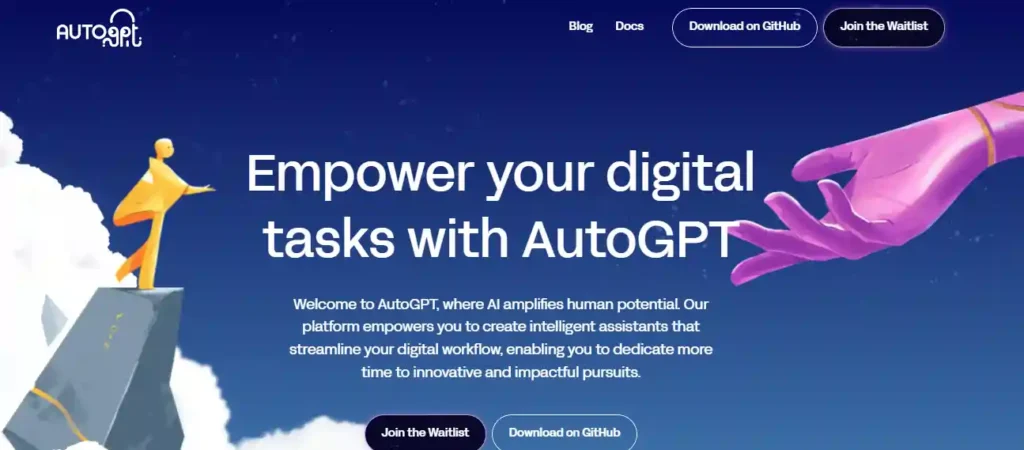
When people talk about autonomous agents, AutoGPT is usually the first name that comes up. It exploded onto the scene as an open-source experiment that connected GPT-4 to the internet, giving it “hands” to do work.
How It Works
AutoGPT works by “chaining” thoughts. It asks itself: “What do I need to do next to achieve the user’s goal?” Then it does it. It can browse the web, save files to your computer, and even write and execute its own Python code.
Why Developers Love It
For me, the standout feature of AutoGPT is its complexity handling. It doesn’t just summarize text; it attempts to build things.
- Internet Access: It can search Google for the latest data (unlike standard ChatGPT which has a knowledge cutoff).
- Memory Management: It has both short-term and long-term memory, meaning it “remembers” what it did ten steps ago.
- File Management: It can create, read, and edit files locally on your machine.
The Downside?
It is not “plug-and-play” for everyone. To get the most out of AutoGPT, you ideally need to be comfortable with command-line interfaces (CLI) and setting up API keys. It can also be expensive if you aren’t careful, as it burns through OpenAI API credits quickly while “thinking.”
Best For: Developers, data scientists, and tech-savvy users who want to automate complex, multi-step workflows like coding or market research.
BabyAGI: The Task Management Specialist
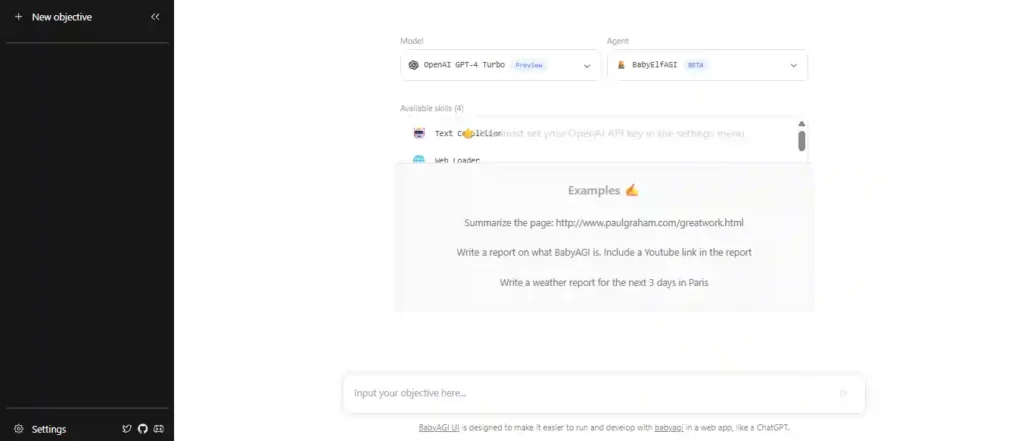
If AutoGPT is the “do-it-all” powerhouse, BabyAGI is the organized project manager. Created by Yohei Nakajima, it was designed with a very specific philosophy: simplicity and efficiency.
The “Loop” System
BabyAGI is fascinating because of how it structures its brain. It runs on a specific loop:
- Execution Agent: Does the task.
- Task Creation Agent: Creates new tasks based on the result.
- Prioritization Agent: Re-orders the list to make sure the most important things get done first.
This makes BabyAGI task management incredibly effective. It doesn’t just blindly stumble forward; it constantly re-evaluates its own to-do list.
Why It’s Different
While testing this, I noticed BabyAGI feels lighter and faster than AutoGPT. It doesn’t get “distracted” as easily. It is laser-focused on completing the list. It is perfect for research tasks where you need a systematic approach to gathering information.
However, out of the box, it has fewer capabilities regarding file manipulation and coding compared to AutoGPT. It is a planner first, and a doer second.
Best For: Project managers and researchers who need to generate comprehensive task lists and meaningful summaries without the complexity of a full coding environment.
GodMode: The No-Code Browser Solution
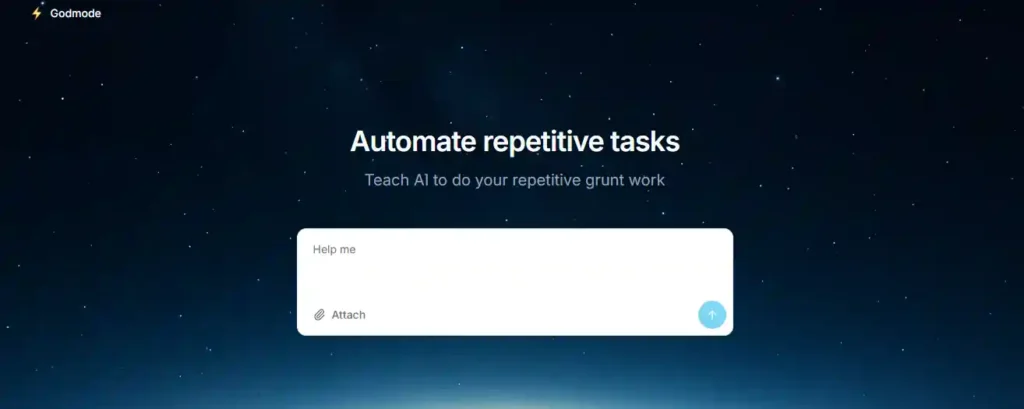
Now, let’s talk about GodMode. If you read the sections above and thought, “I don’t want to use terminal commands or GitHub,” then GodMode is your answer.
What is GodMode?
GodMode is essentially a web-based interface that lets you access the power of AutoGPT and BabyAGI directly from your browser. There is no installation required. You just sign in, add your API key (or use theirs), and start.
The “Easy Button” for AI
This is the best autonomous agent for non-technical users. The interface is sleek and visual. You can see the agent “thinking” in real-time on the sidebar.
- Visual Feedback: You see exactly what step the agent is taking.
- Human-in-the-Loop: This is a massive feature. GodMode asks for your permission before doing something critical (like posting a tweet or sending an email). You can approve, deny, or edit the plan on the fly.
Is It Less Powerful?
Technically, it runs on the same underlying logic as AutoGPT, so it is very powerful. However, because it is web-based, you don’t have the same level of deep access to your local computer’s file system. But for 90% of users—marketers, writers, researchers—this trade-off is worth it for the ease of use.
Best For: Marketers, content creators, and beginners who want the power of an autonomous agent without the technical headache.
Ultimate Comparison: AutoGPT vs BabyAGI vs GodMode
To help you visualize this, I’ve put together a comparison based on my hands-on experience with all three tools.
| Feature | AutoGPT | BabyAGI | GodMode |
|---|---|---|---|
| Primary Strength | Coding & Complex Execution | Task Planning & Prioritization | Ease of Use & UX |
| Setup Difficulty | High (Requires Python/Docker) | Medium (Requires Python) | Low (Browser-based) |
| Internet Access | Yes (Full browsing) | Limited (Depends on config) | Yes |
| Target Audience | Developers & Engineers | Managers & Researchers | Marketers & General Users |
| Cost | Free (Open Source) + API costs | Free (Open Source) + API costs | Freemium / Subscription |
| Best For Coding | ⭐⭐⭐⭐⭐ | ⭐⭐ | ⭐⭐⭐ |
| Best For Planning | ⭐⭐⭐ | ⭐⭐⭐⭐⭐ | ⭐⭐⭐ |
The “Smart” Factor
When we search for AutoGPT vs BabyAGI vs GodMode comparison, we are really asking: Which one is smarter?
In my testing, AutoGPT is the “smartest” in terms of raw problem-solving. If I ask it to create a website, it will actually try to write the HTML and CSS files. BabyAGI is the smartest at staying on track. It rarely gets lost in a loop of infinite tasks. GodMode is the smartest at User Experience. It makes the AI usable for normal people.
Best Autonomous Agent for Your Specific Needs
Still unsure? Let me make the decision easy for you. Here is my recommendation based on who you are.
1. The Startup Founder or Developer
Winner: AutoGPT
If you are building a product or need deep automation (like scraping 100 websites and saving the data to a CSV), you need the raw power of AutoGPT. The learning curve is steep, but the payoff is massive. It is the closest thing we currently have to a digital employee.
2. The Content Strategist or Project Lead
Winner: BabyAGI
If your goal is to map out a strategy, generate content ideas, or research a new market, BabyAGI’s loop system is superior. It ensures that the agent covers all bases and prioritizes the most impactful tasks first.
3. The Digital Marketer or Freelancer
Winner: GodMode
If you want to start right now and see results in 5 minutes, go with GodMode. You don’t need to learn Python. You can use it to automate email drafting, perform market analysis, or manage social media ideas directly from Chrome or Edge. It is the GodMode AI review winner for usability.
How to Install and Get Started (Quick Guide)
Ready to start? Here is the fastest way to get running with each.
For GodMode:
- Visit the GodMode website (godmode.space).
- Sign in with your Google or GitHub account.
- Input your OpenAI API key (Settings > API Keys).
- Type your goal and click “Launch.”
For AutoGPT:
- Go to the AutoGPT GitHub repository.
- Clone the repository to your computer using Git.
- Edit the
.envfile to include your OpenAI API key. - Run the startup script via your terminal (
./run.shorpython -m autogpt).
For BabyAGI:
- Download the Python script from the BabyAGI GitHub.
- Install the requirements (usually
pip install -r requirements.txt). - Configure your API settings.
- Run the script and watch the task loop begin.
Frequently Asked Questions (FAQ)
What is the main difference between AutoGPT, BabyAGI, and GodMode?
Which AI agent is best for beginners in 2025?
Does AutoGPT use GPT-4 or GPT-3.5 Turbo?
AutoGPT natively supports GPT-4o and GPT-3.5 Turbo via OpenAI API keys. Using GPT-4 significantly improves its reasoning loop and ability to handle multimodal tasks like image analysis and complex coding.
How does BabyAGI handles task prioritization?
Can GodMode be used for enterprise automation?
While accessible, GodMode is primarily a prototyping tool. For enterprise-grade automation, specialized platforms like SuperAGI or custom AutoGPT deployments are better due to their support for scalable infrastructure, monitoring dashboards, and strict data governance.
Is AutoGPT better than BabyAGI for coding tasks?
What are the costs associated with running GodMode?
Does BabyAGI have internet access like AutoGPT?
What is the “infinite loop” problem in AutoGPT?
Conclusion: Which AI Agent Wins in 2025?
We are living in a golden age of AI. A year ago, we were amazed that a computer could write a poem. Today, we are debating which autonomous agent runs a business better.
So, what is the final verdict on AutoGPT vs BabyAGI vs GodMode?
- AutoGPT remains the heavy lifter. It is the tool for builders.
- BabyAGI is the strategic thinker. It is the tool for planners.
- GodMode is the bridge to the masses. It is the tool for everyone else.
My advice? If you are new to this, start with GodMode. It lets you taste the power of autonomous agents without the frustration of installation errors. Once you understand how to prompt an agent effectively, you might graduate to installing AutoGPT locally for more power.
The “best” autonomous agent is simply the one that fits your workflow. Don’t overthink it—pick one, give it a goal, and watch the magic happen.
Have you tried any of these agents? I’d love to hear about your experience in the comments below!