Hi to all the founders, marketers, and forward-thinkers around the world.
Have you ever imagined creating your own custom AI agent to automate tasks, but felt stopped by the massive wall of coding? You’re not alone. For years, building powerful AI was reserved for developers with deep pockets and Python expertise.
That barrier is now gone. The rise of the no-code AI agent builder has completely changed the game, putting the power to create and automate directly into your hands.
This guide will show you, step-by-step, how to build an AI agent without writing a single line of code, using simple drag-and-drop tools. Whether you want to automate customer support, generate leads, or handle repetitive admin work, this guide is your roadmap to freedom. Let’s begin.
What Is a No-Code AI Agent and How Does It Work?

Before we dive into the “how-to,” let’s clarify exactly what we are building. There is a massive difference between a standard chatbot and a fully autonomous AI agent.
A standard chatbot is rigid. It waits for you to speak and responds based on a pre-written script. If you ask something outside its script, it breaks.
A No-Code AI Agent, on the other hand, is dynamic and goal-oriented. It doesn’t just “chat”; it does work. Using Large Language Models (LLMs) like GPT-4 or Claude, these agents can understand complex instructions, browse the web, access your files, and even trigger actions in other software—all without human intervention.
The “No-Code” Revolution
The magic happens in the “no-code” interface. Instead of writing complex code like if __name__ == "__main__":, you use visual builders. Imagine a digital canvas where you simply drag a box labeled “Send Email” and connect it to a box labeled “When Lead is Qualified.”
It works like building a LEGO set. You have the pieces (triggers, actions, knowledge bases), and the platform handles the complex engineering behind the scenes.
Why You Should Build Custom AI Agents Without Coding
Why are entrepreneurs and businesses rushing to build custom AI agents for business in 2025? It’s not just about hype; it’s about survival and efficiency.
1. Massive Cost Savings
Hiring a developer to build a custom AI tool can cost upwards of $10,000 to $50,000. Using a no-code AI agent builder, you can often start for free or pay a small monthly subscription (around $20–$50/month). You get the same functionality for a fraction of the price.
2. 24/7 Autonomy
Humans need sleep, breaks, and vacations. Your AI agent does not. Once you deploy an agent to handle customer inquiries or monitor stock prices, it runs 24/7/365. This ensures you never miss a lead or a support ticket, even while you sleep.
3. Freedom from “Dev Dependency”
The biggest bottleneck in marketing and operations is usually waiting for the IT team. By using AI workflow automation no code tools, you become the builder. You can iterate, fix bugs, and update your agent’s logic instantly without filing a ticket or waiting for a sprint cycle.
Top 5 No-Code AI Agent Builders for Beginners in 2025
Choosing the right platform is half the battle. Based on speed, ease of use, and power, here are the Best AI agent platforms 2025 that you need to know.
1. Lindy.ai
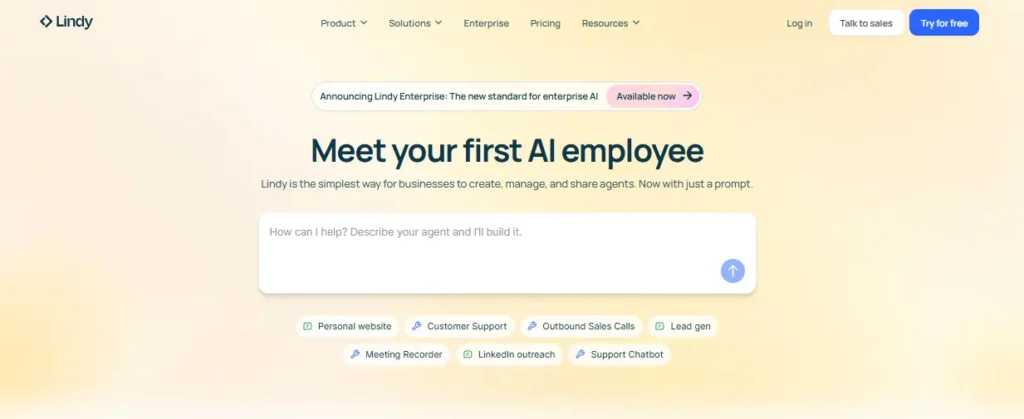
Best For: Personal assistants and daily admin tasks.
Lindy is incredible because it comes pre-trained. You can create an agent simply by describing what you want it to do in plain English. It’s excellent for scheduling, email management, and drafting content.
2. Botpress
Best For: Customer support and complex conversational flows.
Botpress is a powerhouse. It offers a visual flow editor that looks like a flowchart. It connects easily to WordPress, WhatsApp, and Messenger, making it the top choice for businesses needing a drag and drop AI agent builder for customer service.
3. Zapier Central (Zapier Agents)
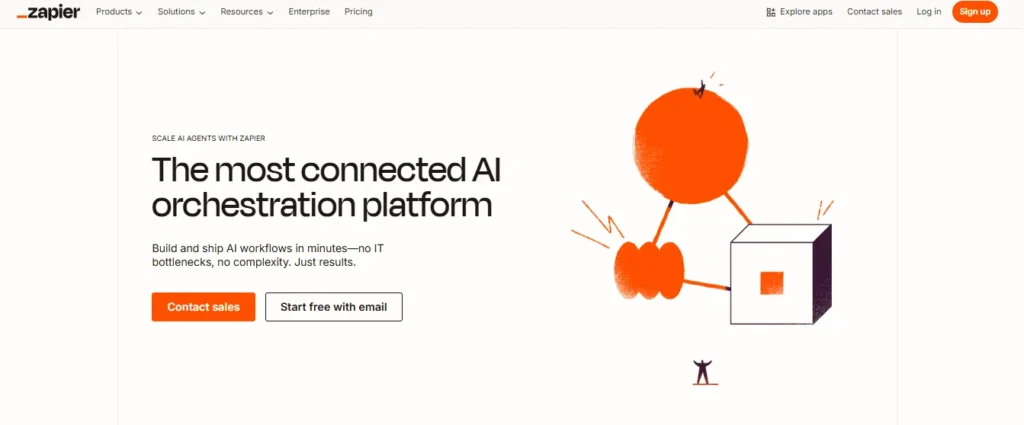
Best For: Workflow automation enthusiasts.
If you already use Zapier to connect apps, their AI agents are a natural next step. You can train an agent on your Google Docs and have it automatically trigger “Zaps” (automations) based on conversations.
4. Gumloop
Best For: High-volume data processing.
Gumloop is fantastic for SEOs and marketers. You can build flows that scrape websites, summarize content, and export data to Google Sheets. It’s less about “chatting” and more about “processing”.
5. n8n
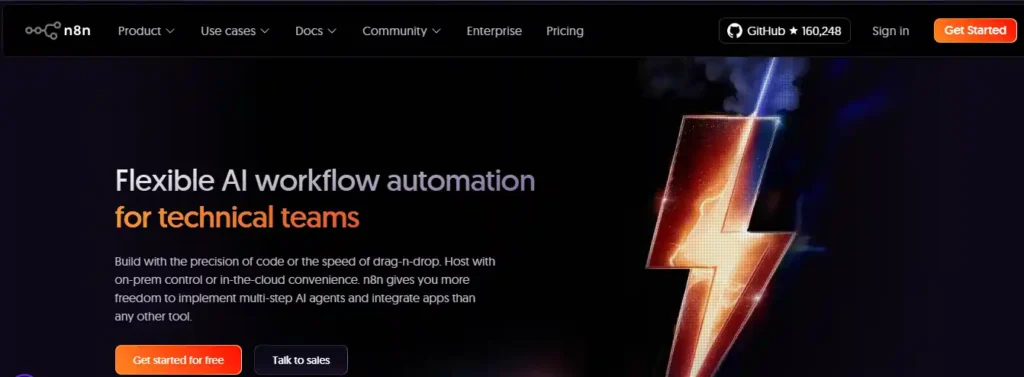
Best For: Technical freedom (Low-code).
While slightly more advanced, n8n allows for “fair source” automation. It’s node-based and highly visual, giving you granular control over every step of the AI’s logic.
Step-by-Step: How to Create an AI Agent Without Coding
Now, let’s get your hands dirty. We will walk through how to create AI agent no code using a generic workflow that applies to most platforms (like Botpress or Lindy).
Step 1: Define Your Agent’s Role and Trigger Events
Don’t just say, “I want an AI.” Be specific.
- Role: “Lead Qualifier.”
- Goal: “Ask website visitors three questions to see if they are a good fit for our services.”
- Trigger: “User clicks the chat bubble” or “New email arrives in Inbox.”
Pro Tip: Give your agent a persona. Naming your agent (e.g., “Alex the Analyst”) helps you visualize its tone and boundaries.
Step 2: Choose the Right Drag-and-Drop AI Builder
Refer to the list above. For this example, let’s assume we are using a visual builder like Botpress or Voiceflow. Sign up for a free account and select “New Agent.”
Step 3: Connect Your Knowledge Base (Data Sources)
This is the “Brain” of your agent. An AI agent is only as smart as the data you give it.
- Upload Documents: Upload your company PDFs, FAQs, and pricing sheets.
- Connect URLs: Input your website URL so the agent can scrape your latest blog posts and services.
Most no-code AI agent builders allow you to simply drag and drop these files into a “Knowledge” folder. The AI will now “read” this instantly.
Step 4: Design the Conversation Logic and Actions
This is where you design the flow.
- Start Node: The agent says, “Hi! How can I help you grow your business today?”
- Logic Node: If the user asks about pricing, route them to the “Pricing Knowledge Base.”
- Action Node: If the user says “I want a demo,” trigger an action to collect their email and send it to your CRM (like HubSpot or Google Sheets).
Use the AI workflow automation no code features to ensure the agent knows when to stop talking and start acting (e.g., booking a meeting on your Calendly).
Step 5: Test, Refine, and Deploy Your Agent
Never launch blindly. Use the platform’s “Emulator” or “Sandbox” mode to chat with your agent.
- Try to break it: Ask irrelevant questions. See if it hallucinates.
- Refine instructions: If it’s too informal, update the “System Prompt” to say: “You are a professional consultant. Keep answers concise.”
Once satisfied, hit Publish. You will get a snippet of code to embed on your website, or a link to share directly.
3 Real-World Use Cases for No-Code AI Agents
To give you inspiration, here is how smart businesses are using AI agents for customer support automation and growth right now.
1. The SEO Keyword Researcher
Imagine an agent that runs every Monday morning. It visits Google Trends, identifies rising topics in your niche, checks your competitor’s latest blog posts, and saves a list of 10 content ideas into your Notion workspace. Tools like Gumloop or Lindy can do this entirely on autopilot.
2. The eCommerce Support Bot
A Shopify store owner uses an agent to handle “Where is my order?” queries. The agent connects to the shipping API. When a customer asks, the agent checks the tracking number and replies with the real-time location—saving the human support team 20 hours a week.
3. The HR Onboarding Assistant
For growing companies, onboarding is tedious. An internal AI agent can answer new employee questions like “How do I set up my email?” or “What is the holiday policy?” by referencing the company handbook. This ensures every new hire gets instant answers without bothering HR.
Common Mistakes When Building AI Agents (And How to Avoid Them)
Even with the best free AI agent frameworks, things can go wrong. Avoid these rookie errors to ensure your agent ranks high in user satisfaction.
- The “Do Everything” Trap: Don’t try to build a god-like agent that does support, sales, and tech support. Start with one specific skill. Specialization equals reliability.
- Ignoring Hallucinations: AI can lie confidently. Always add a “Fallback” instruction: “If you do not find the answer in the Knowledge Base, admit you don’t know and offer to connect a human.”
- Neglecting the “Human Handoff”: There will always be angry customers who need empathy. Always build a button or keyword (like “Talk to Agent“) that alerts a human staff member to take over.
FAQs About Building AI Agents Without Code
Which LLMs can I integrate into no-code builders?
Most platforms support GPT-4o, Claude 3.5 Sonnet, and Gemini via direct API key integrations for maximum flexibility.
How do I connect my agent to external APIs?
Use drag-and-drop HTTP request nodes to fetch data from REST APIs without writing complex Python scripts.
Is my proprietary data secure with these tools?
Top builders offer SOC2 compliance and enterprise encryption, ensuring your custom AI agent’s knowledge base remains private.
Can I embed the agent on my custom website?
Yes, simply copy and paste a JavaScript snippet or iframe code to deploy conversational AI instantly.
How do I prevent the agent from hallucinating?
Implement RAG (Retrieval-Augmented Generation) by uploading verified PDFs to ground your agent’s responses in factual data.
Do no-code agents support real-time webhooks?
Absolutely. Configure webhooks to trigger workflows in Zapier or Make immediately after specific user interactions occur.
Can these agents process images and files?
Yes, modern builders utilize multimodal LLM capabilities, allowing agents to analyze uploaded images and read documents.
How does the platform handle high traffic spikes?
These are cloud-native SaaS solutions that auto-scale server infrastructure, handling concurrent users without latency issues.
Is technical fine-tuning required for accuracy?
No, instead of fine-tuning models, use vector database uploads and system prompting to customize behavior effectively.
How are API costs calculated for my agent?
Costs are typically based on token usage per message; optimize your system prompts to control operational expenses.
Conclusion: Start Automating Your Business Today
The era of needing a computer science degree to build AI is over. With a no-code AI agent builder, you have the same power in your hands that tech giants had just a few years ago.
Your competitors are likely already exploring how to build AI agent without coding. The question is, will you lead the charge, or play catch-up?
My advice: Don’t overthink it. Pick one tool from the list above (start with a free one), map out a simple 3-step task you hate doing manually, and build your first agent this afternoon.
Future you—with all that saved time—will thank you.
If you found this guide helpful, share it with a founder friend who needs to save time!