
Hello, lovely readers! I’m Nisha, back with another article here on the blog. For six months now, I’ve been testing different AI tools and sharing honest experiences with this community.
Every day, countless people search for free AI tools for content writing, hoping to write faster without losing quality. Yet many end up confused, since online lists often repeat the same generic names without real testing behind them.
That gap leaves readers unsure which tool actually delivers results. Today’s piece explores the 9 best free AI tools for content writing, built from genuine, first-hand testing.
Whether someone is a beginner blogger, a busy creator, or a marketer juggling daily content, real answers are coming ahead.
How We Tested These Free AI Tools for Content Writing
Every tool on this list went through the same hands-on testing process before earning a spot here. That approach keeps the comparison fair and based on real usage, not marketing claims.
Each free AI writing tool was tested across common content tasks: blog posts, social media captions, product descriptions, and email copy. This helped reveal how each tool performs beyond a single use case.
A few factors mattered most during testing:
- Output quality – clarity, coherence, and how much editing the draft needed.
- Free plan limits – word counts, daily credits, or feature restrictions.
- Ease of use – how quickly a beginner could start creating content.
- Practical value – whether the free version was actually usable, not just a limited trial
Pricing pages, user reviews, and official product documentation were also checked to confirm accuracy. No tool was ranked based on brand reputation alone.
This testing process shapes every recommendation ahead, starting with a quick comparison of how these nine free AI tools for content writing stack up against each other.
Comparison Table: Free AI Tools for Content Writing at a Glance
| Tool | Best For | Key Feature | Rating |
| 1. Writesonic | SEO blog content | AI article writer | ⭐⭐⭐⭐⭐ |
| 2. Quillbot | Paraphrasing & grammar | Smart sentence rewriter | ⭐⭐⭐⭐⭐ |
| 3. Sudowrite | Fiction & novels | Story-focused AI | ⭐⭐⭐⭐⭐ |
| 4. Rytr | Short-form content | Tone-matching AI | ⭐⭐⭐⭐⭐ |
| 5. Genspark | AI search & content | All-in-one AI agent | ⭐⭐⭐⭐☆ |
| 6. Grammarly | Grammar & clarity | Real-time writing checks | ⭐⭐⭐⭐⭐ |
| 7. Claude | Long-form writing | Thoughtful AI reasoning | ⭐⭐⭐⭐⭐ |
| 8. ChatGPT | All-purpose writing | Fast versatile generation | ⭐⭐⭐⭐⭐ |
| 9. Google Gemini | Google Workspace users | Docs & Gmail integration | ⭐⭐⭐⭐☆ |
1. Writesonic – AI Search & Content Growth Platform
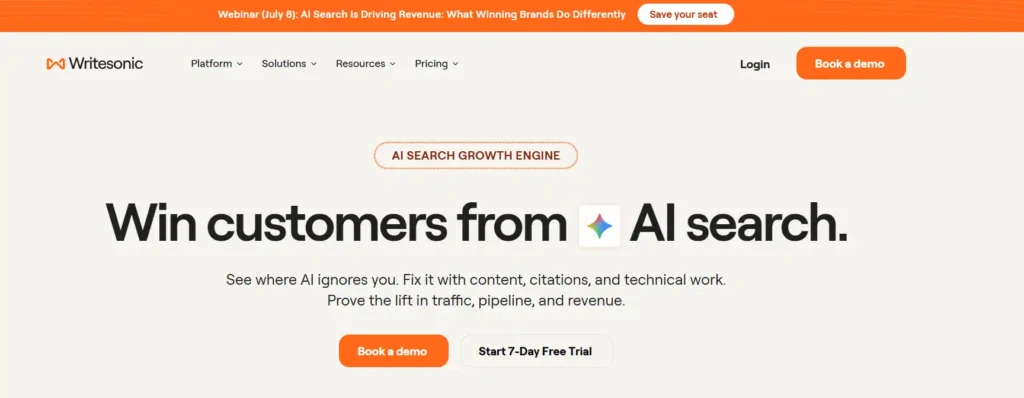
Writesonic goes beyond basic content generation. It combines an AI Article Writer with AI search visibility tracking, helping content actually get noticed across ChatGPT, Gemini, and Google AI Overviews.
For creators who care about more than just writing, this platform tracks how content performs across AI search engines, not just Google. It’s built for people who want their content read, cited, and ranked.
The dashboard shows visibility scores, missing prompts, and citation gaps. It even auto-generates content fixes based on real performance data, something most content writing tools don’t offer.
Pros and Cons
Pros:
- Tracks visibility across 10+ AI platforms.
- Built-in AI Article Writer included.
- Auto-fixes content and technical SEO gaps.
- Detailed reporting for pipeline and ROI.
Cons:
- No permanent free plan available.
- Pricing steep for solo bloggers or beginners.
Free Trial: Writesonic offers a 7-day free trial with no credit card required, letting users test the AI Article Writer and visibility tracking features firsthand.
Best For: Marketing teams, agencies, and growing brands that need AI content creation paired with AI search visibility tracking and reporting tools.
Limitations:
- Free trial is time-limited, not ongoing.
- Learning curve for beginners new to GEO tracking.
Rating: ⭐⭐⭐⭐ (4.6/5) — Strong for teams; less ideal for casual, free-only users.
My Experience: I tested Writesonic’s trial myself and found the AI visibility tracking genuinely useful for beyond blog writing.
Why Pick This Tool: Choose Writesonic if content performance across AI search matters as much as writing speed and quality.
2. Quillbot – AI Paraphraser & Writing Assistant
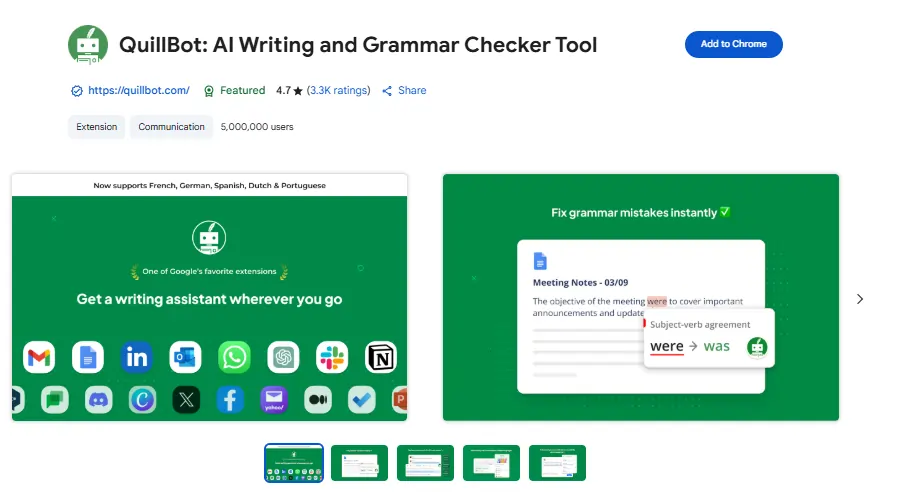
Quillbot is one of the most trusted free AI tools for content writing, used by over 35 million writers worldwide. It’s built for anyone who wants cleaner, clearer writing without complicated setup.
The free plan covers paraphrasing, grammar correction, basic summarizing, and limited AI detection, all in one simple dashboard. Students, bloggers, and content creators use it daily to polish drafts fast.
What makes Quillbot stand out is its focus on refining existing writing rather than generating from scratch. It works directly in Chrome, Word, and other everyday writing spaces.
Pros and Cons
Pros:
- Genuinely free plan, no credit card needed.
- Fast paraphrasing across multiple writing tones.
- Built-in grammar and plagiarism checking tools.
- Works inside Chrome, Word, and browser extensions.
Cons:
- Free plan limited to 125-word paraphrasing.
- Advanced modes locked behind premium upgrade.
Free Plan: Quillbot’s free plan requires no signup fees and includes paraphrasing, grammar checks, basic summarizing, and limited AI detection access.
Best For: Students, bloggers, and everyday writers who need quick editing, paraphrasing, and grammar support without paying anything monthly.
Limitations:
- Paraphraser capped at 125 words per free use.
- Humanizer limited to six uses each day.
Rating: ⭐⭐⭐⭐ (4.5/5) — Reliable for editing tasks, though generation features stay limited on free tier.
My Experience: I’ve used Quillbot’s paraphraser regularly, and it consistently improves clarity without changing my original meaning.
Why Pick This Tool: Choose Quillbot when refining existing content matters more than generating brand-new articles from scratch.
3. Sudowrite — AI Writing Partner for Novelists & Storytellers
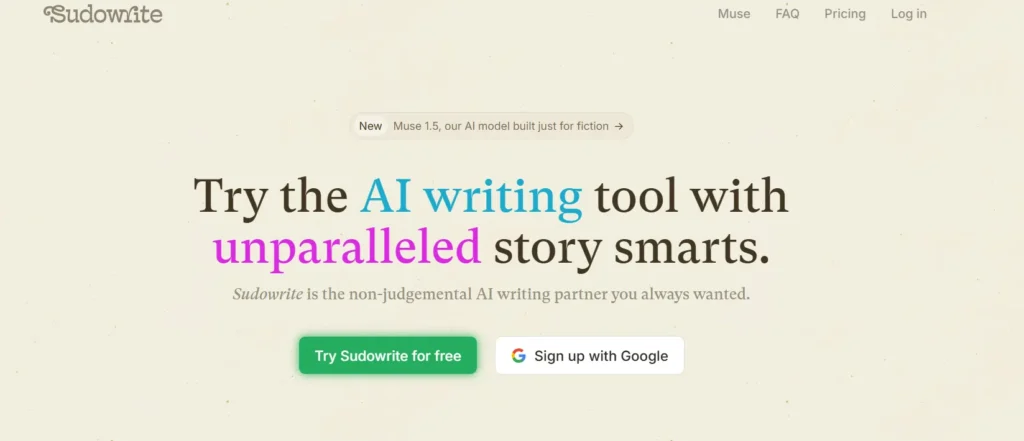
Sudowrite is the AI writing companion built specifically for fiction writers, not generic content marketers. Unlike one-size-fits-all AI tools, Sudowrite understands story structure, character voice, and pacing, making it a genuine creative partner rather than just a text generator.
From brainstorming plot twists to expanding rushed scenes, Sudowrite’s suite of tools — Write, Describe, Expand, Rewrite, and Story Bible — guides writers from a blank page to a finished manuscript. It even offers actionable feedback on drafts, like a tireless critique partner who’s read a million stories.
Whether you’re battling writer’s block or building an entire fantasy world, Sudowrite adapts to your voice and style, helping stories come alive faster and with far less frustration.
Pros and Cons
Pros:
- Built exclusively for fiction and storytelling.
- Learns and mimics your unique writing voice.
- Story Bible plans entire novels step-by-step.
- Visualize turns descriptions into character art.
Cons:
- Not ideal for blogs or business content.
- Free trial requires eventual paid subscription.
Free Trial: Sudowrite offers a no-credit-card-required free trial, letting new users explore every core writing tool.
Best For: Novelists, screenwriters, and fantasy/romance authors needing a dedicated fiction co-writer.
Limitations:
- Less useful for SEO articles or marketing copy.
- Learning curve for first-time AI writing tool users.
Rating: ⭐⭐⭐⭐☆ (4.5/5) — highly rated among fiction writers.
My Experience: I found Sudowrite refreshingly intuitive — it felt like brainstorming with a co-writer who truly understood my story’s tone and characters.
Why Pick This Tool: If you’re serious about fiction writing, Sudowrite’s story-focused AI features outperform generic writing assistants for creative depth.
4. Rytr — Affordable AI Writing Assistant for Everyday Content
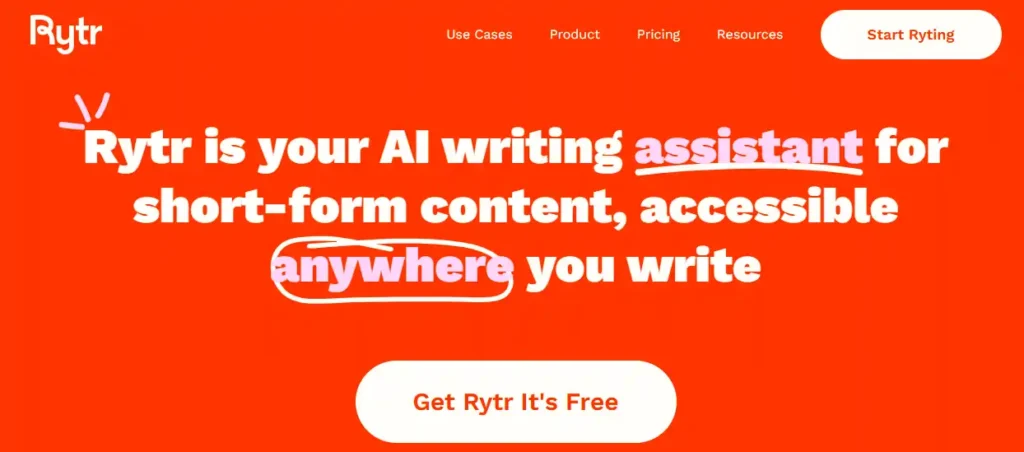
Rytr is a free-forever AI writing tool trusted by over 8 million marketers, entrepreneurs, and copywriters worldwide. It generates original, plagiarism-free content that sounds human, not robotic, across more than 40 use cases and templates.
From SEO meta titles to emails, social captions, and ad copy, Rytr streamlines everyday writing tasks with speed and consistency. Its standout feature analyzes your existing writing style and mirrors your tone, letting you build a personalized voice for different projects or clients.
With a Chrome extension for writing anywhere online, built-in plagiarism checks, and support for 20+ tones, Rytr is a lightweight yet powerful alternative to bulkier AI writing platforms — ideal for creators who want quality without complexity.
Pros and Cons
Pros:
- Genuinely free forever, no credit card.
- Mirrors your personal writing tone accurately.
- 40+ templates for diverse content needs.
- Built-in plagiarism checker included free.
Cons:
- Free plan limited to 10k characters monthly.
- Fewer advanced features than premium competitors.
Free Trial: Rytr’s free plan offers 10,000 characters monthly forever, with no credit card required to start.
Best For: Freelancers, small businesses, and marketers writing short-form content, emails, and ads regularly.
Limitations:
- Limited character output restricts longer-form content creation.
- Multiple tone-of-voice profiles require paid upgrade.
Rating: ⭐⭐⭐⭐⭐ (4.9/5) — rated highly across Trustpilot and G2.
My Experience: Rytr surprised me with how natural its tone-matching felt, making short content tasks noticeably faster and painless.
Why Pick This Tool: For genuinely free, no-strings AI writing with strong tone customization, Rytr delivers exceptional everyday value.
5. Genspark – AI Search & Content Creation Agent
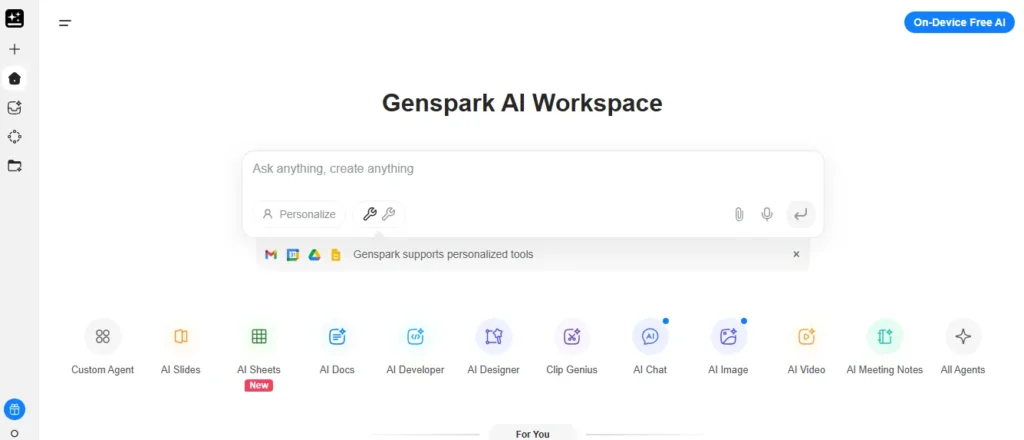
Genspark combines AI search, research, and content generation into one workspace. It’s designed for people who want more than a simple chatbot, especially for research-backed writing.
The free plan includes 100 to 200 credits daily, refreshing every 24 hours, with no credit card required. It covers Sparkpages, structured research reports that pull from multiple sources into one organized answer.
Genspark stands out for combining content writing with real research. Instead of generating text from a single prompt, it gathers information first, then writes with sourced context behind it.
Pros and Cons
Pros:
- No credit card needed for free plan.
- Combines research with content generation.
- Structured Sparkpages simplify complex topics.
- Daily credits refresh automatically each day.
Cons:
- Daily credit cap limits heavier writing use.
- Deep research tasks drain credits quickly.
Free Plan: Genspark’s free plan offers 100 to 200 daily credits, 1GB storage, and basic access to Sparkpages and Super Agent tools.
Best For: Researchers, students, and content creators who want writing backed by structured, multi-source research summaries.
Limitations:
- Heavy daily use quickly exceeds free credit limits.
- Advanced AI models reserved for paid subscribers only.
Rating: ⭐⭐⭐⭐ (4.2/5) — Strong for research-based content, less suited to high-volume daily writing.
My Experience: I tested Genspark’s Sparkpages for research-heavy topics, and the sourced structure saved real fact-checking time.
Why Pick This Tool: Choose Genspark when writing needs real research behind it, not just generated text alone.
6. Grammarly – AI Writing Assistant & Grammar Checker

Grammarly is one of the most widely trusted free AI tools for content writing, used by over 40 million people and 50,000 organizations worldwide. It focuses on making writing clear, correct, and confident.
The free plan checks grammar, spelling, and tone, while offering 100 AI prompts for rewriting and generating text. It works across browsers, Google Docs, Microsoft Word, and mobile devices.
Beyond basic corrections, Grammarly shows how a message might land with readers. That reader-focused approach helps writers catch confusing phrasing before hitting publish.
Pros and Cons
Pros:
- Real-time grammar and spelling corrections.
- Tone detection shows how writing sounds.
- Free AI prompts for rewrites and generation.
- Works across browsers, Docs, and Word.
Cons:
- Advanced tone rewrites require paid Plus plan.
- Limited AI prompts on the free tier.
Free Plan: Grammarly’s free plan includes unlimited grammar checking, tone detection, and access to 100 AI-generated writing prompts monthly.
Best For: Students, professionals, and content creators who need reliable grammar support alongside light AI-assisted writing help daily.
Limitations:
- Only 100 AI prompts included on free plan.
- Full sentence rewrites locked behind paid tier.
Rating: ⭐⭐⭐⭐⭐ (4.7/5) — Excellent for editing and tone, strong reputation across writers and teams globally.
My Experience: I’ve relied on Grammarly for years, and its tone suggestions consistently catch mistakes I overlook myself.
Why Pick This Tool: Choose Grammarly when writing accuracy and tone matter as much as speed and content generation.
7. Claude – AI Writing & Content Assistant by Anthropic

Claude is a free AI assistant built by Anthropic, known for natural, thoughtful writing rather than generic AI-sounding text. It’s widely used for blog drafts, editing, brainstorming, and long-form content.
The free plan requires no credit card and works across web, iOS, Android, and desktop. It handles text generation, editing, summarizing, and even code, all within natural conversation.
What sets Claude apart is its writing style. It tends to sound more human and less robotic than many AI writers, making it a strong choice for content that needs a natural voice.
Pros and Cons
Pros:
- No credit card required to start.
- Strong, natural writing tone and flow.
- Available on web, mobile, and desktop.
- Handles long-form drafts and editing well.
Cons:
- Free plan has rolling usage limits.
- No Google Workspace integration on free tier.
Free Plan: Claude’s free plan includes text, image, and code generation plus web search, with usage limits that reset on a rolling basis.
Best For: Bloggers, writers, and creators who want natural-sounding AI writing help without paying anything upfront.
Limitations:
- Usage limits can interrupt longer writing sessions.
- Advanced model access requires a paid upgrade.
Rating: ⭐⭐⭐⭐⭐ (4.8/5) — Praised for writing quality, though usage caps affect heavy daily use.
My Experience: I’ve found Claude’s tone consistently natural, especially for blog drafts that need a human, conversational feel.
Why Pick This Tool: Choose Claude when writing quality and natural tone matter more than unlimited daily message volume.
8. ChatGPT — The World’s Most Popular AI Writing Assistant
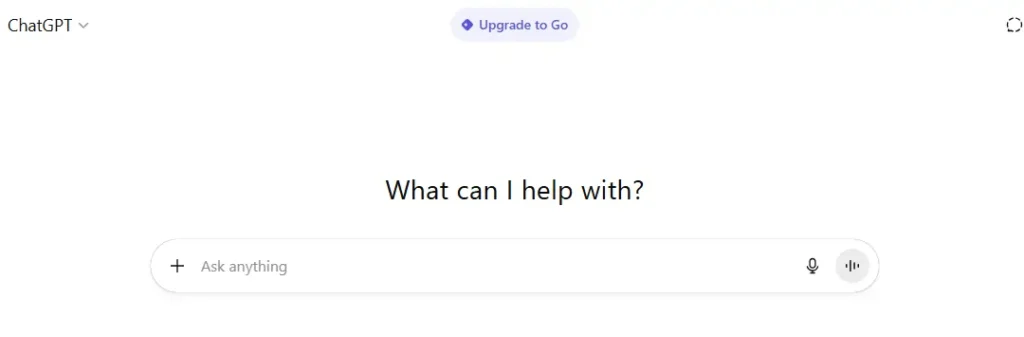
ChatGPT by OpenAI is the go-to AI tool for content writers, bloggers, students, and businesses alike. Its free version handles everything from blog outlines to email drafts, product descriptions, and social media captions with impressive speed and coherence.
Unlike niche writing tools, ChatGPT is a true all-rounder — it brainstorms ideas, summarizes research, rewrites clunky sentences, and even adapts tone for different audiences. Its conversational interface makes editing feel like chatting with a knowledgeable friend rather than fighting clunky software.
For content creators juggling multiple formats, ChatGPT saves hours by generating first drafts fast, letting writers focus on polishing rather than starting from scratch. With continuous updates, it keeps getting smarter, faster, and more versatile for everyday writing needs.
Pros and Cons
Pros:
- Completely free tier available always.
- Handles multiple content formats effortlessly.
- Extremely fast response and generation speed.
- Constantly updated with newer AI models.
Cons:
- Can produce generic, repetitive-sounding content.
- Advanced features locked behind paid subscription.
Free Trial: ChatGPT offers unlimited free access to GPT-4o mini, no credit card or trial period required.
Best For: Bloggers, marketers, students, and businesses needing fast, versatile everyday content writing.
Limitations:
- Lacks deep fiction-specific storytelling tools like Sudowrite.
- Free tier has usage limits during high-traffic periods.
Rating: ⭐⭐⭐⭐⭐ (4.8/5) — widely trusted across industries.
My Experience: ChatGPT has become my daily go-to for quick drafts — reliable, fast, and surprisingly good at matching tone.
Why Pick This Tool: If you want an all-purpose AI writer that’s free, fast, and constantly improving, ChatGPT is unbeatable.
9. Google Gemini — Google’s Free AI Assistant for Writers
Gemini is Google’s powerful AI assistant, offering free access to advanced generative AI for writing, brainstorming, and planning content. Backed by Google’s research and infrastructure, it delivers fast, context-aware responses for bloggers, marketers, and everyday content creators.
What sets Gemini apart is its deep integration with Google’s ecosystem — Docs, Gmail, and Search — making it effortless to draft, refine, and research content without switching platforms. It handles long-form articles, creative brainstorming, and quick rewrites with equal ease.
Gemini’s multimodal abilities let users combine text, images, and even voice prompts for richer content creation. For writers already living inside Google Workspace, it’s a natural, frictionless AI companion that boosts productivity without adding new tools to learn.
Pros and Cons
Pros:
- Completely free with any Google account.
- Seamless integration with Docs and Gmail.
- Multimodal support for text and images.
- Backed by Google’s powerful AI research.
Cons:
- Occasional factual inaccuracies need verification.
- Advanced features require Google One subscription.
Free Trial: Gemini is free to use instantly with any Google account, no separate signup needed.
Best For: Writers and professionals already using Google Workspace for daily content tasks.
Limitations:
- Less specialized for fiction or long-form storytelling projects.
- Response quality varies across different content niches.
Rating: ⭐⭐⭐⭐☆ (4.6/5) — strong reputation backed by Google’s ecosystem
My Experience: Gemini feels incredibly convenient since it’s built right into Google — drafting and researching happen almost simultaneously.
Why Pick This Tool: If you want free, reliable AI writing tightly integrated with Google apps, Gemini is excellent.
How to Choose the Best AI Writing Tool Based on Your Needs
Choosing the right AI writing tool depends on your specific content goals, not just popularity. Different tools specialize in different tasks, so matching features to your workflow matters more than picking the most talked-about option.
Start by identifying your primary use case. Bloggers and marketers need SEO-focused templates and keyword optimization, while novelists require deep character and plot development support. Short-form content creators benefit from tone-matching and quick generation speed.
Next, consider your budget and usage volume. Free-forever plans like Rytr work well for occasional short content, while frequent, high-volume writers may need paid tiers for higher word limits and faster output.
Evaluate integration needs too. Writers already using Google Workspace benefit from Gemini’s built-in Docs and Gmail connectivity, while those wanting standalone tools might prefer ChatGPT or Claude.
Key factors to weigh:
- Content type: fiction, blogs, ads, or emails.
- Free plan limits versus actual writing volume.
- Tone customization and brand voice accuracy.
- Platform integration with existing tools.
Ultimately, the best AI writing tool aligns with your niche, budget, and content format. With these factors clear, comparing specific tools becomes far easier.
Frequently Asked Questions About Free AI Writing Tools
What are the best free AI tools for content writing in 2026?
Top free AI writing tools include ChatGPT, Google Gemini, Rytr, Sudowrite, Quillbot, and Grammarly. Each offers unique strengths, from blog writing and grammar checking to fiction storytelling and paraphrasing content effectively.
Are free AI writing tools actually good for SEO content?
Yes, tools like Writesonic, ChatGPT, and Rytr generate SEO-friendly content with proper keyword usage, structure, and readability, though manual editing still improves ranking potential and overall content quality significantly.
Can I use free AI tools for professional blog writing?
Absolutely. Free plans from ChatGPT, Gemini, and Rytr handle blog outlines, introductions, and full articles well, though premium upgrades unlock advanced features like longer word counts and specialized templates.
Which free AI tool is best for fiction and creative writing?
Sudowrite stands out for fiction writers, offering story-specific tools like Story Bible, character development, and scene expansion, making it far more specialized than general-purpose AI writing assistants available today.
Do free AI writing tools require credit card details?
Most tools, including ChatGPT, Gemini, and Rytr, offer free access without credit card requirements. However, some platforms may request card details for trial periods before charging automatically afterward.
Is AI-generated content free from plagiarism issues?
Many tools like Rytr include built-in plagiarism checkers, generating original content. However, always verify uniqueness using dedicated plagiarism-detection software before publishing AI-generated content publicly for safety.
Can beginners easily use free AI content writing tools?
Yes, most free AI tools feature simple, intuitive interfaces requiring no technical expertise. Beginners can start generating quality content within minutes through guided templates, prompts, and straightforward navigation menus.
Nisha’s Final Thoughts
Honestly, exploring these free AI writing tools changed how I approach content creation entirely. Whether I’m drafting blog posts, brainstorming story ideas, or fixing grammar, there’s genuinely a tool suited for every need on this list. My personal favorites remain ChatGPT for versatility and Sudowrite for creative projects, but I’d encourage you to try a few yourself.
Every writer’s workflow is different, so what clicks for me might not click for you. Don’t just take my word for it, go explore, experiment, and find your perfect AI writing companion today.
Ready to level up your writing? Pick a tool from this list and start creating smarter, faster content right now! 🚀