Hi to everyone around the world. If you are looking for the best ChatGPT alternatives in 2026, you are in exactly the right place.
We all know that ChatGPT is powerful, but let’s be honest—sometimes it just doesn’t fit your specific needs. maybe you need a tool that writes more naturally, accesses real-time data without errors, or simply costs less than $20 a month. You are not alone in feeling this way.
In this guide, we have done the hard work for you. We tested dozens of AI tools to find the top options for coding, writing, research, and free use. Whether you are a student, a developer, or a marketer, our goal is to help you find the perfect AI partner today.
Why Look for a ChatGPT Alternative? (Limitations of ChatGPT)
While ChatGPT is undoubtedly the most famous AI chatbot in the world, it is not perfect. Many users find themselves hitting a wall with its limitations, which is exactly why the search for ChatGPT alternatives is trending in 2025.
If you have ever felt frustrated by “I cannot browse the real-time web” errors or generic, robotic answers, you are not alone. Here are the main reasons why millions of users are switching to other AI tools:
- Lack of Real-Time Knowledge:
One of the biggest complaints is the “knowledge cutoff.” Even with updates, the free version of ChatGPT often struggles to access the very latest news, stock prices, or live events. If you need up-to-the-minute data for your research, you might find yourself getting outdated answers. Alternatives like Perplexity AI or Google Gemini solve this by browsing the live web by default. - Strict Usage Limits:
We all hate hitting that limit message. Even paid users on ChatGPT Plus face a cap of roughly 80 messages every 3 hours for the advanced GPT-4o model. Once you hit that limit, you are downgraded to a less intelligent version. For heavy users—like coders or content creators—this interruption kills productivity. - Privacy and Data Security Concerns:
For enterprise users and businesses, uploading sensitive financial data or proprietary code to a public AI model is a huge risk. Many companies block ChatGPT because they don’t want their data used to train OpenAI’s models. Secure alternatives like Microsoft Copilot (with commercial data protection) or open-source models like Llama 3 allow you to keep your data private and safe. - Robotic Writing Style:
Let’s be honest—you can often tell when a blog post was written by ChatGPT. It tends to overuse words like “delve,” “landscape,” and “tapestry.” If you want human-like AI writing that sounds natural and engaging, tools like Claude 3.5 Sonnet capture tone and nuance far better than GPT-4. - Censorship and Restrictions:
ChatGPT has strict safety guardrails. While this is good for safety, it can be frustrating for creative writers or developers working on complex, mature themes. “Uncensored” or less restrictive models like Grok or HuggingChat offer more freedom for specific use cases.
By understanding these limitations, you can see that the “best” AI isn’t always the most famous one—it’s the one that solves the specific problem you have.
The Best ChatGPT Alternatives for Writing & Content Creation
| Tool | Best For | |
|---|---|---|
| Claude 3.5 Sonnet | Human-like writing | Artifacts, large context, safe |
| Jasper AI | Marketing automation | Brand voice, SEO pipelines |
| Writesonic | AI search visibility | SEO tracking, content optimization |
| Copy.ai | GTM sales teams | Workflows, 2000+ integrations |
| GitHub Copilot | Code development | IDE integration, 55% faster |
| CodeWhisperer | AWS cloud coding | AWS-native, microservices |
| BlackBox AI | Autonomous agents | Multi-agent, large codebases |
| Perplexity AI | Real-time research | Live web, cited sources |
| Google Gemini | Google Workspace | Docs/Gmail integration, 1M tokens |
| Microsoft Copilot | Microsoft 365 business | Excel/Teams, enterprise secure |
1. Claude 3.5 Sonnet – Best for Human-Like Writing & Nuance

If you are tired of robotic AI answers, Claude is the perfect ChatGPT alternative for you. Built by Anthropic, this “next-generation AI assistant” is famous for writing content that feels naturally human, safe, and accurate.
It excels at analyzing massive documents, coding, and creative writing without the repetitive “AI tone” you see elsewhere. With its new “Artifacts” feature, you can even draft websites and code side-by-side in real time. It is the top choice for writers who need nuance.
Pros and Cons
Pros:
- Writes more natural, human-like text.
- Handles massive file uploads (large context.)
- Safe, secure, and accurate responses.
- “Artifacts” feature previews code instantly.
Cons:
- Fewer third-party plugins than ChatGPT.
- Free tier has lower daily limits.
Pricing:
Claude offers a generous Free Plan for everyone. The Pro Plan costs $20/month (or $17/mo annually) for 5x more usage and priority access.
2. Jasper AI – Best for Marketing & SEO Content Automation
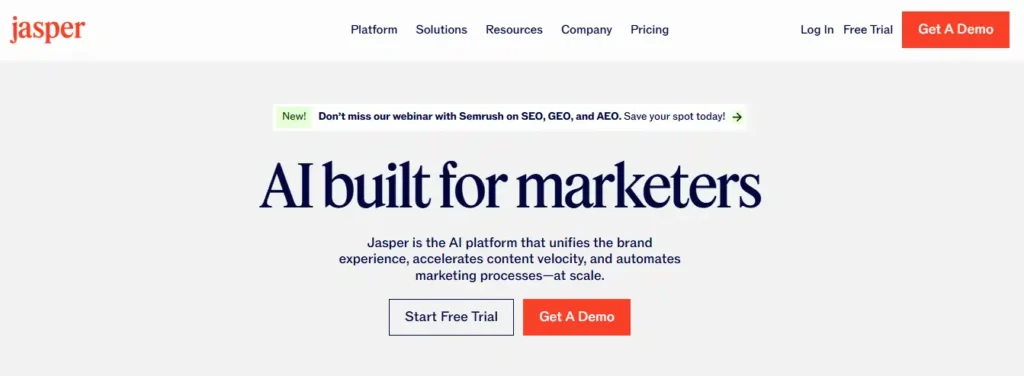
If you are a content marketer drowning in deadlines, Jasper AI is the ChatGPT alternative built specifically for you. This is not just a chatbot—it is a complete AI content automation platform designed to unify your brand voice, automate workflows, and scale content across every channel.
Trusted by world-class brands like Adidas and Cushman & Wakefield, Jasper has proven results: teams save over 10,000 hours annually and automate 60% of their SEO content creation. With tools like “Content Pipelines” and “Jasper IQ,” you can maintain brand consistency while cranking out blog posts, ad campaigns, and product descriptions at lightning speed.
Pros and Cons
Pros:
- Built-in SEO & content marketing tools.
- Keeps brand voice consistent across teams.
- Automates entire content lifecycle (idea to publish.)
- Enterprise-grade security and compliance features.
Cons:
- More expensive than general AI chatbots.
- Steeper learning curve for beginners.
Pricing:
Jasper offers a Free Trial to test the platform. Paid plans start at custom enterprise pricing based on team size and usage needs.
3. Writesonic – Best for SEO Content & AI Search Visibility
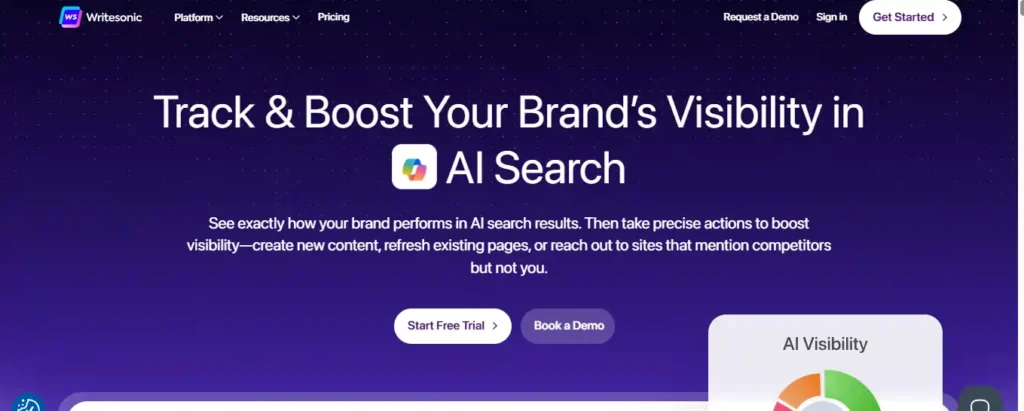
Writesonic is the ultimate ChatGPT alternative for marketers who want to dominate both traditional Google search and the new era of AI-powered search. This platform goes beyond simple chatbots—it tracks how your brand performs across ChatGPT, Gemini, Perplexity, and 10+ AI platforms, then helps you create content that ranks everywhere.
Trusted by over 20,000+ teams, Writesonic delivers proven results: one client landed two $100,000 deals directly from ChatGPT visibility, while another saw a 500% increase in Google impressions. The platform combines deep AI search analytics with automated SEO fixes and fact-checked content creation to maximize your revenue.
Pros and Cons
Pros:
- Tracks AI visibility across 10+ platforms.
- Creates SEO content that ranks instantly.
- Auto-fixes technical SEO issues without coding.
- Powered by 120M+ real AI conversations.
Cons:
- Advanced features require learning curve initially
- Best suited for content-heavy businesses
Pricing:
Writesonic offers a Free Trial to test all features. Paid plans are customized based on team size and enterprise needs.
4. Copy.ai – Best for GTM Teams & Sales Automation
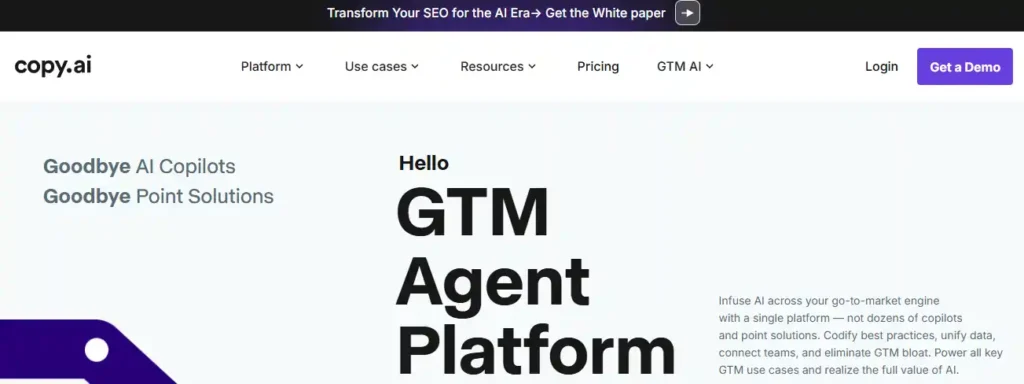
Copy.ai transforms your entire go-to-market strategy into an AI-powered machine. Trusted by 17 million users at companies like Lenovo and Juniper Networks, this ChatGPT alternative eliminates GTM bloat by unifying sales, marketing, and operations in one platform.
One team saved $16 million this year by automating content workflows that used to take weeks. Another generated 5x more sales meetings through AI-powered prospecting. With 2,000+ integrations and custom workflows for prospecting, ABM, and deal coaching, Copy.ai delivers enterprise results at scale.
Pros and Cons
Pros:
- Powers sales, marketing, operations in one platform.
- 2,000+ integrations with CRM systems.
- Custom AI workflows for every GTM use case.
- Saves millions in agency/content costs.
Cons:
- Enterprise-focused (less ideal for solo users.)
- Workflow credits can add up for heavy use.
Pricing:
Copy.ai starts with Chat Plan (unlimited words). Pro Plan includes 10k workflow credits/month. Enterprise from $2,000/mo for 75k+ credits.
5. GitHub Copilot – Best for Coding & Developers
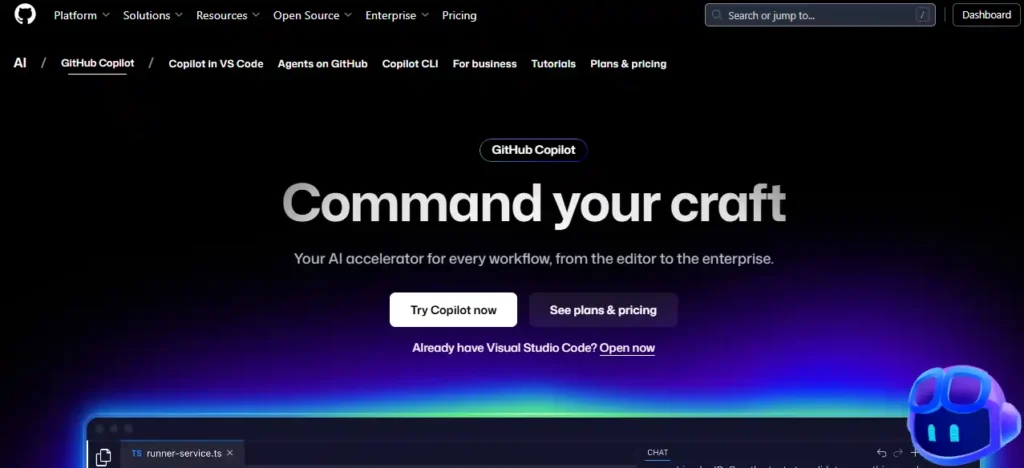
For developers, GitHub Copilot is the ultimate AI pair programmer and a superior ChatGPT alternative for coding. While ChatGPT can write code, Copilot lives directly inside your editor (VS Code, JetBrains, Visual Studio), offering real-time suggestions, debugging, and autocompletion as you type.
It boosts developer productivity by 55% and is trusted by millions of engineers to ship software faster. With features like Copilot CLI for terminal commands and Copilot Enterprise for codebase-aware chat, it understands your entire project context—something standard chatbots simply cannot do.
Pros and Cons
Pros:
- Integrated directly into your code editor (IDE.)
- Understands your entire project & file context.
- Boosts coding speed by up to 55%.
- Secure, enterprise-grade data protection.
Cons:
- Requires a paid subscription for full features.
- Focused purely on code (not for general writing.)
Pricing:
GitHub Copilot offers a Free Plan for individuals (limited requests). Pro Plan is $10/month, and Enterprise is $39/user/month for advanced security and management.
6. Amazon CodeWhisperer – Best for AWS Cloud Development
Amazon CodeWhisperer is the AWS-native ChatGPT alternative built specifically for cloud developers. Unlike general chatbots, CodeWhisperer integrates seamlessly with AWS services and generates production-ready code for Java Spring Boot, Lambda, and enterprise microservices.
Perfect for AWS teams, it accelerates development by suggesting secure, AWS-optimized code directly in your IDE. Hands-on workshops show how to build complex applications end-to-end, integrating multiple AWS services with real-world testing—something generic AI cannot match.
Pros and Cons
Pros:
- Native AWS service integration & optimization.
- Enterprise-grade security & compliance.
- Real-world microservices workshop training.
- Generates secure, production-ready code.
Cons:
- AWS-focused (less useful outside AWS ecosystem.)
- Requires AWS account for full features.
Pricing:
Amazon CodeWhisperer offers a Free Tier for individual developers. Professional Tier pricing is usage-based through AWS billing.
7. BlackBox AI – Best for Autonomous Coding Agents
BlackBox AI is the “autonomous agent for builders” and a powerful ChatGPT alternative for developers who want more than just code snippets. Trusted by 30 million builders and Fortune 500 teams, BlackBox doesn’t just write code—it executes tasks. Its autonomous agents plan, execute, and test entire features locally or remotely.
Unlike standard chatbots, BlackBox offers Multi-Agent Execution, dispatching tasks to Claude, Codex, and Gemini simultaneously, while a “Chairman LLM” selects the best result. With full support for long-running tasks and large codebases, it is the ultimate tool for production-grade engineering.
Pros and Cons
Pros:
- Autonomous Agents that plan, execute, and test code.
- Multi-Agent Architecture (uses Claude, Gemini, etc. in parallel.)
- Optimized for Large Codebases with deep context.
- Works inside VS Code, JetBrains, and BlackBox IDE.
Cons:
- Advanced multi-agent features can be complex for beginners.
- Enterprise-focused features may be overkill for simple scripts.
Pricing:
BlackBox AI offers a Free Tier to get started. Enterprise plans include air-gapped support and volume discounts.
8. Perplexity AI – Best for Research & Real-Time Search
Perplexity AI is the “answer engine” that is replacing traditional search for millions of users. As a superior ChatGPT alternative for research, it doesn’t just make up answers; it browses the internet in real-time to find the latest facts, news, and academic papers, citing every single source it uses.
If you are tired of AI hallucinations or outdated information, Perplexity is your solution. It combines the conversational power of GPT-4 and Claude 3 with a live search engine. Whether you are writing a thesis, checking stock trends, or finding the best software, Perplexity gives you accurate, sourced answers instantly.
Pros and Cons
Pros:
- Real-Time Web Access for up-to-the-minute data.
- Cites Sources for every claim (no more guessing.)
- Access to top models (GPT-4o, Claude 3, Sonar) in one place.
- “Deep Research” mode for complex, multi-step queries.
Cons:
- Less focused on creative writing/storytelling than Claude.
- Free version has limits on “Pro” search features.
Pricing:
Perplexity offers a powerful Free Version for everyday searching. Perplexity Pro costs $20/month and unlocks unlimited file uploads, smarter AI models, and advanced reasoning capabilities.
9. Google Gemini – Best for Google Workspace Integration
Google Gemini (formerly Bard) is the ultimate ChatGPT alternative for anyone living in the Google ecosystem. It is not just a chatbot; it connects directly to your Google Apps (Docs, Gmail, Drive, Maps), allowing you to draft emails, summarize documents, and plan trips all in one place.
Powered by the new Gemini 3 model, it excels at multi-modal tasks—meaning it can understand text, images, video, and code simultaneously. With a massive 1-million-token context window, it can analyze 1,500-page reports or 30,000 lines of code in seconds, something standard ChatGPT cannot do.
Pros and Cons
Pros:
- Integrates directly with Google Docs, Gmail, & Drive.
- Gemini 3 model handles video, images, and code.
- Huge context window (1M tokens) for analyzing large files.
- Deep Research mode creates comprehensive reports.
Cons:
- Image generation can sometimes be overly restrictive.
- Advanced features require the “Google One AI Premium” plan.
Pricing:
Gemini has a generous Free Plan for everyday use. Gemini Advanced (Google One AI Premium) costs ₹1,950/month (approx. $20) and includes 2TB of storage and Gemini in Workspace apps.
10. Microsoft Copilot – Best for Enterprise & Office 365 Users
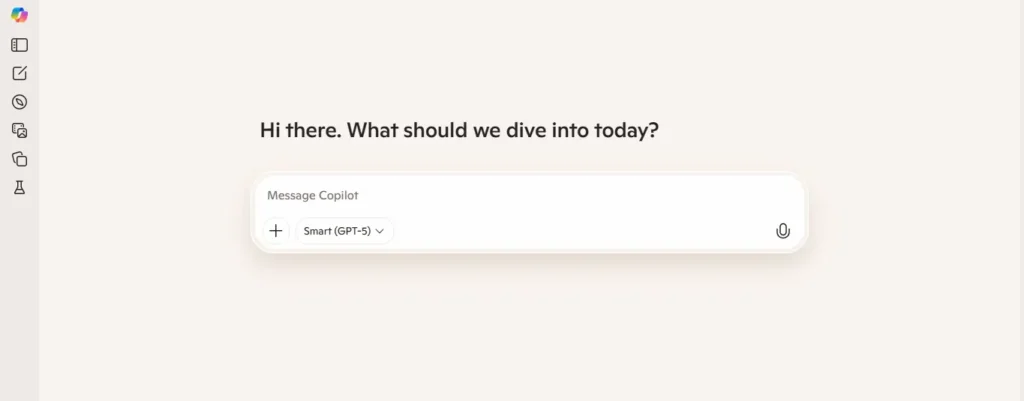
Microsoft Copilot is the business-ready ChatGPT alternative that brings the power of GPT-4 directly into the apps you use every day. Unlike ChatGPT, which lives in a separate browser tab, Copilot is embedded right inside Word, Excel, PowerPoint, and Teams.
It changes the way you work by turning your raw data into polished professional documents. You can ask it to “summarize this Teams meeting,” “turn this Word doc into a PowerPoint presentation,” or “analyze this Excel sales data,” and it does it instantly without you ever leaving the app. With enterprise-grade security, your company data stays safe and is never used to train public AI models.
Pros and Cons
Pros:
- Built into Microsoft 365: Works inside Word, Excel, PowerPoint, Outlook.
- Enterprise Security: Your data is private, secure, and compliant.
- GPT-4 & DALL-E 3: Uses the same powerful models as ChatGPT Plus.
- Real-Time Web Search: Connected to Bing for live, cited answers.
Cons:
- Requires a Microsoft 365 subscription for full features.
- Can be slower than ChatGPT for simple, casual chats.
Pricing:
Microsoft Copilot offers a Free Version (web-only). Copilot Pro for individuals is $20/month. Copilot for Microsoft 365 (Business) is $30/user/month and requires a commercial license.
How to Choose the Right AI Chatbot for Your Needs
With so many AI chatbots flooding the market in 2025, picking the right one can feel overwhelming. But don’t worry—we can make this simple. The key is to match the tool to your specific goal, rather than just picking the most popular one.
Here is a simple checklist to help you decide which ChatGPT alternative is best for you:
1. Define Your Primary Use Case
What will you actually do with the AI?
For Writing & Blogging: If you need SEO-optimized articles that rank on Google, look for tools with built-in SEO features like Jasper or Surfer AI. If you just want creative storytelling, Claude is your best friend.
For Coding & Debugging: Don’t settle for a general chatbot. Use a specialized AI coding assistant like GitHub Copilot or Cursor, which integrates directly into your code editor and understands your entire project context.
For Research & Facts: If accuracy is your #1 priority, avoid creative writing bots. Choose a “citation-based” engine like Perplexity, which links to every source it uses so you can verify facts instantly.
2. Check the “Free vs. Paid” Value
Is the monthly subscription worth it?
The Free Tier Test: Always test the free version first. Tools like Google Gemini give you access to advanced models for free, whereas others hide their best brains behind a paywall.
Token Limits: If you are analyzing huge documents (like a 100-page PDF), you need a tool with a large “context window.” Claude 3 allows you to upload massive files that would crash the standard ChatGPT interface.
3. Consider Integration & Ecosystem
Do you want the AI to live where you work?
If you use Google Docs and Gmail all day, Gemini is the natural choice because it can read your emails and draft replies inside the app.
If you are in the Microsoft Office ecosystem (Word, Excel), Copilot is unbeatable because it turns your raw data into Excel charts in seconds.
4. Look for “Custom Instructions” or “Personas”
The best AI tools let you save your preferences. You shouldn’t have to remind the bot “I am a marketing expert” every single time. Look for platforms that allow you to build Custom GPTs or “System Prompts” so the AI remembers your tone, style, and rules forever.
By focusing on these four factors—Goal, Cost, Integration, and Customization—you will find a tool that feels like it was built just for you, rather than a generic bot that everyone else is using.
Frequently Asked Questions (FAQs)
Which ChatGPT alternative is truly undetectable by AI detectors?
Claude 3.5 Sonnet and Jasper (using “Humanizer” mode) currently produce the most natural, human-like text that bypasses standard AI detection tools more effectively than GPT-4.
Is there a free AI tool that allows unlimited words per day?
HuggingChat and Microsoft Copilot (Free) offer generous daily limits compared to others, but truly “unlimited” high-quality generation usually requires running local open-source models like Llama 3.
Can I use Gemini 3 inside Microsoft Word documents?
No, Gemini integrates only with Google Docs. For Microsoft Word, you must use Microsoft Copilot, which is built specifically for the Office 365 ecosystem.
Which AI is safest for uploading private company financial data?
Microsoft Copilot for Business and Jasper Enterprise are the safest choices. They are SOC2 compliant and explicitly guarantee that your data is never used to train their public models.
What is the best ChatGPT alternative for coding in Python?
GitHub Copilot and BlackBox AI are superior for Python. They understand entire repositories and offer autocomplete, debugging, and refactoring specifically optimized for Python libraries.
Can Jasper AI write factual news articles without hallucinations?
For complex questions, yes. Perplexity synthesizes answers from multiple sources into a single summary with citations, saving you from clicking through ten different blue links on Google
Does Perplexity AI give better answers than Google Search?
Jasper is better than most because it can be connected to Google Search for live data, but Perplexity AI is the gold standard for factual, cited news reporting.
Is paying for Claude Pro worth it over the free version?
Yes, if you code or analyze large files. The Pro plan offers 5x more usage and access to the “Opus” model, which handles complex logic far better than the free version.
Which AI tool creates the best SEO-optimized blog posts?
Writesonic and Jasper are built for this. They integrate with tools like SurferSEO to ensure your content includes the exact keywords needed to rank on Google.
Can I run a ChatGPT alternative offline on my own laptop?
Yes! You can use GPT4All or LM Studio to run open-source models like Llama 3 or Mistral entirely offline, ensuring 100% privacy with no internet required.
💻 Recommended Gear for AI Coding
To run local AI models or code efficiently with tools like GitHub Copilot, you need hardware that can keep up. We recommend this AI-ready laptop:
HP 15 AI-Powered Laptop (Intel Core Ultra 5)
If you are looking for a powerful machine to handle coding agents and large datasets, this HP 15 is a fantastic choice.
- Built for AI: Powered by the Intel Core Ultra 5 125H processor, which features a dedicated NPU (Neural Processing Unit) to accelerate AI tasks.
- Speed & Storage: Comes with 16GB DDR5 RAM and a massive 1TB SSD, ensuring your AI tools launch instantly.
- Visuals: The Intel Arc Graphics and FHD display make it perfect for reviewing code and data visualizations clearly.
Conclusion
Finding the best ChatGPT alternative in 2026 ultimately depends on your specific goals. Whether you need Claude for human-like writing, Perplexity for accurate research, or GitHub Copilot for secure coding, the perfect AI partner is out there waiting for you. Stop settling for generic limitations and start working smarter with tools designed for your needs.
Ready to upgrade your workflow? Explore the free trials linked above and choose the AI tool that best fits your business today!