Hello to all the freelance writers, designers, and entrepreneurs building your own path.
Are you tired of the endless juggle between delivering great work, finding new clients, and handling the admin that comes with it? It’s a common struggle that can easily lead to burnout.
But what if you had a secret weapon to reclaim your time? The right AI tools act as your perfect assistant, helping you work smarter, not harder.
We’ve tested dozens of platforms to bring you this simple guide to the best AI tools for freelancers in 2026. Inside, you’ll discover the exact tools to automate your workflow, boost your productivity, and grow your business with less stress.
Why Every Freelancer Needs AI Tools in 2026
The freelance world has changed dramatically over the past two years.
If you’re still doing everything manually—writing proposals, editing images, tracking invoices—you’re working twice as hard for half the results. That’s not a criticism; it’s just the reality of competing in 2026.
Smart freelancers are now using artificial intelligence to handle repetitive tasks while they focus on high-value work that actually pays. Think of AI as your unpaid intern who never sleeps, never complains, and costs you less than a coffee subscription.
Here’s what AI tools can do for your freelance business:
- Save 10-15 hours per week on admin work like email responses, scheduling, and data entry.
- Increase your output by automating content drafts, design mockups, and code snippets so you can take on more clients.
- Improve quality with AI-powered proofreading, design suggestions, and SEO optimization that makes your work look more professional.
- Lower your costs by replacing expensive software subscriptions with free or affordable AI alternatives.
The freelancers who embrace workflow automation and smart tools today will be the ones charging premium rates tomorrow. Those who resist will find themselves undercut by competitors who deliver faster and cheaper using the same AI stack.
Bottom line: AI isn’t optional anymore. It’s the difference between surviving and thriving as a solo entrepreneur in the digital economy.
Best AI Tools for Freelancers to Automate Admin & Workflow
| AI tool | Best for | Key strengths |
|---|---|---|
| Vidnoz AI | Presenter videos | 1900+ avatars, free tier |
| Pictory AI | Video repurposing | Blog-to-video, auto captions |
| Jasper AI | Marketing content | Brand voice, SEO |
| ChatGPT Plus | Brainstorming, coding | Fast replies, versatility |
| Copy.ai | Sales copy | Outreach, workflows |
| Grammarly | Writing polish | Grammar, tone |
| Midjourney | Artistic images | High detail art |
| Canva Magic Studio | Social graphics | Templates, easy design |
| Adobe Firefly | Commercial visuals | Safe, pro editing |
| Notion AI | Workspace brain | Docs, tasks |
| Zapier AI | Automation | App integrations |
| Otter.ai | Meeting notes | Transcripts, summaries |
1. Vidnoz AI: :The Best Free AI Video Generator
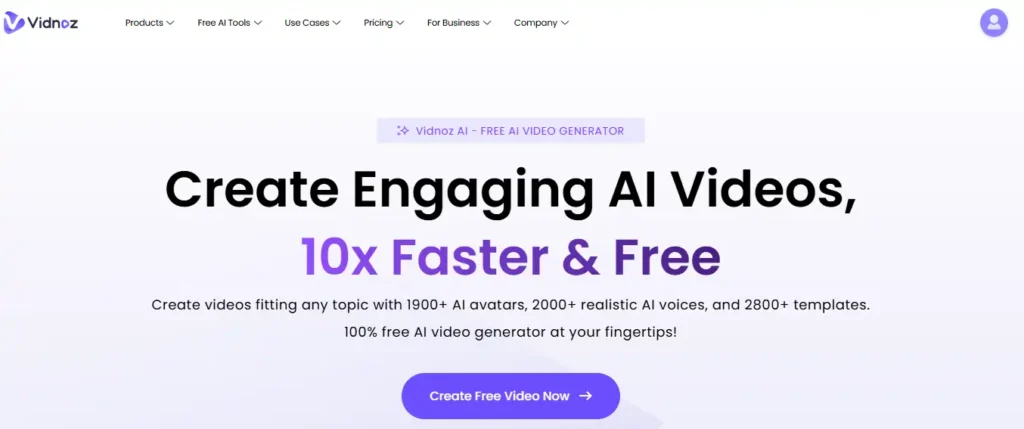
For freelancers and digital marketers looking to produce high-volume video content without a steep learning curve or upfront costs, Vidnoz AI is a game-changer. It stands out by offering a robust free tier that allows you to create engaging videos 10x faster using a massive library of over 1,900 realistic avatars and 2,800 templates.
Vidnoz is designed to democratize video creation, making it effortless to turn text into professional presenter-led videos for sales, training, or social media. If your goal is to scale your content production and boost engagement rates by over 50% without hiring actors or renting studios, this tool provides the speed and resources to get you there.
Pros and Cons
Pros:
- Massive Asset Library: Access to 1,900+ AI avatars and 2,800+ video templates to fit any niche.
- Generous Free Plan: Offers 3 minutes of video generation every single day without requiring a credit card.
- Advanced AI Features: Includes voice cloning, lip-syncing, and instant video translation into 140+ languages.
- User-Friendly Interface: Intuitive drag-and-drop editor that simplifies video creation for beginners.
Cons:
- Online Dependency: Fully cloud-based, so a stable internet connection is required for all tasks.
- Preview Limitations: You cannot see the final lip-sync animation until the video is fully generated.
- Editing Depth: Lacks the advanced timeline editing features found in professional software like Adobe Premiere.
Pricing Plans:
Vidnoz offers a Free plan with 3 minutes of daily generation and watermarked exports. For professional use, the Starter plan begins around $14.99/month (billed annually) for 15 minutes of non-watermarked video, while the Business plan scales up to $56.99/month for 30 minutes and priority processing.
2. Pictory.Ai:The Best Video Creation Tool for Freelancers
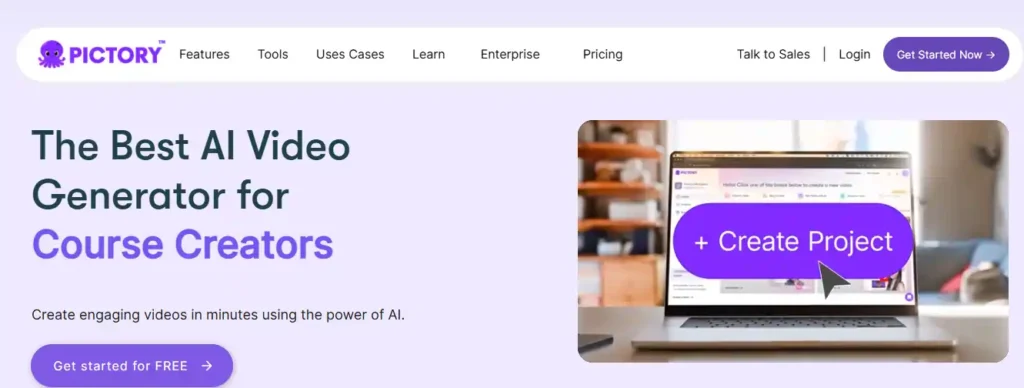
For freelance content creators and digital marketers who need to produce high-quality video content without spending hours on editing, Pictory is the ultimate solution. Unlike complex video software that requires a steep learning curve, Pictory creates professional-grade videos from your scripts or blog posts in minutes, allowing you to scale your service offerings instantly.
It is not just a video editor; it is a complete content repurposing engine for your freelance business. You can turn a client’s blog post into an engaging video, automatically caption social media clips, or transform long Zoom recordings into bite-sized highlights—all with AI precision. If you want to offer premium video services to your clients without hiring a production team, this is the tool you need.
Pros and Cons
Pros:
- Rapid Content Repurposing: Instantly turns blog posts, scripts, and long-form videos into short, engaging clips.
- No Technical Skills Needed: The interface is intuitive, requiring no prior experience with timeline editing or camera equipment.
- Massive Asset Library: Access to over 3 million royalty-free video clips, images, and music tracks to enhance your projects.
- Automatic Captioning: Saves hours by automatically transcribing and captioning videos, boosting SEO and accessibility.
Cons:
- AI Asset Selection: The AI occasionally selects irrelevant stock footage that requires manual swapping.
- Audio Limitations: Voiceover customization can feel limited compared to hiring human voice actors, and layering multiple audio tracks is restricted.
- Online Only: Requires a stable internet connection as there is no offline desktop app.
Pricing Plans:
Pictory offers a Starter plan for roughly $19/month (billed annually) which is perfect for solo freelancers creating up to 30 videos a month. For growing businesses, the Professional plan at approximately $29/month adds more video minutes and branding kits, while Teams options are available for agencies requiring collaboration tools.
3. Jasper AI: The Best All-in-One Content Partner
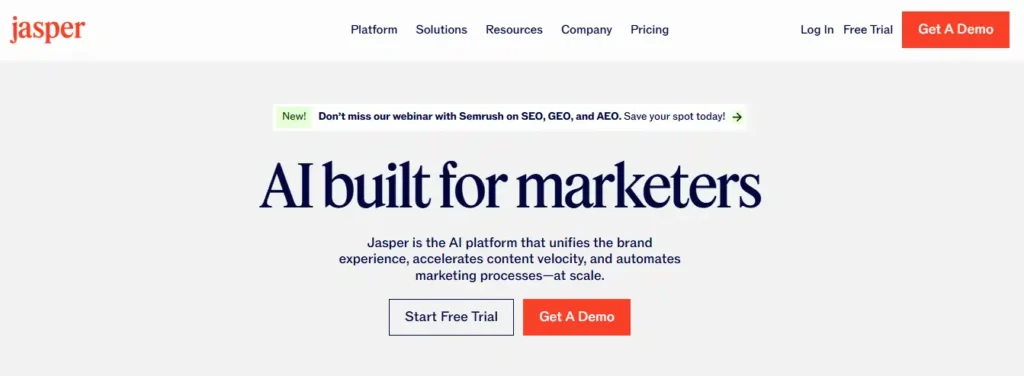
For freelance writers and marketers who need speed without sacrificing quality, Jasper is the undisputed champion. Unlike basic chatbots, Jasper is built specifically for business performance—understanding your unique brand voice and SEO goals from day one.
It’s not just about writing faster; it’s about scaling your entire freelance operation. From generating high-converting blog posts to automating social media campaigns, Jasper acts as your dedicated marketing team in a box. If you want to deliver premium work to clients in half the time, this is the tool you need.
Pros and Cons
Pros:
- Learns and mimics your brand voice.
- Built-in SEO and plagiarism checker.
- Templates for every freelance niche.
- Excellent long-form content workflow.
Cons:
- Higher cost than basic tools.
- Requires editing for facts.
Pricing Plans:
Jasper offers a Creator plan for solo freelancers starting around $39/mo, a Pro plan for growing teams, and Business options for agencies needing custom workflows.
4. ChatGPT Plus: The Ultimate Brainstorming Partner
If Jasper is your marketing team, ChatGPT Plus is your brilliant, always-available co-founder. For freelancers who need to wear multiple hats—coder, writer, strategist—this is the most versatile tool you can buy. It doesn’t just answer questions; it solves complex problems.
With the Plus subscription, you get priority access to the smartest models (like GPT-4 and beyond) even during peak hours. Whether you need to debug code, draft a client proposal, or brainstorm twenty viral blog ideas in seconds, ChatGPT Plus delivers faster, smarter results that keep your freelance business moving at lightning speed.
Pros and Cons
Pros:
- Versatile for writing, coding, and strategy.
- Priority access during peak times.
- Faster response times for quick work.
- Access to newest features first.
Cons:
- Can sometimes provide inaccurate facts.
- Generic tone requires human editing.
Pricing Plans:
The Free version is great for basics, but the Plus plan costs $20/month for priority access, faster speeds, and the latest powerful AI models.
5. Copy.ai: The Ultimate AI Tool for Sales & Marketing Copy
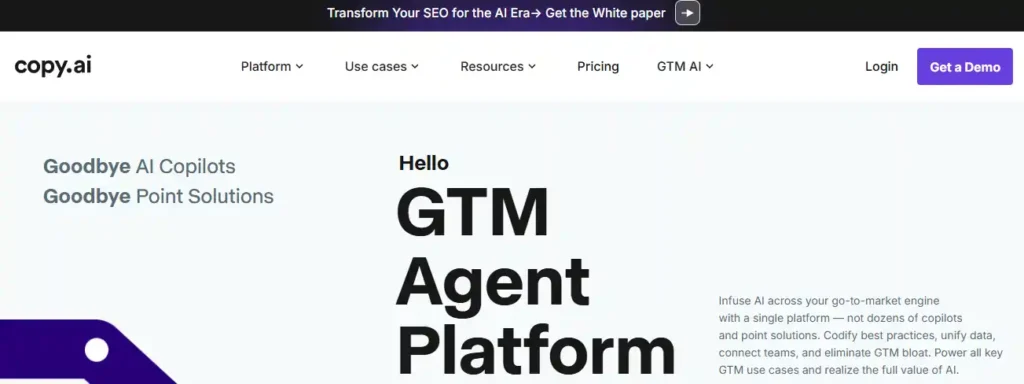
Copy.ai is more than just a writing assistant; it’s a complete “Go-to-Market” engine designed for freelancers who need to sell. If you struggle with writing sales emails, cold outreach messages, or high-converting social media posts, this tool is your secret weapon.
It doesn’t just write generic text—it uses advanced “Workflows” to research your prospects, personalize every message, and generate SEO-optimized content in seconds. For freelancers managing multiple clients, Copy.ai automates the entire marketing process, helping you book more meetings and close deals without spending hours staring at a blank screen.
Pros and Cons
Pros:
- Automates sales outreach emails.
- Massive library of marketing templates.
- Built-in “Brand Voice” for consistency.
- Unlimited words on paid plans.
Cons:
- Can feel overwhelming for beginners
- Best features require paid plan
Pricing Plans:
Copy.ai offers a Free Forever plan for testing, but the Pro plan (approx. $36/mo) unlocks unlimited words and 5 seats—perfect for scaling freelancers.
6. Grammarly: Your Personal AI Editor and Writing Coach
Even the best freelance writers make mistakes, but Grammarly ensures your clients never see them. This isn’t just a spellchecker; it’s a sophisticated AI writing coach that polishes your tone, clarifies your sentences, and ensures every email, proposal, or article you send looks 100% professional.
For freelancers, your reputation is everything. Grammarly runs quietly in the background of your browser, Google Docs, and email, catching embarrassing errors before you hit send. It’s the easiest way to improve your writing skills instantly and build trust with high-paying clients who value clear communication.
Pros and Cons
Pros:
- Corrects advanced grammar instantly.
- Adjusts tone for professional emails.
- Works seamlessly across all apps.
- Plagiarism checker included in Pro.
Cons:
- Free version is limited to basics.
- Sometimes misinterprets creative style.
Pricing Plans:
Grammarly has a robust Free plan for essential checking. The Pro plan (approx. $12/month billed annually) unlocks advanced style, tone, and full-sentence rewrites for serious freelancers.
7. Midjourney: The Go To AI Image Tool for Creative Freelancers

If you work with visuals—thumbnails, social posts, branding, product mockups—Midjourney is one of the best AI tools a freelancer can learn today. It turns simple text prompts into stunning, detailed images that look like they came from a professional design studio. For designers, content creators, YouTubers, and agencies, it’s an easy way to offer “wow” visuals without spending hours in complex software.
Midjourney runs via Discord and a web app, with a powerful community where you can study prompts, styles, and advanced techniques. Once you understand how to describe your ideas, you can generate entire image sets for clients—hero banners, concept art, ad creatives, and more—in just a few minutes.
Pros and Cons
Pros:
- Produces high-quality, artistic images.
- Huge community for prompts and tips.
- Supports many styles and moods.
- Great for branding, ads, and thumbnails.
Cons:
- No free plan; all tiers are paid.
- Learning curve for prompt writing.
Pricing Plans:
Midjourney offers four paid subscriptions: Basic around $10/month, Standard about $30/month, Pro at $60/month, and Mega at $120/month, each with increasing GPU hours and features like Relax mode and Stealth mode for heavy professional use.
8. Canva Magic Studio: The All-in-One Design Hub for Non-Designers
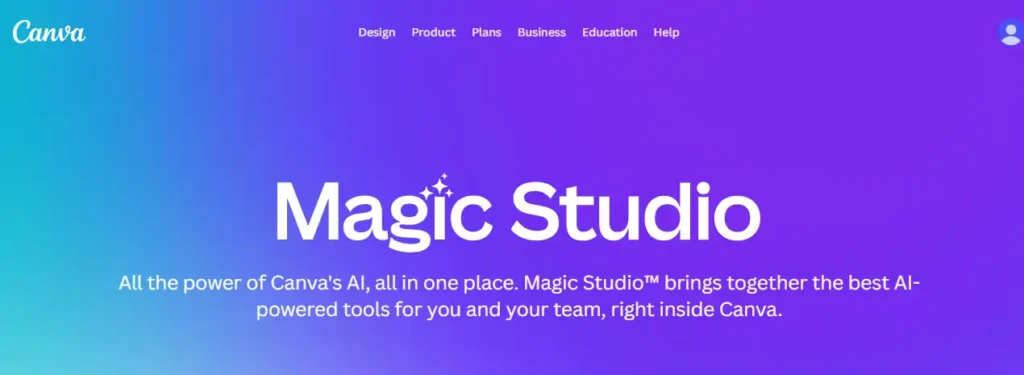
Canva has evolved from a simple graphic design tool into a full-blown AI creative suite. For freelancers who aren’t professional designers but still need to look like one, Canva Magic Studio is a lifesaver. It combines easy drag-and-drop design with powerful AI that can write text, edit photos, and even generate videos for you.
Imagine turning a simple text prompt into a fully designed social media post, presentation, or video in seconds. Features like Magic Write handle your captions, while Magic Expand and Magic Eraser fix your photos instantly. It’s the single most valuable subscription for freelancers who need to create professional content across every platform—fast.
Pros and Cons
Pros:
- Extremely easy for beginners.
- One subscription for design, video, and writing.
- Huge library of AI-powered templates.
- Magic Switch resizes content instantly.
Cons:
- Advanced photo editing is limited.
- Generic stock feel if not customized.
Pricing Plans:
Canva offers a generous Free version. The Canva Pro plan (approx. $15/month) is highly recommended for freelancers, unlocking the full power of Magic Studio, background removal, and premium assets.
9. Adobe Firefly: The Safe & Professional AI Creative Suite
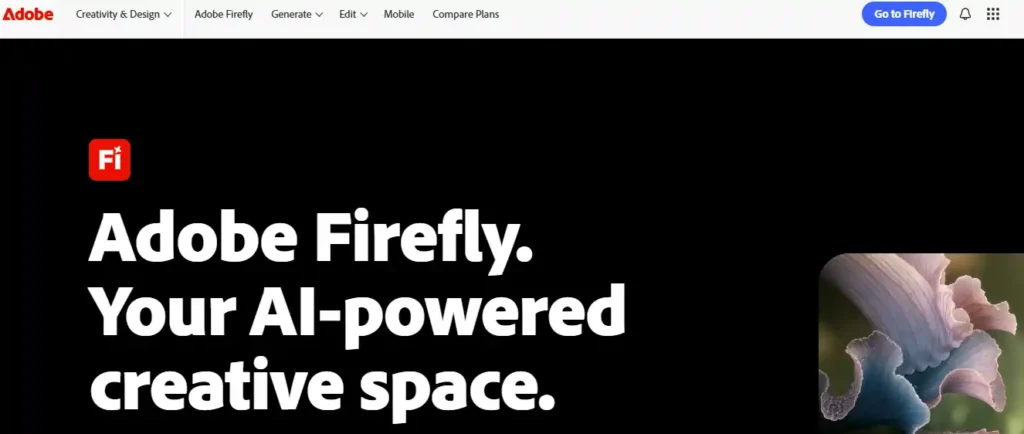
For commercial freelancers who need 100% legal safety for their client work, Adobe Firefly is the only choice. Unlike other tools that scrape the entire internet, Firefly is trained exclusively on Adobe Stock images, making it “commercially safe” to use for logos, ads, and brand assets.
You can generate high-quality images, vectors, and even video clips using simple text prompts. But the real magic is inside Photoshop, where Firefly powers Generative Fill—allowing you to add, remove, or expand parts of an image in seconds. It’s the perfect tool for designers who need to deliver flawless work without worrying about copyright lawsuits.
Pros and Cons
Pros:
- Commercially safe for client work.
- Best-in-class integration with Photoshop.
- Generates editable vectors (great for logos.)
- High-quality “Generative Fill” feature.
Cons:
- Can be slower than other tools.
- Stylistic range is safer/less artistic.
Pricing Plans:
Adobe offers a Free web version with limited credits. For serious work, the Firefly Pro plan (around $4.99/mo for the first 3 months) gives you 100GB of storage, no watermarks, and fast generation speeds.
10. Notion AI: The All-in-One Workspace Brain
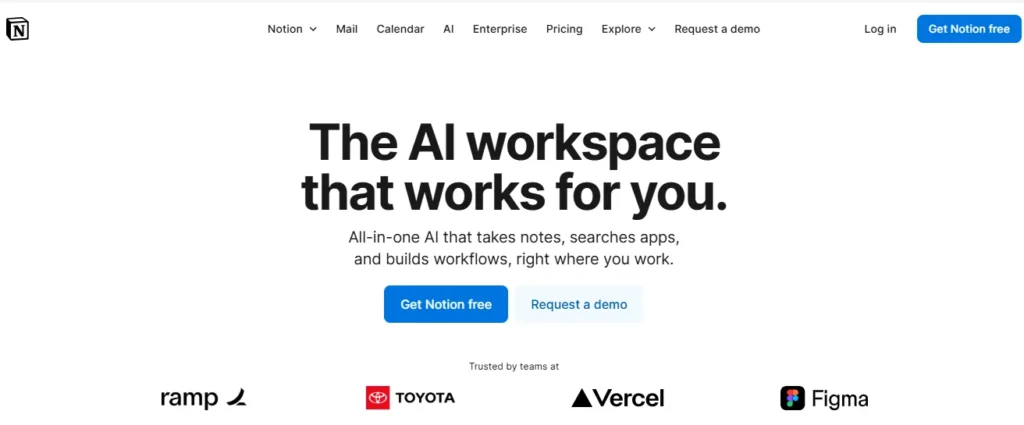
If your freelance life feels like a mess of scattered Google Docs, Trello boards, and sticky notes, Notion AI is the solution that brings order to the chaos. It’s not just a productivity tool; it’s an intelligent workspace that can summarize your messy meeting notes, draft project plans, and even answer questions about your own documents instantly.
Instead of switching between five different apps, Notion AI works right where you are. You can ask it to “write a blog post based on this research,” “summarize this client contract,” or “create a to-do list from these notes.” For freelancers managing multiple projects, it’s like having a project manager who never sleeps and remembers everything.
Pros and Cons
Pros:
- Centralizes all freelance work in one app.
- Summarizes long documents instantly.
- Automates tedious tasks like meeting summaries.
- Highly customizable for any workflow.
Cons:
- Steep learning curve for new users.
- AI is an add-on cost to the main plan.
Pricing Plans:
Notion itself has a powerful Free plan. To unlock the AI features, you pay an add-on of $8-$10/month per member, which is incredibly cheap compared to buying separate AI writing and organizational tools.
11. Zapier AI: The Ultimate Automation Bridge
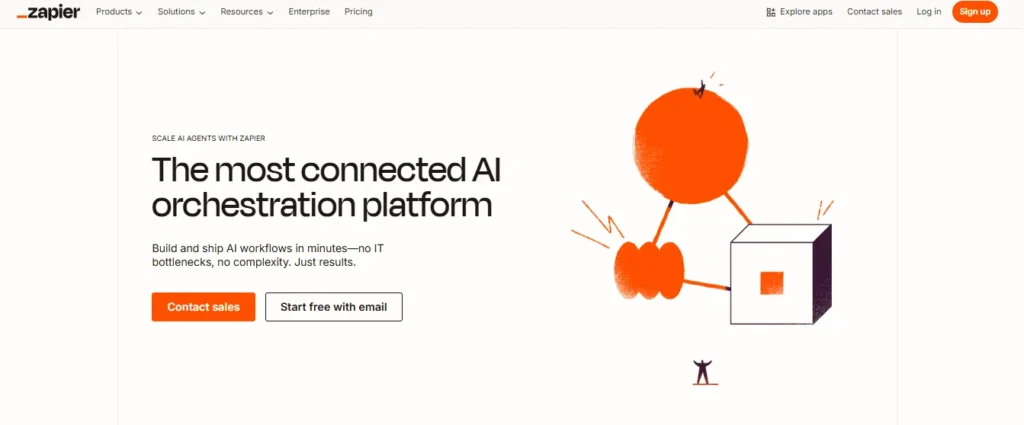
If you feel like you spend half your freelance day moving data between apps—copying leads from Facebook to email, or saving Gmail attachments to Dropbox—Zapier AI is the fix. It’s the “glue” that connects over 6,000 apps, but now with AI power, it can do the heavy lifting for you.
You can simply tell Zapier, “When I get a new lead, draft a personalized email using ChatGPT and save it to my CRM,” and it builds that workflow instantly. For freelancers, this means you can build complex, automated business systems without writing a single line of code, saving hours of manual admin work every week.
Pros and Cons
Pros:
- Connects 6,000+ apps without coding.
- AI builds workflows from simple text.
- Automates boring admin tasks completely.
- Scales infinitely as you grow.
Cons:
- Free plan limits multi-step automations.
- Can get pricey for high-volume tasks.
Pricing Plans:
Zapier has a Free Forever plan for simple tasks. The Starter plan (approx. $20/month) is essential for freelancers who want multi-step automations (e.g., “Trigger” -> “Action 1” -> “Action 2”) to run their business on autopilot.
12. Otter.ai: The AI Assistant That Takes Notes for You
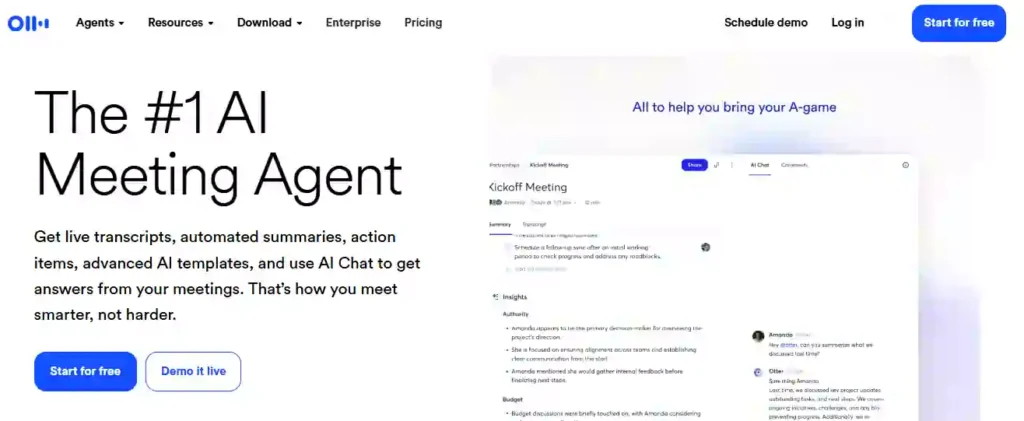
If you hate scrambling to write down every word during client calls, Otter.ai is the virtual assistant you’ve been dreaming of. It joins your Zoom, Google Meet, or Teams calls automatically and transcribes the entire conversation in real-time, so you can focus on listening, not typing.
But it does more than just record. Otter generates a smart summary with key “Action Items” instantly after the meeting ends. For freelancers juggling multiple clients, this tool ensures you never miss a deadline, forget a detail, or lose track of what was promised during a chaotic briefing.
Pros and Cons
Pros:
- Transcribes meetings in real-time automatically.
- Generates instant summaries and action items.
- Searchable audio for easy fact-checking.
- Integrates with Zoom, Teams, and Google Meet.
Cons:
- Free plan has limited transcription minutes.
- Accuracy drops with heavy background noise.
Pricing Plans:
Otter offers a Basic (Free) plan with 300 monthly minutes. The Pro plan (around $10/month) unlocks 1,200 minutes and advanced search features for power users.
How to Choose the Right AI Tools for Your Freelance Business
Not every AI tool deserves a spot in your workflow. Some are overhyped, others are too expensive, and many simply don’t fit what you actually do day-to-day.
Before you sign up for another free trial, ask yourself these four questions.
1. Does this tool solve a problem that’s costing me money or time?
If an AI writing assistant saves you three hours per blog post and you charge $100/hour, that’s $300 in value per article. That’s worth paying for. But if a social media scheduler only saves you 20 minutes a week, the free version is probably enough.
2. Can I afford it based on my current income, not my dream income?
Many freelancers make the mistake of buying premium tools before they have premium clients. Start with free AI tools like ChatGPT, Canva’s free plan, or Notion AI until you’re consistently earning enough to justify upgrades.
3. Does it integrate with the software I already use?
The best productivity tools connect seamlessly with your existing stack. If you live in Google Workspace, pick AI tools that work inside Gmail and Docs. If you’re a designer, choose tools that export directly to Figma or Adobe.
4. Is the learning curve worth the payoff?
Some AI platforms require hours of tutorial videos before you see results. Others work out of the box. If you’re a beginner, prioritize ease of use over advanced features. You can always level up later.
Pro tip for maximizing ROI: Test three tools in the same category (for example, three AI writing assistants) using their free trials. Pick the one that feels most natural and delivers results fastest. Cancel the rest immediately so you don’t forget and get charged.
The goal isn’t to collect AI tools like trophies. It’s to build a lean, efficient system that helps you earn more while working less.
Future of Freelancing: Will AI Replace Freelancers?
This is the question keeping many freelancers awake at night, and it deserves an honest answer.
No, AI will not replace freelancers—but freelancers who use AI will replace those who don’t.
Here’s why. Clients don’t hire freelancers just for task completion. They hire you for judgment, creativity, and the ability to understand their specific business context. AI can write a blog post, but it can’t interview a CEO, understand brand voice nuances, or pivot strategy mid-project based on client feedback.
What AI will do is eliminate the low-skill, commoditized work that was already a race to the bottom. Basic logo design, generic blog content, and simple data entry are increasingly automated. If your entire value proposition is “I can do this task cheaply,” then yes—AI is a threat.
But here’s the opportunity: Freelancers who position themselves as strategic partners rather than task executors will thrive. Use AI to handle the grunt work, then spend your freed-up time on high-level strategy, client relationships, and creative problem-solving that machines can’t replicate.
The new freelance model in 2026 looks like this:
- AI does the first draft. You provide the expertise, edits, and strategic direction.
- AI handles research and data. You interpret it and turn insights into action.
- AI automates follow-ups and scheduling. You focus on delivering exceptional client experiences.
Think of artificial intelligence as a skill multiplier, not a job replacement. The freelancers earning six figures today are the ones who learned to combine human creativity with machine efficiency.
The future belongs to the adaptable. And adaptation starts with the tools you choose to adopt right now.
Technical FAQs on AI Tools for Freelancers
What are AI tools for freelancers and how do they work?
AI tools for freelancers use machine learning models to automate tasks like writing, design, transcription, and workflow management, reducing manual effort and improving consistency across client projects.
How can AI tools for freelancers automate my client onboarding process?
You can connect forms, email, and CRM software so AI automatically captures leads, qualifies them, drafts proposals, and schedules meetings based on predefined rules and workflows.
Do AI tools for freelancers integrate with popular platforms like Google Workspace and Slack?
Yes, most leading AI tools offer native integrations or APIs that connect with Gmail, Google Docs, Slack, Zoom, Notion, and project management platforms to keep data in sync.
How do AI tools for freelancers improve content quality and SEO?
AI writing assistants suggest keyword-rich headings, fix grammar, optimize readability, and generate meta descriptions, helping blog posts and landing pages rank higher while sounding professional.
Are AI tools for freelancers safe for handling client data and NDAs?
Choose tools with encryption, role-based access, SOC 2 or ISO certifications, and explicit policies stating your data is not used to train public models.
Can AI tools for freelancers replace traditional graphic design software?
AI image generators and design suites can handle thumbnails, social posts, ads, and mockups quickly, but complex brand systems still benefit from expert designers using pro tools.
How do AI note-taking tools help freelancers during client meetings?
AI meeting agents automatically transcribe calls, generate structured summaries, highlight action items, and sync notes into CRMs or project boards, so you never miss key requirements.
What hardware and internet speed do AI tools for freelancers require?
Most cloud-based AI tools only need a modern browser, 8GB RAM, and stable broadband; GPU power matters mainly for local image-generation or heavy video workloads.
How can freelancers control the tone and brand voice of AI-generated content?
Use style presets, brand-voice profiles, and prompt examples; always review outputs, adjust terminology, and store approved snippets to keep messaging consistent across all deliverables.
What’s the best way to choose paid AI tools for freelancers without wasting money?
Start with free tiers, track time saved per task, calculate hourly value, then upgrade only to tools that consistently reduce workload or directly increase billable revenue.
Conclusion: Scale Your Freelance Business Today
The freelance landscape is shifting, and AI is your biggest competitive advantage. By adopting tools like Jasper for writing, Midjourney for visuals, and Otter.ai for meetings, you can automate busywork and focus on high-value client strategies. Don’t let manual tasks hold you back from earning more.
Ready to upgrade your workflow? Start with one tool from this list today and watch your productivity skyrocket. The future of freelancing belongs to those who adapt—make sure you’re leading the pack.