Feeling the pressure to publish daily but running low on creative fuel? You’re not alone. For modern bloggers and marketers, leveraging AI tools for content creation is no longer just a “nice-to-have”—it’s the secret weapon for survival in a crowded feed. But with new generative AI apps launching weekly, finding the best AI content creation tools that actually drive results can feel like a full-time job.
We’ve cut through the hype to bring you 9 proven solutions for legitimate content scaling and smart workflow automation. If you need an AI content generator free for quick social captions or robust AI writingtools for SEO to dominate search rankings, this guide covers the specific engines that will finally give you your time back.
How AI Content Generation Models Actually Work (LLM Architecture Breakdown)
To truly master AI tools for content creation, you need to understand the engine under the hood: the Large Language Model (LLM). At their core, tools like ChatGPT and Claude rely on Natural Language Processing (NLP) and transformer architecture—a deep learning model that weighs the significance of each part of the input data.
Think of it less like a robot “thinking” and more like a sophisticated autocomplete on steroids. These models work on “next-token prediction.” When you input a prompt, the generative AI calculates the statistical probability of which word (or token) should come next based on billions of data points it was trained on. This is why GPT-4 and similar models excel at structure and grammar but can struggle with unique, real-time facts. Understanding this distinction is crucial; knowing that these models are predictive, not sentient, helps you spot “hallucinations” and reinforces the need for human oversight in your content marketing strategy.
AI Writing Tool Selection Framework: Matching Your Content Workflow
Not all automated content creation software is built for the same purpose. Choosing the right tool isn’t about finding the “smartest” AI; it’s about matching the model’s strengths to your specific output needs. We categorize the selection process into three distinct workflows:
- The “Deep Dive” Engine (Long-Form SEO): If your goal is ranking 2,000-word guides, you need AI writing tools for SEO that offer large “context windows” (memory) and semantic analysis. Look for tools that integrate directly with SERP data to ensure your content covers the right subtopics for topical authority.
- The “High-Velocity” Sprinter (Social & Ad Copy): For social media managers, an AI social media content creator needs speed over depth. The priority here is variation—tools that can spin one core idea into 10 unique hooks for LinkedIn, X (Twitter), and Instagram captions in seconds.
- The “Visual” Narrator (Video & Multimedia): With the rise of TikTok and Reels, AI video content creation tools are essential. The best frameworks now allow for text-to-video capabilities, automatically matching stock footage or AI-generated visuals to your script, effectively handling content scaling without a production crew.
9 Best AI Tools for Content Creation
| AI Tools for Content Creation | Best For | Top Feature | Pricing Model |
| OpenArt.ai | Visual Storytelling | Unified “Swiss Army” suite | Freemium (Daily credits) |
| Pictory.ai | Content Repurposing | Edit video by text | Paid (14-day trial) |
| HeyGen | Virtual Spokespersons | Hyper-realistic Avatar IV | Freemium / Credit-based |
| Synthesia | Enterprise Training | 160+ Language Translation | Paid (Free demo) |
| DupDub | All-in-One Creators | 700+ Emotional Voices | 3-Day Free Trial |
| Simplified | Marketing Teams | One-app collaboration | Free Forever Plan |
| Fliki.ai | Social Speed | Idea-to-Video Engine | Free Tier Available |
| Akool | Cinematic Visuals | 8K Face Swapping | Free Trial / Paid |
| Genspark AI | Autonomous Tasks | Multi-LLM Orchestration | Freemium (Daily credits) |
1. OpenArt.ai: The All-in-One Multimodal Creative Suite

For creators tired of juggling five different apps, OpenArt.ai offers a unified powerhouse for AI content creation. This platform goes far beyond basic image generation, evolving into a comprehensive AI video content creation tool that handles everything from character training to full-scale music video production.
Whether you need to upscale grainy footage, create faceless “Character Vlogs” for TikTok, or generate hyper-realistic Nano Banana Pro images, OpenArt streamlines the entire creative workflow. Its standout feature, the “Chat to Edit” function, allows users to modify assets using simple natural language, making professional-grade editing accessible to beginners. It is the ultimate generative AI playground for storytellers looking to scale their visual output without sacrificing quality.
Pros and Cons
Pros:
- Unified platform for video, image, audio.
- Access to advanced models like Sora 2.
- “Chat to Edit” simplifies complex editing.
- High-quality “Nano Banana Pro” image generation.
Cons:
- Credit consumption can be high.
- Advanced video features possess learning curve.
Pricing Plans:
OpenArt operates on a freemium model with daily free credits; paid subscriptions unlock faster processing, premium models, and higher resolution limits.
Use Cases:
- Social Media: Create viral character vlogs effortlessly.
- Marketing: Generate high-CTR ad creatives instantly.
- Video Production: Produce full AI music videos fast.
- E-commerce: Upscale product photos for better sales.
Why Choose OpenArt.ai?
Choose OpenArt if you need a versatile, “Swiss Army Knife” tool that eliminates the need for multiple specialized AI subscriptions.
2. Pictory.ai: The Ultimate AI Video Editor for Content Repurposing
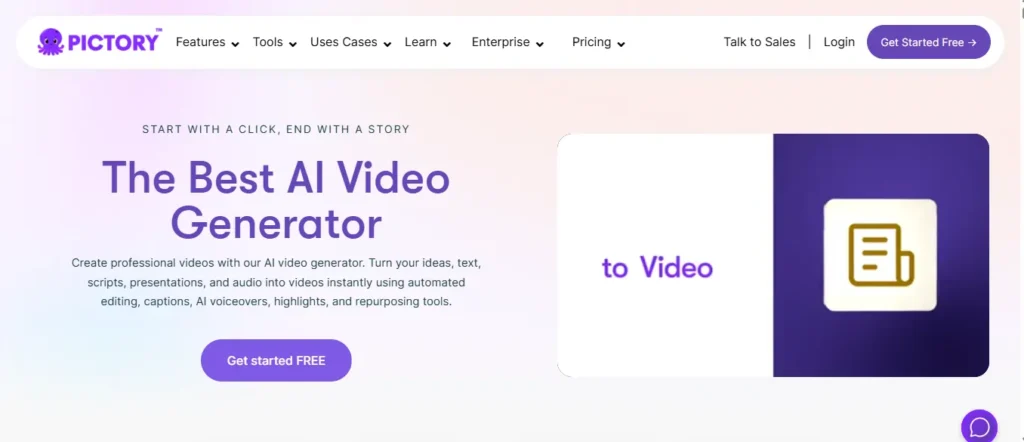
If you have a backlog of blog posts, Zoom recordings, or scripts gathering dust, Pictory.ai is the specific AI video content creation tool designed to bring them back to life. It excels as an automated content creation software that transforms text into professional, shareable video snippets in minutes—no video editing skills required.
Unlike complex timeline editors, Pictory uses a unique “Edit by Text” technology, allowing you to cut video scenes simply by deleting words from the transcript. It is the gold standard for content scaling, enabling marketers to turn a single webinar into 20 bite-sized social clips instantly. With access to millions of stock assets and hyper-realistic ElevenLabs AI voices, it is the “repurposing engine” your strategy is missing.
Stop editing videos manually. Use AI to turn your scripts into professional videos in minutes.
Pros and Cons
Pros:
- Edits video text like a Word doc.
- Auto-summarizes long webinars into shorts.
- Massive library of royalty-free assets.
- Hyper-realistic ElevenLabs AI voiceovers included.
Cons:
- Rendering long 4K videos takes time.
- AI matching sometimes needs manual tweaks.
Pricing Plans:
Pictory offers a 14-day free trial; paid plans start at $25/mo (billed annually), with a 20% discount using code CABF20.
Use Cases:
- YouTube: Turn scripts into faceless videos automatically.
- Social Media: Repurpose long podcasts into viral shorts.
- Corporate: Convert Zoom meetings into training summaries.
- Blogging: Transform text articles into engaging videos.
Why Choose Pictory.ai?
Choose Pictory if you are a marketer or educator who needs to turn existing long-form content into high-volume video assets without hiring a video team.
3. HeyGen: The World’s Most Realistic AI Video Avatar Generator

If you are camera-shy but need a professional spokesperson for your brand, HeyGen is the game-changer you’ve been waiting for. As a top-tier AI video content creation tool, it allows you to generate hyper-realistic AI avatars that look, move, and speak exactly like real humans—no studio required.
This isn’t just a cartoon animator; HeyGen’s “Avatar IV” technology creates digital twins so lifelike they are indistinguishable from reality. It solves the content scaling problem for global businesses by offering instant video translation into 175+ languages with perfect lip-sync. Whether you need an AI video generator for sales training or personalized outreach, HeyGen automates the entire production pipeline, delivering studio-quality results from a simple text script.
Pros and Cons
Pros:
- Avatars are indistinguishable from real humans.
- Translates videos into 175+ languages instantly.
- Perfect lip-syncing with “Avatar IV” model.
- Clones your own voice for authenticity.
Cons:
- Premium avatars require higher-tier subscriptions.
- Video generation consumes credits quickly.
Pricing Plans:
HeyGen offers a free tier for testing; paid plans unlock watermark-free 4K downloads and API access for enterprise scaling.
Use Cases:
- Sales: Send personalized video pitches at scale.
- L&D: Update training modules without re-filming.
- Marketing: Localize ads into 175 languages instantly.
- Social Media: Create consistent influencer content daily.
Why Choose HeyGen?
Choose HeyGen if you need a “human” face for your brand but lack the budget for actors, cameras, and studio time.
4. Synthesia: The Enterprise-Grade AI Video Platform Trusted by Fortune 100

For corporate teams drowning in outdated training videos and compliance modules, Synthesia is the AI tools for content creation solution that eliminates re-filming forever. It is the gold standard for automated content creation software in enterprise environments, trusted by 90% of Fortune 100 companies to produce professional, scalable video content.
What sets Synthesia apart is its focus on security and compliance—it is SOC2, GDPR, and ISO42001 certified, making it the safest choice for legal and IT teams. Unlike consumer-grade tools, Synthesia offers “Expressive Avatars” that deliver natural human emotions, plus one-click translation into 160+ languages with perfect lip-sync. With built-in version control and SCORM export for LMS integration, it is built for content scaling at the organizational level, not just individual creators.
Pros and Cons
Pros:
- Certified for enterprise security and compliance.
- One-click updates without broken links.
- SCORM export for seamless LMS integration.
- Expressive avatars with natural emotional delivery.
Cons:
- Premium features require enterprise-level plans.
- Custom avatars need additional approval time.
Pricing Plans:
Synthesia offers a free plan (10 min/month); paid plans include advanced analytics, custom avatars, and priority support for teams.
Use Cases:
- L&D: Update compliance training without re-recording.
- Sales: Localize product demos into 160 languages.
- IT: Create consistent onboarding videos globally.
- Marketing: Produce on-brand explainers at scale.
Why Choose Synthesia?
Choose Synthesia if you need enterprise-level security, compliance, and a centralized platform to manage thousands of training and marketing videos globally.
5. DupDub: The All-in-One AI Content Suite for Creators
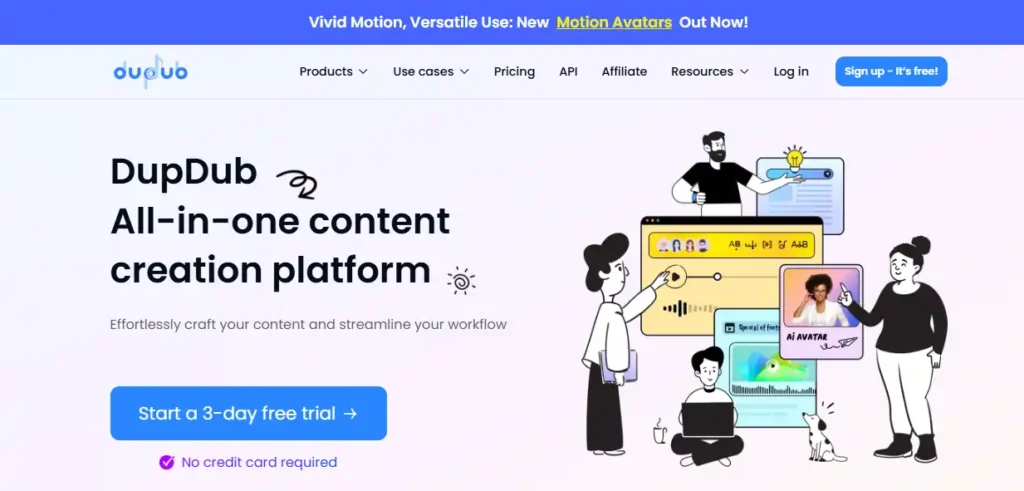
Tired of switching between a writing tool, a voice generator, and a video editor? DupDub consolidates your entire creative stack into one seamless AI tools for content creation platform. It stands out as a versatile automated content creation software that handles everything from “Idea to Text” scriptwriting to final video localization in minutes.
While many tools focus on just one feature, DupDub excels at the full lifecycle. Its text-to-speech engine offers 700+ ultra-realistic voices with emotional control, perfect for podcasters and audiobook narrators. For video marketers, the “Talking Photo” feature and video translation capabilities allow for rapid content scaling across 90+ languages, helping you reach a global audience without a localized team.
Pros And Cons
Pros:
- All-in-one suite: writing, voice, video, editing.
- 700+ emotional AI voices in 90+ languages.
- “Talking Photo” animates static images instantly.
- Seamless video localization and subtitle alignment.
Cons:
- Interface can feel overwhelming for beginners.
- Free trial limited to 3 days.
Pricing Plans:
DupDub offers a 3-day free trial; paid subscriptions provide access to premium voices, watermark-free downloads, and API integrations.
Use Cases:
- Podcasting: Clone your voice for ad reads.
- Marketing: Localize video ads into 90 languages.
- Education: Create engaging talking avatars for lessons.
- Social Media: Animate photos for viral TikTok clips.
Why Choose DupDub?
Choose DupDub if you are a “solopreneur” or small team that wants a single, affordable platform to handle every aspect of modern content production.
6. Simplified: The Unified AI Workspace for Modern Marketing Teams
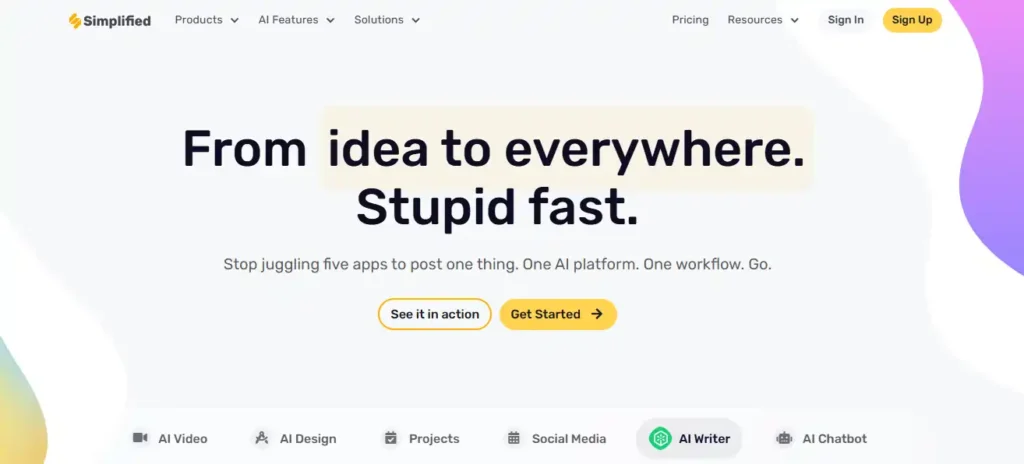
Stop the app-switching madness. Simplified is the ultimate AI tools for content creation platform that replaces your entire marketing stack—design, video, copy, and scheduling—all under one roof. It eliminates the chaos of juggling Canva, Jasper, CapCut, and Buffer by consolidating everything into a single, collaborative workspace.
What makes Simplified a standout automated content creation software is its “Projects” feature, which allows entire teams to brainstorm, create, review, and publish without ever leaving the platform. From AI-generated thumbnails to bulk social media post scheduling, it is built for content scaling at velocity. The brand kit feature locks in your colors, fonts, and tone of voice, ensuring every AI-generated asset stays on-brand, making it ideal for agencies managing multiple clients.
Pros and Cons
Pros:
- All-in-one: design, video, copy, scheduling.
- Real-time team collaboration in one workspace.
- 100k+ templates across all content types.
- Brand kit ensures consistent AI outputs.
Cons:
- Can feel overwhelming with so many features.
- Advanced features locked behind higher tiers.
Pricing Plans:
Simplified offers a free-forever plan with limited features; paid plans unlock unlimited AI generations, team collaboration, and advanced analytics.
Use Cases:
- Agencies: Manage multiple client brands in one dashboard.
- Social Media: Bulk-schedule AI-generated posts across platforms.
- Video Marketing: Turn scripts into talking-head videos instantly.
- E-commerce: Create ad variations for A/B testing fast.
Why Choose Simplified?
Choose Simplified if you are a marketing team tired of subscription fatigue and need one unified platform to design, write, create, and publish everything.
7. Fliki.ai: The Quickest “Idea-to-Video” Engine for Social Growth
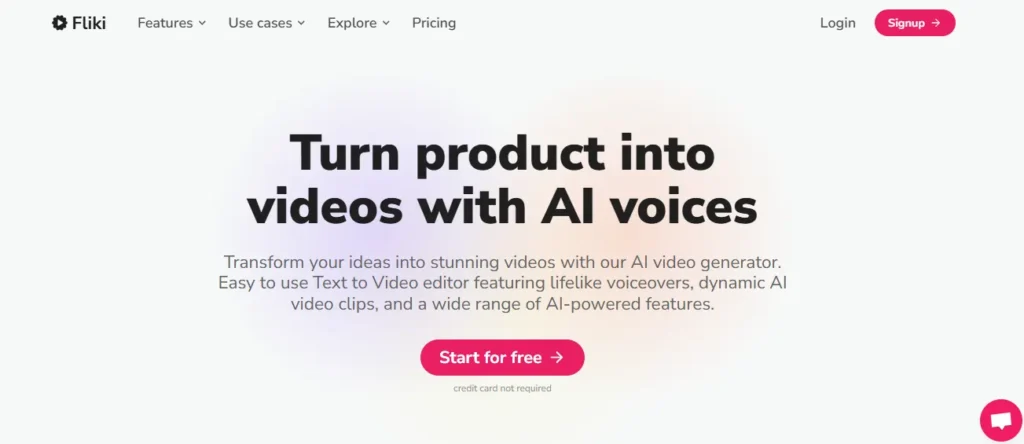
For creators who need to flood their social channels with content but lack video editing skills, Fliki.ai is the specific AI tools for content creation built for speed. It revolutionizes the workflow automation process by turning simple text prompts, blog posts, or even PowerPoint slides into fully narrated videos in seconds.
Unlike heavier editors, Fliki focuses on content scaling for platforms like TikTok and Instagram. Its “Idea to Video” feature acts as a co-pilot, selecting stock footage, adding subtitles, and synthesizing a human-like voiceover from a library of 2,000+ voices. With AI avatar integration and instant translation into 80+ languages, it is the ultimate tool for “faceless” channel owners looking to dominate the algorithm without ever turning on a camera.
Pros and Cons
Pros:
- Converts PPTs and blogs to video instantly.
- 2,000+ realistic AI voices in 80 languages.
- “Magic Edit” polishes raw footage automatically.
- Millions of stock media assets included.
Cons:
- Stock footage can feel generic sometimes.
- Voice cloning requires higher-tier plans.
Pricing Plans:
Fliki offers a free plan to start; paid tiers unlock watermark-free exports, longer video durations, and commercial rights.
Use Cases:
- Faceless YouTube: Automate “Top 10” listicle videos daily.
- Blogging: Turn written articles into engaging video summaries.
- E-commerce: Convert Amazon listings into product showcases.
- L&D: Transform boring PPT decks into training videos.
Why Choose Fliki.ai?
Choose Fliki if your primary goal is speed and volume—specifically for turning text-based content into social-ready video clips without a steep learning curve.
8. Akool: The Enterprise-Grade Generative AI Studio for High-Fidelity Visuals
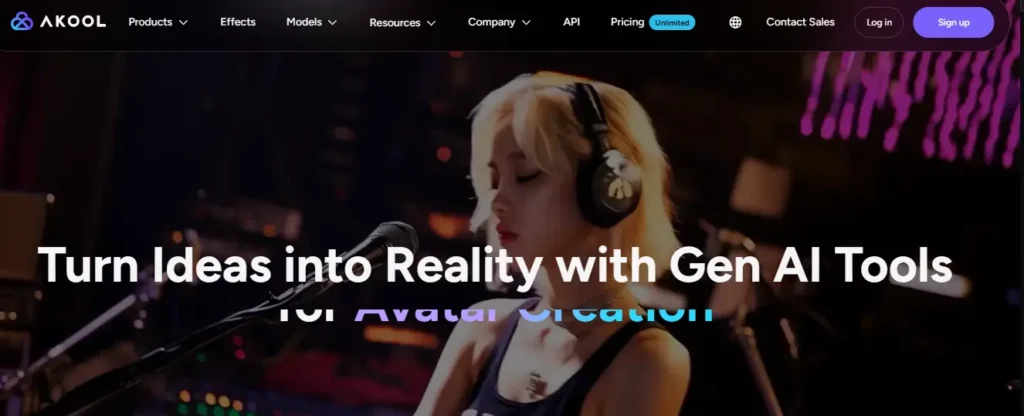
For marketing teams that demand cinematic quality, Akool is the premier AI tools for content creation platform designed for professional visual effects. It goes beyond simple generation, offering studio-grade Face Swap technology and hyper-realistic Streaming Avatars that are trusted by Fortune 500 giants like Coca-Cola and Canon.
Akool distinguishes itself as a robust automated content creation software with its “Unlimited Mode,” enabling power users to generate 300M+ assets without hitting caps. From video translation with flawless lip-sync to creating immersive 3D holographic displays, it is the ultimate engine for content scaling in high-stakes advertising. Its ability to swap faces in 8K resolution makes it a favorite for personalized ad campaigns that need to look 100% authentic.
Pros and Cons
Pros:
- Studio-quality 8K face swapping technology.
- Real-time “Streaming Avatars” for interactive support.
- Trusted by major enterprise brands (Canon, AWS).
- Multilingual video translation with lip-sync.
Cons:
- Professional features come at a premium price.
- High-end rendering requires strong internet bandwidth.
Pricing Plans:
Akool offers a free trial with limited credits; paid “Unlimited Mode” subscriptions are available for heavy power users and enterprise teams.
Use Cases:
- Advertising: Personalize TV commercials with viewer faces.
- E-commerce: Create virtual try-on experiences instantly.
- Customer Service: Deploy real-time AI avatars for support.
- Film Production: Localize actors’ dialogue without reshoots.
Why Choose Akool?
Choose Akool if you are an enterprise brand or creative agency that needs the highest possible visual fidelity for campaigns where “good enough” isn’t an option.
9. Genspark AI: The Autonomous Super Agent That Executes Real-World Tasks
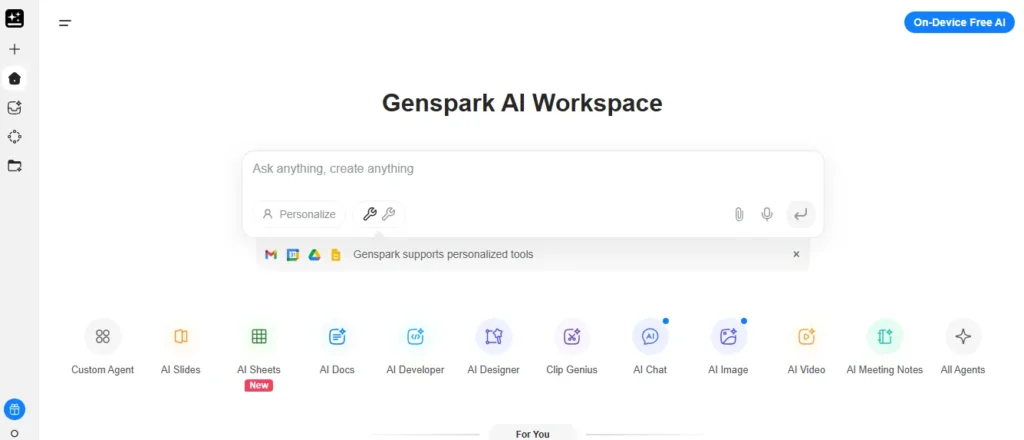
If you are exhausted by AI tools that only “suggest” instead of “do,” Genspark AI is the breakthrough AI tools for content creation platform that actually executes tasks autonomously. Unlike passive chatbots, Genspark’s “Super Agent” combines 9 specialized LLMs with 80+ professional tools to handle everything from making phone calls to building presentation decks—without human intervention.
What separates Genspark from competitors is its autonomous execution architecture. It does not just generate content; it plans, researches millions of data points, creates slides, generates videos, and even makes restaurant reservations using AI-generated voices. For creators focused on content scaling, the platform offers unlimited AI chat and image generation throughout 2026, making it the most cost-effective automated content creation software for high-volume workflows.
Pros and Cons
Pros:
- Orchestrates 9 LLMs for complex tasks.
- Makes real phone calls autonomously.
- Unlimited AI chat and images (2026 promo).
- Deep research analyzing millions of words.
Cons:
- Interface has steep learning curve initially.
- Advanced features require Plus plan ($24.99/month).
Pricing Plans:
Genspark offers a free tier (200 credits/day); Plus plan is $24.99/month with 10,000 credits and unlimited searches.
Use Cases:
- Research: Conduct competitive market analysis autonomously.
- Presentations: Generate full slide decks from prompts.
- Video Content: Create SEO-optimized blog-to-video content.
- Automation: Handle reservations and business calls independently.
Why Choose Genspark AI?
Choose Genspark if you need an AI that does not just assist but actually completes complex, multi-step tasks from start to finish without supervision.
Ethical AI Content Creation: Disclosure Requirements and Google’s Stance
A common fear among publishers is: “Will Google penalize AI-generated content?” The short answer is no—but with a major caveat. Google’s latest core updates have clarified their stance: they reward high-quality content regardless of how it is produced. However, they aggressively penalize low-effort automation that adds no value.
To stay safe and ethical, your strategy must prioritize search intent over sheer volume. Google’s E-E-A-T (Experience, Expertise, Authoritativeness, and Trustworthiness) guidelines effectively require a “human in the loop.” If you are using an AI content generator free of supervision to spam thousands of pages, you will be de-indexed.
Best practices for 2026 include:
- Fact-Checking: AI models can sound confident while being wrong. Always verify data.
- Disclosure: While not strictly mandatory for all SEO, labeling content as “AI-assisted” builds trust with your audience.
- The “Value Add”: Never publish raw AI output. Use the AI for the rough draft (80%), then use a human editor to add personal anecdotes, expert quotes, and brand voice (the final 20%) to humanize AI-generated content.
Frequently Asked Questions (Technical SEO)
Will Google penalize my site for using AI-generated content?
Google rewards high-quality content regardless of origin. You will rank safely if your AI content demonstrates E-E-A-T (Experience, Expertise, Authoritativeness, Trustworthiness) and satisfies specific user intent.
What is the difference between extractive and generative AI tools?
Extractive AI summarizes existing text (like Pictory processing a blog), while generative AI (like HeyGen or Genspark) creates entirely new assets like avatars or text from scratch.
How do I prevent AI content from sounding robotic?
Use prompt engineering techniques like “Chain of Thought.” Instruct the AI to adopt a specific persona, use active voice, and include anecdotal evidence to humanize the output.
Can these tools help with multilingual SEO strategies?
Yes. Tools like Synthesia and Akool offer neural video translation, automatically dubbing audio and syncing lip movements to localize content into 100+ languages without reshooting.
Which AI tool is best for “faceless” YouTube channels?
Fliki and Pictory are industry leaders for faceless content. They automate the sourcing of stock footage and voiceovers, allowing for rapid content scaling without camera equipment.
Do I need a powerful computer to run these AI tools?
No. Most modern tools like Simplified and DupDub are cloud-based. All rendering happens on their servers, meaning you can create 4K content from a standard laptop.
Final Verdict: Building Your 2026 Content Pipeline
The future of publishing isn’t about replacing creativity; it’s about amplifying it with the right engine. Whether you’re automating daily social clips with Fliki, scaling enterprise training via Synthesia, or creating cinematic visuals with Akool, the best tool is simply the one that fits your specific workflow.
Don’t get paralyzed by the options—pick one platform from this list that solves your biggest bottleneck and test it for a week. You’ll be surprised how much faster you can move when the heavy lifting is handled. Which tool are you trying first? Let us know in the comments below.