Video marketing budgets disappear quickly when you invest in the wrong AI video generation platform. Creators and marketers often spend weeks fighting with clunky interfaces, robotic voiceovers, and poor lip sync accuracy, only to realize the software completely breaks their workflow.
The market is flooded with platforms promising instant, professional results for everything from faceless YouTube channels to corporate ads. This creates heavy confusion around which application actually performs under real production pressure.
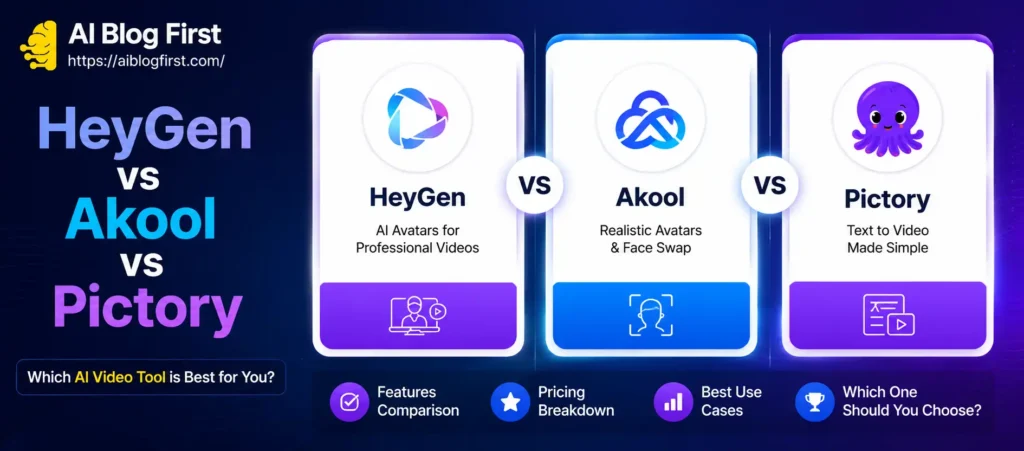
A direct HeyGen vs Akool vs Pictory comparison uncovers surprising gaps between marketing claims and actual execution. Each platform targets a totally different style of text-to-video creation. Understanding these hidden limitations shifts your entire strategy from expensive trial-and-error to confident, scalable video production.
Exclusive Pictory AI Discount — Save 20% Today
Use this code at checkout and get 20% off your Pictory AI plan instantly.
Why Compare HeyGen, Akool, and Pictory for AI Video Generation?
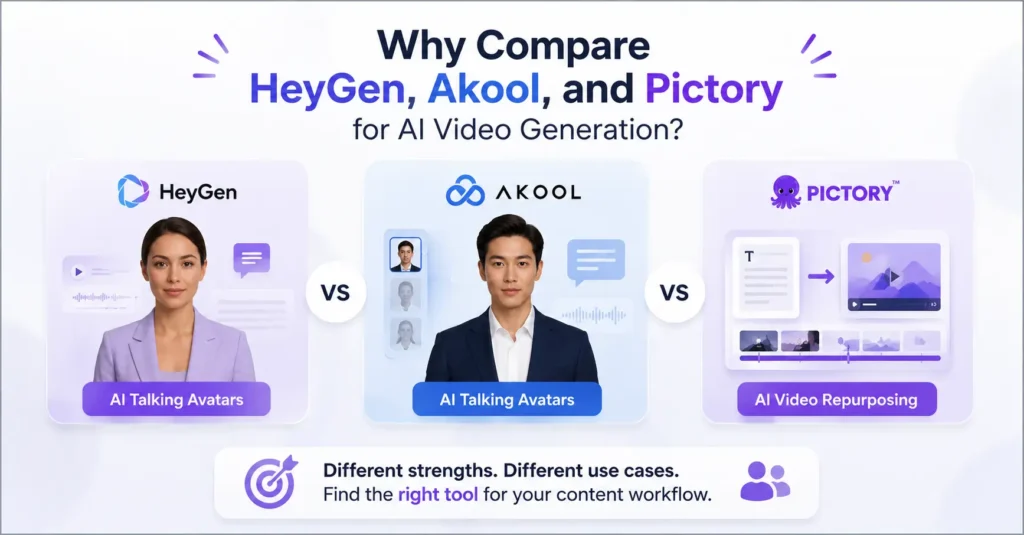
It’s easy to look at the AI video generation space and assume every tool does the exact same thing. They don’t.
If you are trying to create a highly realistic talking avatar for a sales page, using a tool built for compiling stock footage will leave you frustrated. Conversely, if you want to turn a 2,000-word blog post into a YouTube video, an avatar-focused tool will take forever to edit.
We are comparing these three specific tools because they represent the core choices content creators face today. HeyGen and Akool are locked in a fierce battle for the title of best AI talking avatar tool comparison, while Pictory dominates the automated video repurposing space. Choosing between them isn’t about finding the “perfect” tool—it’s about finding the exact match for your daily production bottleneck.
Quick Verdict: HeyGen vs Akool vs Pictory
Don’t want to read the full breakdown? Here is the fast answer to which is better: HeyGen, Akool, or Pictory.
| Feature / Goal | HeyGen | Akool | Pictory |
|---|---|---|---|
| Primary Use Case | Premium AI avatars & sales videos | Budget-friendly avatars & marketing | Blog-to-video & social media clips |
| Avatar Realism | Exceptional (Industry standard) | Very Good (Catching up fast) | Not applicable (Stock/B-roll focus) |
| Ease of Use | High | Medium-High | High |
| Voiceover Quality | Ultra-realistic, emotional tones | Highly realistic | Good, but slightly more synthetic |
| Best For | Agencies, high-ticket consultants | YouTubers, affiliate marketers | Bloggers, social media managers |
HeyGen Review: Best for Professional AI Avatars
HeyGen has spent the last year positioning itself as the premium choice for AI video generation. When you watch a video and genuinely cannot tell if the person is real or AI, there is a very high chance it was generated with HeyGen.

Key Features of HeyGen
The platform is built around its AI actor library, which features dozens of studio-quality digital humans. But the real standout is their custom avatar creation. You can record two minutes of yourself on a webcam, upload it, and HeyGen creates a digital twin that mimics your exact micro-expressions.
They also offer one-click video translation. You can record a video in English, hit a button, and watch your avatar speak fluent Spanish with your exact cloned voice, automatically adjusting the lip sync to match the new language.
HeyGen Pricing and Plans
Quality comes at a cost. HeyGen operates on a credit system, where one credit equals one minute of video. Their starter plans are accessible, but heavy video creators will burn through credits quickly. It is an investment meant for businesses that see direct ROI from their videos.
Where HeyGen Wins (Pros)
- Unmatched lip sync accuracy and micro-expressions.
- The voice cloning feature requires minimal audio input for scary-accurate results.
- High-end export formats suitable for paid ad campaigns.
- Seamless API access for enterprise scaling.
Where HeyGen Falls Short (Cons)
- It gets expensive fast if you publish daily long-form videos.
- The video editor itself is somewhat basic; it’s an avatar generator first, not a full timeline editor.
Akool Review: Best HeyGen Alternative for Creators
If HeyGen is the established premium brand, Akool is the hungry competitor aggressively building features to win over independent creators. When looking at Akool vs HeyGen pricing 2026, Akool frequently appeals to users who want 90% of HeyGen’s quality for a fraction of the cost.
Key Features of Akool
Akool offers a robust suite of AI marketing tools, but their talking avatars are the main draw. They provide highly customizable templates and a growing library of faces. What makes Akool interesting is their focus on the broader creator workflow. They aren’t just doing avatars; they are integrating face-swapping, image generation, and background modification directly into the dashboard.
Akool Pricing and Plans
This is where Akool strikes hardest. Their pricing model is generally more forgiving for high-volume creators compared to HeyGen. You get more minutes for your money, which is why so many faceless YouTube channels are migrating to their platform.
Where Akool Wins (Pros)
- Highly cost-effective for daily content creators.
- Excellent integration of face-swapping and avatar creation.
- Constant feature updates and aggressive platform improvements.
- Great output quality that rivals much more expensive tools.
Where Akool Falls Short (Cons)
- The UI can feel a bit cluttered compared to HeyGen’s minimalist dashboard.
- Some of the stock AI voices lack the deep emotional range found in HeyGen’s premium voice library.
→ You can also explore our deep-dive guide on maximizing Akool for marketing campaigns.
Pictory Review: Best for Text-to-Video and Faceless YouTube

Comparing Pictory vs HeyGen text to video capabilities requires a mental shift. Pictory does not focus on generating hyper-realistic human faces. Instead, it solves a completely different problem: turning written words into visually engaging, B-roll heavy videos.
Key Features of Pictory
Pictory’s core strength is its script-to-video engine. You paste a script (or a URL to a published blog post), and the AI automatically reads the text, highlights the keywords, and pulls relevant stock footage from its massive library to match the sentences.
It also excels at video repurposing. You can upload a one-hour Zoom recording, and Pictory’s AI will scan the transcript to extract short, punchy “magic clips” formatted perfectly for TikTok or Instagram Reels.
Pictory Pricing and Plans
Pictory uses standard SaaS subscription pricing, which is generally easier to swallow for bloggers and small publishers. Because it doesn’t require the massive server power needed to render 4K human faces, the limits on video creation are much looser than avatar platforms.
Where Pictory Wins (Pros)
- Incredible speed for text-to-video creation.
- Massive, built-in library of royalty-free AI B-roll generation material.
- The easiest way to turn a long text article into a YouTube video.
- Auto-captions are highly accurate and easy to style.
Where Pictory Falls Short (Cons)
- No native AI talking avatars (you have to rely on stock footage).
- AI voiceover quality is decent, but not on the same level as HeyGen or ElevenLabs.
Feature Head-to-Head: HeyGen vs Akool vs Pictory
Let’s break down the HeyGen vs Akool vs Pictory features directly across the dimensions that matter most to production workflows.
AI Avatar Quality and Lip Sync Accuracy
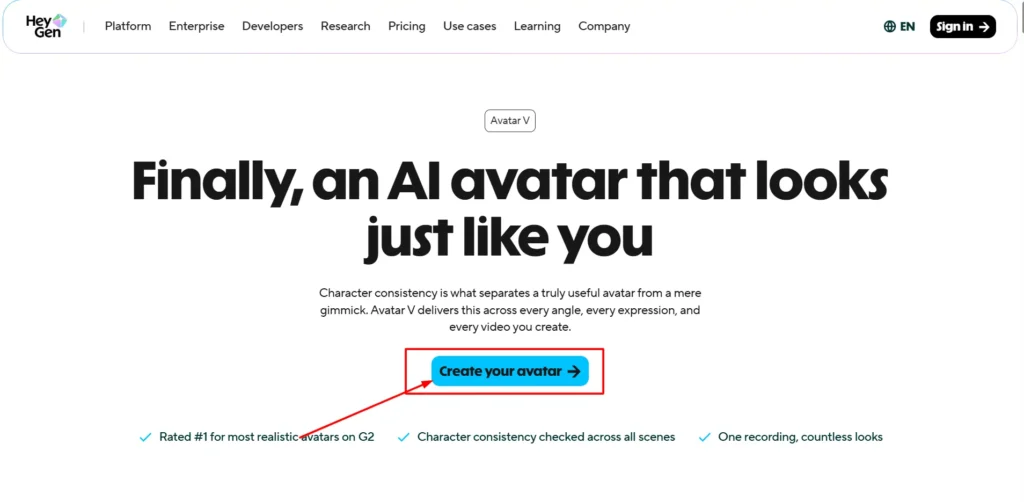
Winner: HeyGen.
If your business relies on trust—like coaching, real estate, or high-end consulting—HeyGen is the clear winner. The subtle movements of the eyes and natural head tilts put it slightly ahead of the pack. Akool is a very close second and more than acceptable for YouTube entertainment and standard marketing. Pictory sits this round out entirely.
Video Editing and Timeline Precision
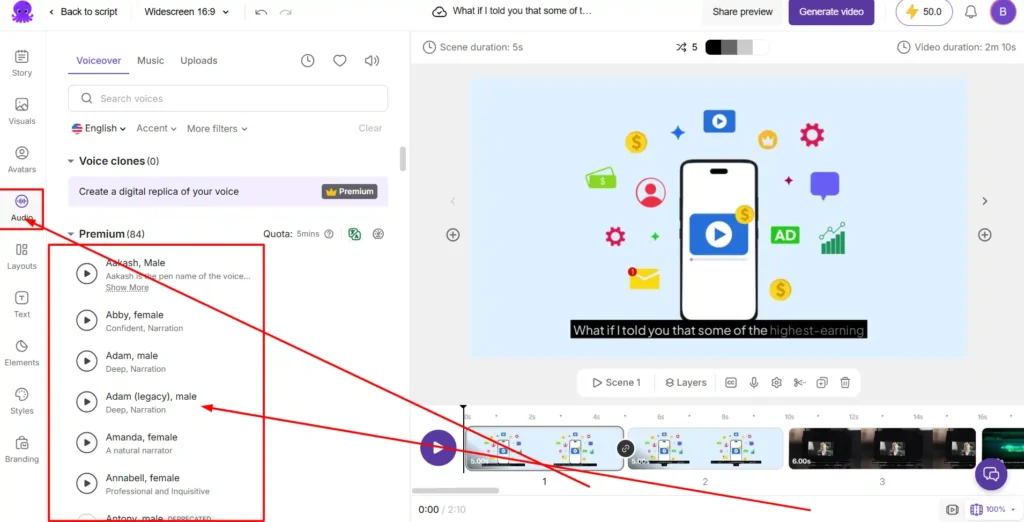
Winner: Pictory.
When it comes to actually cutting a video together, Pictory feels more like a traditional video editor. The timeline precision allows you to drag, drop, and trim stock footage easily. HeyGen and Akool treat the timeline more like a presentation slide deck; they are meant for you to generate the avatar clip and then export it to Premiere Pro or CapCut for final editing.
Voice Cloning and AI Voiceover Quality
Winner: HeyGen (with Akool closely trailing).
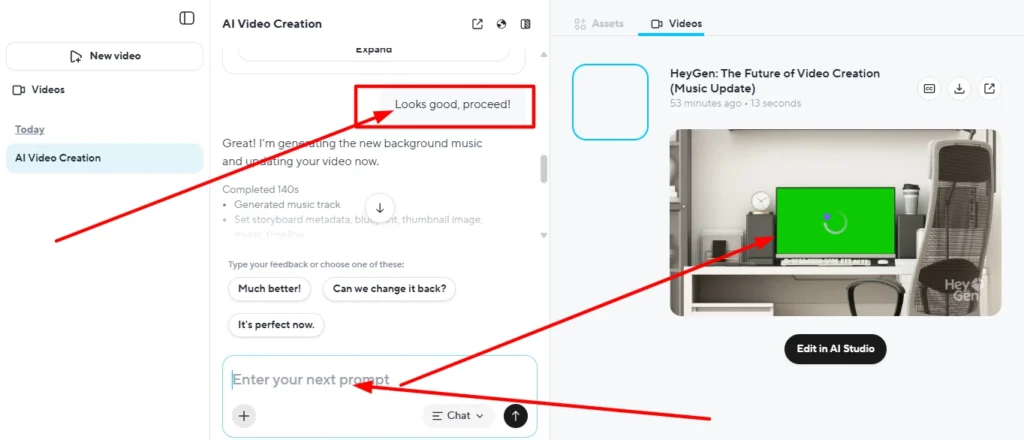
HeyGen’s voice cloning captures pacing, breath sounds, and cadence better than almost any tool on the market right now. Akool’s voiceover engine is solid and improving rapidly, making it great for standard narration. Pictory offers standard text-to-speech voices, which are functional but lack the human warmth needed for deep storytelling.
Which AI Video Tool is Right for Your Workflow?
Choosing the best AI video generator HeyGen Akool Pictory depends entirely on where you publish and how you monetize.
Best AI Video Generator for Bloggers and Marketers
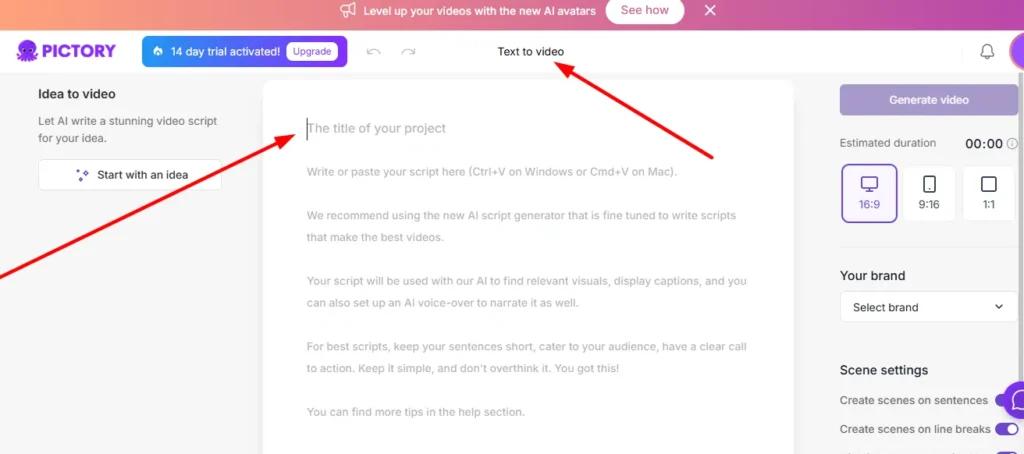
If you run a high-traffic blog and want to add video summaries to your articles to boost time-on-page, Pictory is your best bet. You can literally paste your article URL into the dashboard and have a functional, captioned video ready in ten minutes.
Best AI Video Generator for Faceless YouTube Channels
This is a split decision. If your channel relies heavily on stock footage, documentaries, or listicles, Pictory is the fastest engine. However, if your faceless channel uses an animated character or a consistent “AI host” to build brand identity, Akool is the undisputed choice due to its volume-friendly pricing.
Best AI Video Generator on a Budget
If you specifically need talking head videos but cannot justify HeyGen’s premium credit costs, Akool wins the budget category. It gives you professional-grade lip sync and custom avatars without draining your monthly software budget.
Frequently Asked Questions (People Also Ask)
Is Akool better than HeyGen for lip sync?
HeyGen currently holds a slight edge in absolute lip sync accuracy and micro-expressions, especially for complex languages. However, Akool is highly competitive and most casual viewers cannot tell the difference between the two on a smartphone screen.
Can I use Pictory for AI talking avatars?
No, Pictory is not designed for generating realistic AI talking avatars. It is a text-to-video platform that relies on automated stock footage, B-roll, and text-to-speech voiceovers. If you need avatars, you must look at HeyGen or Akool.
Which is the cheapest AI video tool: HeyGen, Akool, or Pictory?
For pure video volume, Pictory often works out cheapest for B-roll content. For avatar creation, Akool offers more aggressive pricing and higher minute limits than HeyGen, making it the more budget-friendly option for daily creators.
Final Decision: Should You Choose HeyGen, Akool, or Pictory?
You no longer have to guess which software fits your business. The best AI video generator HeyGen Akool Pictory debate comes down to a simple workflow choice.
If you need to clone yourself to scale high-ticket sales videos, client onboarding, or premium courses, the realism of HeyGen justifies the price tag.
If you are a YouTube creator or affiliate marketer who needs to pump out high-quality avatar videos daily without destroying your profit margins, Akool is the smartest choice you can make right now.
If you don’t care about avatars at all and just want to turn your written blog posts into faceless YouTube videos fast, stick with a text-to-video engine like Pictory.
Stop overthinking the software. Pick the one that matches your specific content style, lock in your workflow, and start publishing.