Most bloggers hit the same wall. You open a new AI tool, get excited, and then a paywall shows up after two free generations. Your draft sits half-written, and your budget doesn’t move.
That’s the real problem with free AI tools for bloggers right now. Dozens claim to be free, but most quietly limit words, credits, or features once you actually need them. Some are genuinely useful for writing. Others work better for research, editing, or images.
So which ones hold up once the free trial label disappears? Beginners need something simple. Creators need speed. Marketers need SEO accuracy. Your blog, your budget, and your workflow all decide the answer differently — and it’s not always the tool everyone recommends.
What Makes a Free AI Tool Actually Worth Using for Bloggers?
Not every free AI tool earns a spot in your workflow. Some save hours every week. Others waste your time with low-quality output or hidden limits. This section breaks down what separates a genuinely useful tool from one that just looks good in a marketing screenshot.
A worthwhile free AI tool for bloggers usually meets a few clear standards:
- Real free access, not just a 3-day trial disguised as “free”
- Usable output that needs light editing, not a full rewrite
- A specific job it does well, like outlines, grammar, or SEO research
- No watermarks or forced upgrades to access basic features
Pricing isn’t the only factor. A tool can be free and still be useless if it produces generic, repetitive text or ignores search intent. The best ones fit naturally into an existing writing process instead of replacing it entirely.
Bloggers get the most value from free AI tools when each one solves one problem clearly, rather than promising to do everything at once.
With that criteria in mind, here’s how each tool on this list was tested and ranked.
How I Tested These Free AI Tools for Bloggers
Every tool on this list was tested manually, not just researched from feature pages. Each one was used to complete a real blogging task, then evaluated against the same criteria for fairness.
The goal was simple: find out which free AI tools for bloggers actually hold up once the free tier limits kick in.
Each tool was scored on four factors:
- Output quality – Does the writing sound natural, or generic and repetitive?
- Free plan limits – How many words, credits, or generations are actually included?
- Ease of use – Can a beginner blogger use it without a learning curve?
- Practical value – Does it solve a real problem, or just look impressive in a demo?
Tools that required a credit card for the “free” plan, or that produced unusable output without heavy editing, were marked down. Watermarks, daily caps, and locked features were also noted, since these often aren’t obvious until after signup.
This testing process is what shaped the rankings below, starting with the strongest all-around pick for blog writing.
7 Best Free AI Tools for Bloggers (Tested & Ranked)
| AI Tool | Best For | Free Plan Limit | Starting Price |
|---|---|---|---|
| Pictory | Blog-to-video conversion | 14-day trial only | $25/month |
| OpenArt | AI blog images | 512×512, personal use | $7/month |
| Murf | AI voiceovers | 10 mins, no commercial rights | $19/month |
| ElevenLabs | Multilingual voiceovers | 10k credits, no commercial use | $6/month |
| Akool | Avatar blog videos | 720p, watermarked | $21/month |
| QuillBot | Grammar & paraphrasing | 125 words, daily caps | $8.33/month |
| Sudowrite | Story-driven content | Trial only | $10/month |
1. Pictory — Best AI Tool to Turn Blog Posts Into Video (14-Day Free Trial)

Got a blog post just sitting there, getting zero love outside Google? Pictory turns that same content into a polished video in minutes, no filming, no editing software, no learning curve. Paste in your blog URL or script, and it builds the scenes, finds matching visuals, adds captions, and narrates it with realistic AI voices automatically.
This is the move for bloggers who know video drives reach but don’t have hours to spend cutting clips. One article becomes a YouTube explainer, a TikTok clip, and an Instagram Reel, without starting from scratch each time. It’s not a free tool, but the 14-day trial gives you real room to test it before paying a cent.
Get 20% Off Pictory With Code CABF20
Ready to turn blog posts into video? Use code CABF20 at checkout for 20% off any paid Pictory plan after your free trial.
Key Features:
- Blog-to-video: turns posts or URLs into full videos automatically.
- AI voiceovers: realistic narration in 29+ languages via ElevenLabs.
- Auto captions: instant subtitles for accessibility and reach.
- Stock library access: millions of clips from Getty and Storyblocks.
Pricing: Plans start at $25/month billed annually, with a 14-day free trial, no credit card required to start testing the platform.
My experience: Pulling a script from an existing blog post into a clean, captioned video took under 15 minutes, far faster than manual editing.
Why choose it: If repurposing blog content into video has been on your to-do list for months, Pictory removes the actual barrier: time.
2. OpenArt — Best Free AI Tool for Blog Images & Graphics
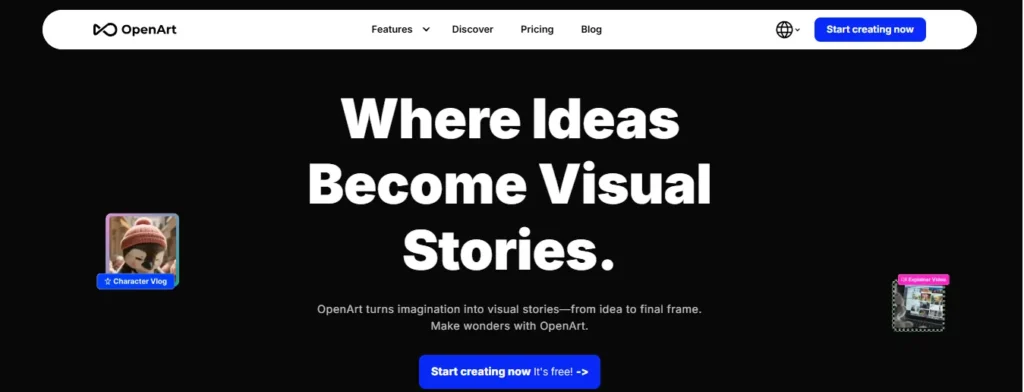
Tired of paying for stock photos that every other blog already used? OpenArt lets you generate original images, graphics, and even short video clips for your blog posts directly from a text prompt, no design skills required.
It’s a true free-to-start tool: no credit card needed, daily free generations on basic models, and a one-time batch of 40 bonus credits to test premium models like GPT Image-2 and Nano Banana Pro before deciding if you want more. For bloggers tired of generic stock photos, this is a fast way to create visuals nobody else has.
Free outputs are capped at 512×512 resolution and are for personal use, so check licensing before using images commercially.
Get 15% Off OpenArt With Code NISHA15
Want original blog visuals without the stock photo price tag? Use code NISHA15 at checkout for 15% off any OpenArt premium plan.
Key Features:
- Text-to-image: generate custom graphics from a simple prompt.
- 100+ AI models: access SDXL, Flux, and more in one dashboard.
- Image-to-image editing: upload and reimagine existing visuals.
- Community prompt library: browse and reuse proven prompt formulas.
Pricing: Free plan with daily generations, no card required. Paid plans start around $7/month for higher resolution and commercial rights.
My experience: Generating a custom blog header took under two minutes, no Photoshop or stock site browsing needed at all.
Why choose it: If you want original blog visuals without a design budget, OpenArt removes that barrier completely.
3. Murf AI — Best Free AI Tool for Blog Voiceovers & Audio Content

Want to turn your blog post into a podcast episode or add narration to a video, without sounding like a robot read it? Murf generates natural, human-like voiceovers from plain text in minutes, no microphone, no recording booth, no awkward re-takes.
It’s built for creators who need audio fast: pick from 200+ voices across 20+ languages, paste in your script, and download a polished voiceover. The free plan gives you 10 projects and 10 minutes of voice generation with no credit card required, enough to test real output before committing.
One catch worth knowing: free-plan audio comes without commercial rights, so it’s best for testing and personal projects until you upgrade.
Key Features:
- 200+ AI voices: natural tone across 20+ languages and accents.
- Voice cloning: build a consistent narrator voice for your brand.
- Script-to-speech: paste text, get studio-quality audio output.
- Easy integrations: works with Canva, PowerPoint, and Google Slides.
Pricing: Free plan with 10 minutes of voice generation, no card required. Paid plans start at $19/month for commercial rights and more usage.
My experience: Converting a short blog excerpt into voiceover took minutes, and the AI voice sounded far more natural than expected.
Why choose it: If you want to repurpose blog content into audio without hiring a voice actor, Murf makes that genuinely simple.
4. ElevenLabs — Best Free AI Tool for Multilingual Voiceovers & Audio Branding

Need narration in more than one language without re-recording from scratch? ElevenLabs generates ultra-realistic speech across 70+ languages from a single script, so your blog content can reach readers who’d rather listen than scroll.
It’s not just voiceovers either. The same free account gives you access to sound effects, voice cloning, and even music generation, useful if you’re repurposing blog posts into podcasts, YouTube intros, or social clips. The free plan includes 10,000 credits a month (roughly 10 minutes of generated speech), no credit card required to start.
Commercial use isn’t included on the free tier. That unlocks starting on the $6/month Starter plan, worth knowing before publishing monetized audio.
Key Features:
- 70+ languages: natural, expressive speech for global content.
- Voice cloning: create a consistent narrator across every post.
- AI music & SFX: generate background audio without licensing stock tracks.
- Dubbing tool: translate and re-voice existing audio or video content.
Pricing: Free plan with 10k credits/month, no card required. Paid plans start at $6/month for commercial rights and more usage.
My experience: Switching the same script between three languages took seconds, and the tone shifts (whispers, emphasis) sounded surprisingly natural.
Why choose it: If your blog has an international audience, ElevenLabs makes multilingual audio content actually realistic to produce.
5. Akool — Best Free AI Tool for Blog-to-Video & Avatar Content
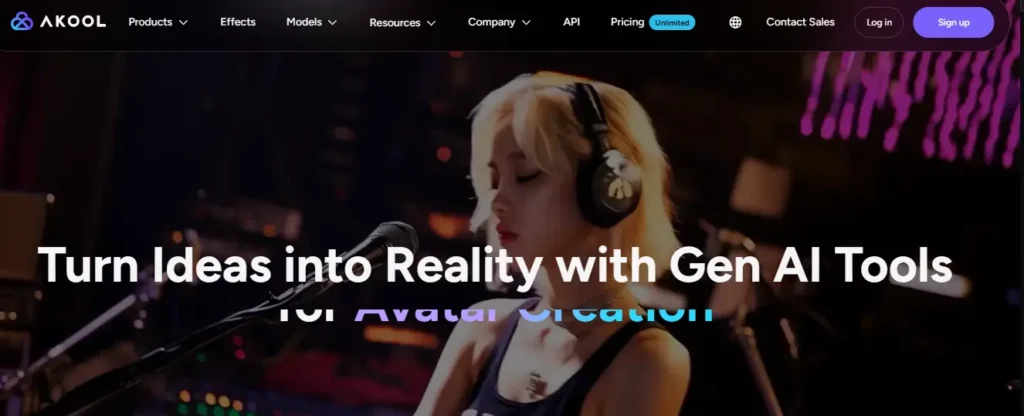
Want to turn a blog post into a talking-head explainer video, without ever turning on a camera? Akool generates AI avatar videos from a script, swaps faces for creative content, and translates video into 155+ languages, all from a browser.
The free plan is genuinely free forever, no trial clock, no credit card. You get limited access to basic AI video and image models, 720p resolution, and videos up to 5 minutes long. It’s a real way to test avatar-driven content before deciding if you need more.
Two things to know upfront: free outputs include a watermark, and the license is personal use only, so swap to a paid seat before publishing anything branded or monetized.
Key Features:
- AI avatar videos: turn scripts into presenter-style videos instantly.
- Face swap tool: create personalized or creative marketing visuals.
- Video translation: localize content into 155+ languages with lip-sync.
- Image generator: produce custom visuals from text prompts.
Pricing: Free plan forever, no card required. Paid plans start at $21/seat/month (billed annually) for HD output and commercial rights.
My experience: Generating a short avatar video from a script took a few minutes, though the watermark and 720p cap were noticeable on free output.
Why choose it: If you want to test AI avatar video before investing in a paid plan, Akool’s free tier gives a real, unfiltered preview.
6. QuillBot — Best Free AI Tool for Grammar, Paraphrasing & Editing
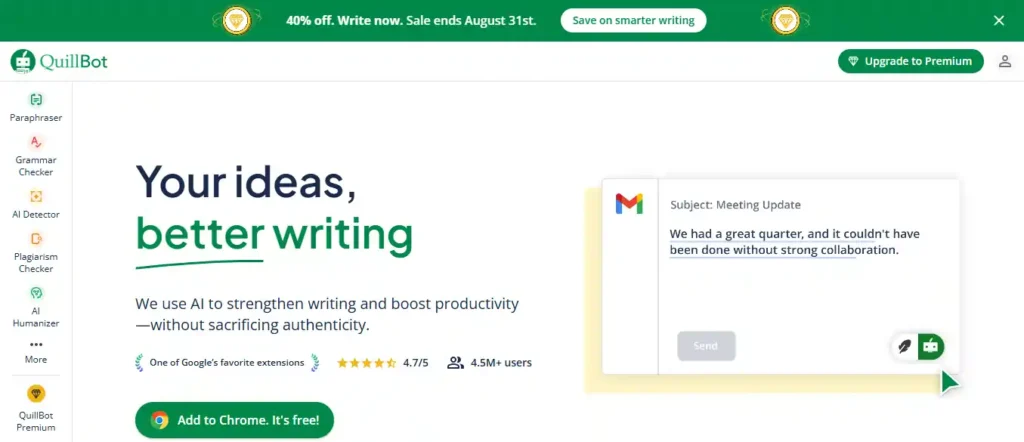
Written a blog post that technically makes sense but doesn’t quite read right? QuillBot fixes that. Paste in a paragraph, and it rewrites awkward sentences, catches grammar slips, and tightens your wording, all without changing what you actually meant to say.
It’s one tool with several jobs built in: a paraphraser, a grammar checker, an AI humanizer, a plagiarism checker, and even an AI detector, all on the same free account. No credit card required to start. For bloggers polishing AI-assisted drafts before publishing, this is the editing pass that catches what a first read misses.
The free plan has real limits: paraphrasing caps at 125 words per pass, and the humanizer allows 6 uses a day. Fine for editing a section at a time, less so for full articles in one go.
Key Features:
- Paraphraser: rewrite stiff or repetitive sentences instantly.
- Grammar checker: catch spelling and grammar errors as you write.
- AI humanizer: soften robotic-sounding AI draft text.
- Plagiarism checker: flag unoriginal passages before publishing.
Pricing: Free plan with daily limits, no card required. Premium starts at $8.33/month (billed annually) for unlimited use.
My experience: Running a clunky AI-drafted paragraph through the paraphraser made it sound noticeably more natural in seconds.
Why choose it: If your drafts need a final polish before they go live, QuillBot catches what a quick re-read usually misses.
Good call. Here’s the bonus pick, framed honestly as a trial and angled toward the one slice of blogging where fiction-writing AI actually applies: storytelling-driven content (personal essay blogs, narrative posts, fiction-adjacent niches).
7. Sudowrite — Best AI Writing Partner for Story-Driven Blog Content (Free Trial)
Write blog posts that lean into storytelling, personal narrative, or fiction-adjacent content? Sudowrite isn’t built for SEO listicles or how-to guides. It’s built for writers who need a collaborator for scenes, character voice, and pacing, the kind of writing that reads more like a story than a blog post.
If your blog includes personal essays, serialized fiction, or narrative-style content, Sudowrite helps you brainstorm plot points, expand thin scenes, and rewrite clunky dialogue without losing your own voice. It’s a genuinely different tool than the writing assistants built for marketing copy or SEO content.
It’s not a free tool. There’s a free trial with no credit card required, but it converts to a paid plan starting at $10/month once the trial ends.
Key Features:
- Story Bible: turns a loose idea into a structured outline and draft.
- Write & Expand: suggests next-scene text matched to your tone.
- Brainstorm tool: generates names, plot twists, and ideas on demand.
- Feedback tool: flags weak pacing or unclear sections in a draft.
Pricing: Free trial, no card required. Paid plans start at $10/month (Hobby & Student tier) after the trial ends.
My experience: Feeding it a half-finished scene produced a continuation that actually matched the tone I’d already set, not generic filler.
Why choose it: If your blog leans narrative or fiction-adjacent, Sudowrite handles story craft in a way general AI writers don’t.
Free vs Paid AI Tools for Bloggers — Which Should You Use?
For most bloggers starting out, free is genuinely enough. Free plans cover drafting, editing, basic images, and short voiceovers without ever asking for a card. The limits, word caps, daily generations, lower resolution, mainly show up once you’re publishing consistently or monetizing.
Paid plans earn their cost in three specific situations: you need commercial usage rights, you’re hitting daily or word limits mid-task, or watermarks are showing up on content you’re publishing. Tools like OpenArt, Murf, and Akool all gate commercial rights behind a paid tier, so a monetized blog will eventually need to upgrade at least one tool in the stack.
A practical approach: stay free until a specific limit blocks real work, then upgrade only that one tool. Paying for everything upfront usually means paying for capacity you haven’t grown into yet.
Quick rule of thumb:
- Free works for: testing tools, occasional posts, non-commercial content, personal blogs without ads
- Paid is worth it for: commercial/monetized content, daily publishing schedules, removing watermarks, unlimited word or generation caps
This is also why the trial-based tools on this list, Pictory and Sudowrite, deserve a second look once your workflow is established. A 14-day trial is enough to judge fit, but the real test is whether you’d pay for it once the trial ends.
Frequently Asked Questions (FAQs)
What is the best free AI tool for bloggers in 2026?
There’s no single best tool, since each one solves a different problem. ChatGPT and similar AI writing assistants work well for outlines and drafts, QuillBot handles grammar and paraphrasing, and OpenArt covers free AI image generation. Most bloggers end up using two or three free tools together rather than relying on just one.
Are free AI tools for bloggers actually free, or is it just a trial?
It depends on the tool. Some, like QuillBot and OpenArt, offer a genuine free-forever plan with daily limits and no credit card required. Others, like Pictory and Sudowrite, only offer a free trial that converts to a paid subscription afterward. Always check whether a “free” tool means ongoing free access or a limited-time trial before relying on it.
Can free AI writing tools replace a human blogger?
No. Free AI writing tools speed up brainstorming, drafting, and editing, but they don’t replace a blogger’s personal experience, opinions, or fact-checking. Google’s helpful content guidelines reward original insight and firsthand expertise, which AI tools alone can’t generate.
Does using AI content hurt blog SEO rankings?
Google has stated it doesn’t penalize content for being AI-assisted, only content that’s low-quality, unhelpful, or created purely to manipulate rankings. Well-edited AI drafts that include real expertise and original insight can rank normally in search results.
What is the best free AI tool for blog SEO and keyword research?
Free keyword research tools that pull real search volume, keyword difficulty, and People Also Ask data are best for SEO planning. Google Search Console and Google Trends are also free and show what’s actually driving traffic to an existing blog.
What’s the best free AI image generator for blog posts?
OpenArt is a strong free option for bloggers who need original graphics instead of generic stock photos. The free plan caps resolution at 512×512 and limits images to personal, non-commercial use, so check licensing terms before using AI-generated images in monetized content.
Do free AI tools add a watermark to images or videos?
Some do. Free plans on video tools like Akool include a visible watermark and limit resolution and length, while paid plans remove it. Always check a tool’s free-tier terms before publishing client work or monetized content, since watermarked or non-commercial outputs aren’t safe for business use.
What’s the best free AI tool to check if content sounds like AI?
QuillBot’s AI Detector (limited free version) and similar AI content detector tools scan text and estimate how likely it is to be AI-generated. These tools are useful for checking guest posts, freelance work, or your own drafts before publishing, though no detector is 100% accurate.
Can I use free AI tools for commercial blog content?
Not always. Many free plans, including OpenArt’s image generator and Murf’s free voiceover plan, restrict outputs to personal use only. Commercial rights, needed for monetized blogs, ads, or client work, usually require upgrading to a paid plan.
How many AI tools should a blogger actually use?
Most bloggers only need two or three: one for writing or editing, one for images or design, and one for SEO or keyword research. Adding too many tools at once tends to slow down the workflow instead of speeding it up.
Final Thoughts: Choosing the Right Free AI Tools for Bloggers
Not every tool on this list belongs in your workflow, and that’s fine. The right pick depends on what’s actually slowing you down: writing, editing, visuals, or audio.
Start small. Pick one tool that solves your biggest bottleneck, use it for a few posts, and add another only when you feel the gap. Free plans are generous enough to test real value before you ever pay for an upgrade.
AI handles the repetitive parts. Your experience, voice, and judgment still carry the post.
Ready to try one? Start with QuillBot for cleaner drafts or OpenArt for original blog visuals, both genuinely free, no card required.