Hello my lovely readers, Nisha here from AIBlogFirs.com. For the last six months, I have tested dozens of AI tools and shared honest experiences on this blog, and today’s topic is something many of you have been asking about.
Opening an AI character generator for the first time can feel confusing. Dozens of tools promise realistic art, anime faces, or game-ready designs, but most results look stiff, repetitive, or nothing like what was imagined. Some tools need technical skill, others charge before showing real output, and a few simply fail at keeping a character consistent across images.
If your character keeps changing shape every time you regenerate it, you’re not doing anything wrong. Something deeper decides why AI character generators behave this way, and it changes everything about how creators should choose one.
What Is an AI Character Generator?
An AI character generator is a tool that creates original characters using artificial intelligence. Instead of drawing by hand, you type a description like “cyberpunk cat musician” or upload a photo, and the AI builds a character based on that input.
These tools can create characters in different styles, including realistic, anime, cartoon, or 3D. Some also let you upload a reference photo to create a similar-looking character or avatar.
AI character generators are used by game developers, writers, marketers, and content creators who need character art without hiring a designer or spending hours sketching. In short, they turn an idea into a visual character in minutes.
How Do AI Character Generators Work?
AI character generators use machine learning models, usually diffusion models or GANs, trained on millions of images. These models learn patterns like face shapes, clothing styles, and art techniques.
When you enter a prompt or upload a photo, the AI studies your input and generates a new image that matches it. Some tools also let you lock specific features, like face shape or hairstyle, so the same character can appear across multiple images.
This is where tools differ the most. Basic generators create one strong image but struggle to repeat the same character later. Stronger tools use reference locking or trained models to keep the character’s identity steady across different poses, outfits, and scenes.
What to Check Before Choosing an AI Character Generator
Not every AI character generator works the same way, so a few things are worth checking before picking one.
- Character consistency – Can the tool recreate the same character across multiple images without the face, hairstyle, or outfit changing?
- Art style options – Does it support the style you need, such as anime, realistic, or 3D?
- Free vs paid limits – Many tools offer free credits, but heavier use may need a paid plan.
- Commercial usage rights – If you plan to sell or publish the artwork, confirm the tool allows commercial use.
- Ease of use – Some tools need detailed prompting skills, while others are beginner-friendly.
Checking these points early saves time and avoids switching tools halfway through a project.
5 Best AI Character Generators – Quick Comparison Table
| Tool Name | Best For | Starting Price | Standout Feature |
|---|---|---|---|
| OpenArt AI | All-in-one creation | $14/month | 100+ AI models |
| Midjourney | Artistic detail | $10/month | Painterly art style |
| Ideogram | Precision & typography | $15/month | Character Reference tool |
| Neolemon | Children’s books | $29/month | Story-ready consistency |
| Canva AI | Beginners & marketers | Free plan | Chat-based editing |
1. OpenArt AI – Best All-in-One AI Character Generator
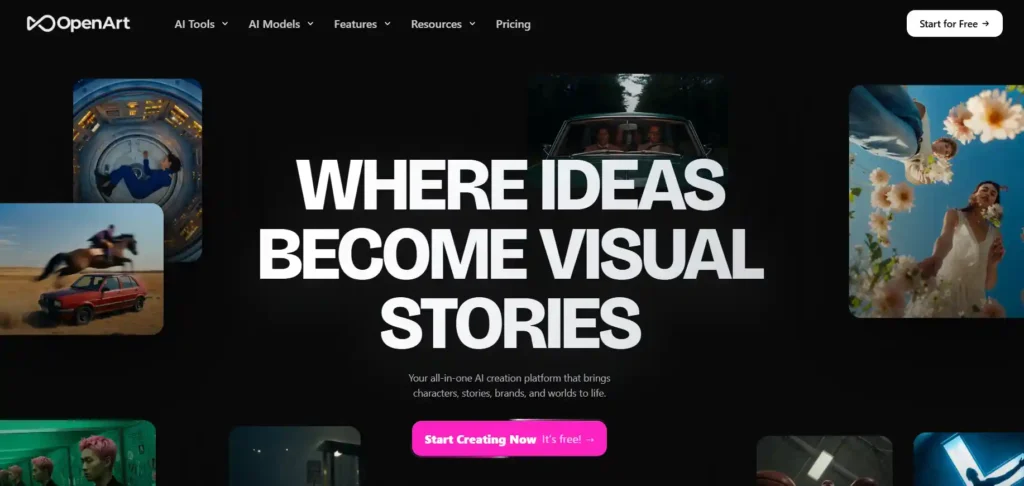
OpenArt brings character creation together with video, image, and world-building tools in one workspace. Instead of using separate apps, you can design a character and instantly turn it into images, animated videos, or full story scenes without switching platforms.
The Character tool focuses on consistency, letting you build a reusable character and keep the same face, outfit, and style across multiple generations. It supports anime, realistic, 3D, and illustrated styles, making it useful for game design, storytelling, and social content.
With access to 100+ image and video models, plus MCP integration for ChatGPT and Claude, OpenArt fits both beginners and advanced creators building long-term character projects.
Save 15% on OpenArt AI Today
Use my exclusive coupon code to get 15% off any OpenArt subscription plan and start creating consistent AI characters instantly.
Coupon Code: NISHA15
Pros and Cons
Pros
- Strong character consistency across scenes.
- Access to 100+ premium AI models.
- Built-in video, image, and story tools.
- Commercial use rights on paid plans.
Cons
- Free plan has limited credits.
- Learning curve for advanced features.
Pricing: Plans start at $14/month for 4,000 credits, scaling up to $240/month for 106,000 credits and unlimited creative flexibility.
My Take: Reliable, flexible, and genuinely useful for consistent character projects.
Why Choose OpenArt: If you need one platform for characters, videos, and stories together, OpenArt saves time, effort, and creative frustration daily.
2. Midjourney – Best AI Character Generator for Artistic, High-Quality Character Art
Midjourney is known for producing some of the most detailed and visually striking AI artwork available today. For character creation, it excels at rich textures, dramatic lighting, and painterly styles that feel closer to concept art than typical AI output.
While it doesn’t offer a traditional built-in “character” dashboard like some newer tools, creators use consistent prompting and reference styles to build recurring characters for games, book covers, and illustrations. It works through Discord or its web app, giving flexibility for solo or collaborative projects.
With Fast and Relax generation modes, Midjourney suits both quick experiments and long creative sessions without slowing down your workflow.
Pros and Cons
Pros
- Exceptional artistic image quality.
- Strong stylistic range and detail.
- Unlimited Relax mode on higher plans.
- Broad commercial usage rights.
Cons
- No dedicated character consistency tool.
- Learning curve for prompt crafting.
Pricing: Plans range from $10/month (Basic) to $120/month (Mega), with 20% savings on annual billing.
My Take: Best choice when visual quality matters more than built-in consistency tools.
Why Choose Midjourney: If artistic depth and painterly detail define your character vision, nothing matches Midjourney’s output quality.
3. Ideogram – Best AI Character Generator for Typography, Precision, and Consistency
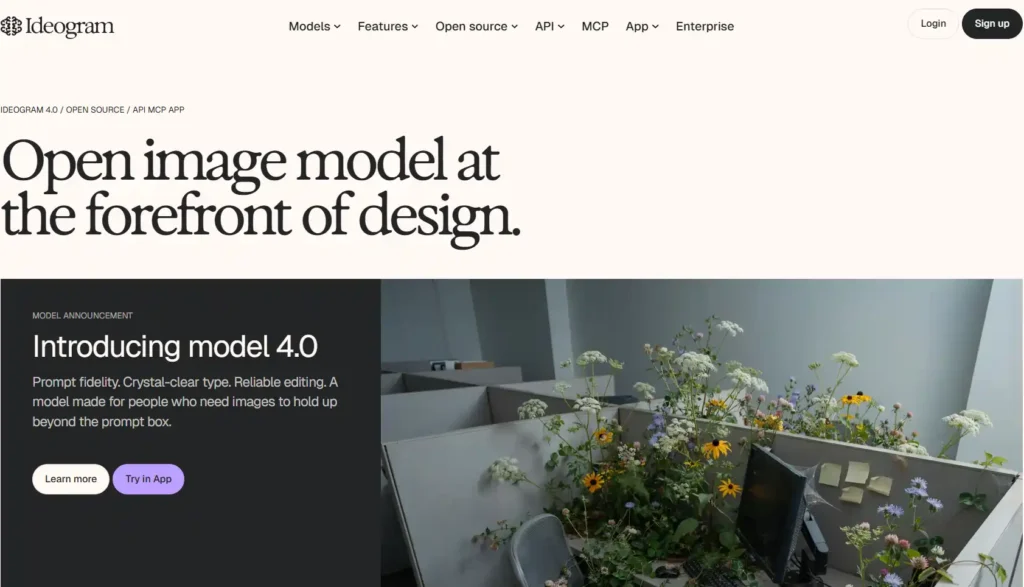
Ideogram stands out for dependable prompt accuracy, clean typography, and reliable character consistency across generations. With Character Reference and Style Reference tools, you can create a character once and keep the same identity across multiple scenes, outfits, and compositions.
Beyond static images, Ideogram offers a full creative suite including background removal, object removal, image reframing, and an Ad Resizer, making it useful for creators who need character art plus production-ready assets. Its unified API also lets developers plug character generation directly into apps and workflows.
Trusted by teams at Netflix, Adobe, and Skechers, Ideogram balances creative flexibility with enterprise-level reliability.
Pros and Cons
Pros
- Unlimited character consistency (paid plans.)
- Strong typography and prompt accuracy.
- Full editing suite included.
- API access for developers.
Cons
- Free plan lacks character reference.
- Priority credits limited on lower tiers.
Pricing: Plans start at $15/month (Plus, billed annually) up to $42/month (Pro), with custom Enterprise options available.
My Take: A dependable, well-rounded tool for consistent, production-ready characters.
Why Choose Ideogram: If consistency, clean detail, and API flexibility matter, Ideogram delivers dependable results every time.
4. Neolemon – Best AI Character Generator for Children’s Books and Storytelling
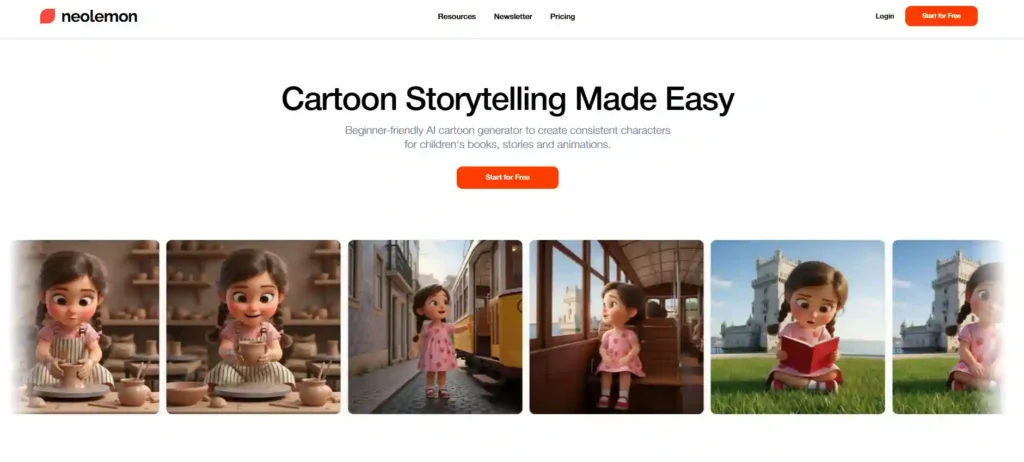
Neolemon is built specifically for storytellers, not general artists. It focuses on one core problem creators struggle with most: keeping a cartoon character looking the same across every page, pose, and outfit change.
Writers, teachers, and parents use it to turn simple photos or descriptions into consistent characters, then place them into multiple scenes for children’s books, comics, and coloring pages. Styles range from Pixar-inspired to watercolor and chibi, with no prompting skills required.
With 23,000+ creators using the platform and strong praise for reliable consistency, Neolemon has become a trusted choice for self-publishers and educators building illustrated stories.
Pros and Cons
Pros
- Excellent character consistency across scenes.
- Beginner-friendly, no prompting needed.
- Multiple styles including Pixar and anime.
- Commercial use included on paid plan.
Cons
- Limited to cartoon/illustration styles.
- No free-tier commercial usage rights.
Pricing: Free trial with 5 illustrations, then $29/month for 600 credits and full commercial use.
My Take: The most reliable tool for consistent, story-ready cartoon characters.
Why Choose Neolemon: If you’re illustrating a book or story, character consistency here beats every general-purpose AI tool.
5. Canva AI – Best AI Character Generator for Beginners and Quick Social Content
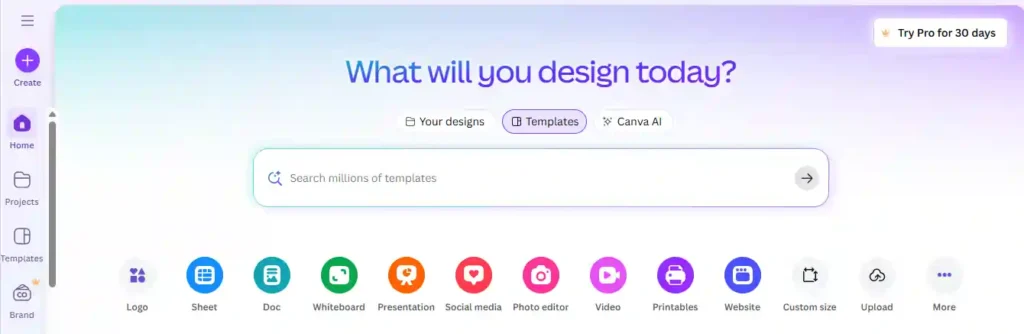
Canva AI is the easiest entry point for anyone who wants character visuals without learning a dedicated art tool. Since it lives inside Canva’s familiar drag-and-drop editor, beginners can describe a character, generate it instantly, and drop it straight into a poster, social post, or presentation.
Canva AI 2.0 works conversationally, refining designs through chat instead of complex prompting. It connects with tools like Gmail, Slack, and Google Drive, and keeps a memory of your style over time, making repeat content creation faster.
It’s not built for deep character consistency across long stories, but for marketers and casual creators needing fast, on-brand visuals, it’s hard to beat.
Pros and Cons
Pros
- Extremely beginner-friendly interface.
- Fully editable AI-generated designs.
- Connects with everyday work tools.
- Learns your brand style over time.
Cons
- Limited character consistency control.
- Advanced AI features need paid plan.
Pricing: Free plan available; Pro starts around $12.99/month, Business around $20/month per person.
My Take: Perfect for quick, polished character visuals without a learning curve.
Why Choose Canva AI: If speed and simplicity matter more than deep consistency, Canva AI fits perfectly into daily content work.
Free vs Paid AI Character Generators – Which One Should You Choose
Free AI character generators are a good starting point if you’re just testing ideas or making characters for personal use. Most free plans give you a limited number of credits, basic style options, and sometimes a watermark on the final image.
Paid plans usually unlock more credits, higher image quality, extra styles, and commercial usage rights. If you’re using characters for a game, book cover, YouTube channel, or client work, a paid plan is often necessary since free versions rarely allow commercial use.
A simple way to decide: if you’re experimenting or learning how the tool works, start free. If you need consistent characters for ongoing projects, a paid plan will save time and give better results.
How to Get the Best Results from an AI Character Generator (Prompt Tips)
The quality of your character depends heavily on how clearly you describe it. Vague prompts give vague results.
- Be specific about details – Mention hair color, clothing, expression, and art style instead of general terms.
- Describe the pose and angle – Saying “front-facing, standing pose” gives more control than leaving it blank.
- Use reference images when possible – Uploading a photo or sketch helps the AI stay closer to what you’re imagining.
- Keep prompts consistent – If you want the same character in multiple scenes, reuse the same key details every time (hair, outfit, face shape).
- Test small changes – Adjust one detail at a time so you know exactly what caused a change in the output.
Small prompt adjustments often make a bigger difference than switching tools entirely.
Common Mistakes to Avoid When Using an AI Character Generator
- Using vague prompts – Short, unclear descriptions often lead to generic or unexpected results.
- Ignoring consistency settings – Skipping reference locks or seed settings makes it harder to reuse the same character later.
- Not checking commercial rights – Using free-tier images for business projects can cause licensing issues.
- Expecting perfect results on the first try – Most strong characters take a few rounds of small prompt edits, not one lucky generation.
- Switching tools too often – Jumping between generators makes it harder to learn a tool’s strengths and get consistent results.
Avoiding these mistakes helps you get usable, consistent characters faster, without wasting credits or time.
FAQs About AI Character Generators
What is the best free AI character generator?
Canva AI and OpenArt offer solid free plans for beginners. For consistent characters without watermarks, Neolemon’s free trial and OpenArt’s starter credits work well too.
Can AI character generators keep the same character consistent across images?
Yes, tools like Ideogram, OpenArt, and Neolemon use character reference or consistency editors to maintain the same face, outfit, and style across multiple scenes reliably.
Are AI character generators free to use for commercial projects?
Most free plans restrict commercial use. Paid subscriptions on Midjourney, Ideogram, OpenArt, and Neolemon typically include commercial usage rights for published or sold work.
Which AI character generator is best for anime-style characters?
OpenArt and Midjourney both support strong anime styling. OpenArt offers dedicated anime presets, while Midjourney delivers detailed, painterly anime artwork through careful prompting.
What AI tool do game developers use for character design?
Game developers often choose OpenArt or Midjourney for concept art and consistent character sheets, since both support detailed styles and reusable character generation workflows.
How is an AI character generator different from an AI avatar generator?
Avatar generators create stylized versions of real people, usually for profile pictures. Character generators build original, fictional characters with reusable traits across scenes and stories.
Which AI character generator is best for children’s book illustrations?
Neolemon is purpose-built for children’s books, offering reliable character consistency, Pixar-style art, and multi-scene storytelling tools trusted by thousands of self-published authors.
A Final Word from Nisha
Choosing an AI character generator really comes down to what you’re creating. Want artistic depth? Midjourney delivers. Need consistency for a children’s book? Neolemon is unmatched. Building a full creative workflow? OpenArt has you covered. And if you just need quick, beginner-friendly visuals, Canva AI won’t disappoint.
I’ve tested these tools myself over the past six months, and each one earned its spot on this list.
Try one today, start creating your character, and tell me in the comments which tool worked best for you. I’d love to hear your story!