Kling AI produces some of the most realistic motion in AI video right now, but its free tier limits daily generations and blocks commercial use, which sends a lot of creators looking elsewhere. If you need more credits, fewer restrictions, or simply want to test a different style before committing to a paid plan, you’re not out of options.
Several free ai alternatives to Kling AI now offer real free tiers instead of a single watermarked demo clip. Some focus on image-to-video quality, others on faster rendering or open-source flexibility for local use.
This list covers seven tools worth trying, based on what each one actually does well: free credits, output quality, watermark policies, and how usable the free plan really is for everyday content work.
Why You Might Need a Free Kling AI Alternative
Kling AI produces some of the smoothest motion in AI video generation, but the free plan comes with real limits. Daily credits run out fast, and commercial use isn’t allowed on the free tier.
That leaves a gap for creators who need more than a demo clip but aren’t ready to pay for a subscription.
A few common reasons people search for a free Kling AI alternative:
- Daily generation limits run out before a project is finished.
- Commercial use requires a paid plan.
- Regional access issues affect some users.
- Output style doesn’t match every use case, like avatars or voiceovers.
The good news is that the free tiers on other AI video tools have improved. Some now offer more daily credits, no watermark, or open-source access for local use.
The alternatives below were chosen because each one solves a specific limitation Kling’s free plan has, whether that’s credit volume, licensing, or flexibility. Here’s a quick look at how they compare before the full breakdown.
What Kling AI Does Well (And Where the Free Plan Falls Short)
Kling AI has earned its reputation. It handles complex motion well and produces some of the most realistic clips available from a free-to-try tool.
Its strengths are clear:
- Motion quality: Kling renders fluid, natural movement, even in busy scenes with multiple moving elements.
- Image-to-video accuracy: Outputs stay close to the reference image, with fewer distortions than many competitors.
- Native audio: Newer versions generate synced dialogue and sound effects alongside the video.
Where the free plan struggles is access, not quality. Daily credits are limited, so heavy testing or repeated edits become difficult without upgrading.
Commercial use is also restricted on the free tier. Anything used in a client project, advert or monetised content typically requires a paid plan.
Regional availability adds another layer of friction for some users, depending on where they’re based.
None of this makes Kling a weak tool. It simply means the free version suits casual testing better than ongoing or commercial work, which is exactly where the alternatives below come in.
How We Tested These Free Kling AI Alternatives
Each alternative was tested using the same criteria, rather than relying on marketing claims or spec sheets alone.
We looked at:
- Free credit volume: How many generations a new user actually gets, and how often credits reset.
- Output quality: Motion consistency, prompt accuracy and visual coherence across multiple test clips.
- Watermark policy: Whether free outputs include a visible watermark or branding.
- Commercial-use terms: Whether free-tier videos can legally be used outside personal projects.
- Generation speed: Average time taken per clip under normal conditions.
- Ease of use: How straightforward the interface is for someone without prior AI video experience.
We avoided ranking tools purely on brand recognition. A well-known name doesn’t always mean the best free-tier experience.
Where terms or limits weren’t publicly confirmed, we noted that rather than guessing. This kept the comparisons factual and grounded in what each platform states, not assumptions.
This testing approach shapes how the tools are ranked below, particularly where free-plan restrictions differ significantly from Kling’s own limitations.
Quick Comparison: 7 Best Free Kling AI Alternatives at a Glance
| Tool | Best For | Free Plan | Starting Price |
|---|---|---|---|
| Pictory AI | Content-to-video creation | No credit card | $25/month |
| OpenArt AI | Multi-model creative control | Free to start | $14/month |
| Akool | Avatars and face swap | Free plan available | $12/month |
| Invideo | AI agent filmmaking | Limited free credits | $17/month |
| APOB AI | AI influencer content | 80 daily credits | $7.5/month |
| Runway | Editing and production | 500 free credits | $12/month |
| Synthesia | Business training videos | 10 min/month free | $14/month |
1. Pictory AI — Best Free Kling AI Alternative for Turning Content Into Video
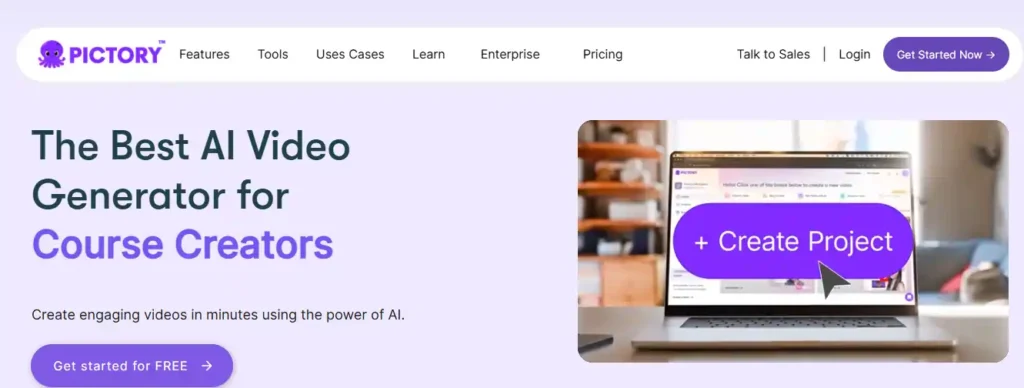
If Kling AI’s free plan feels too limited for creating videos from real content, Pictory takes a different approach worth trying.
Instead of generating clips from a single prompt, Pictory turns scripts, blog posts, PPTs, images, and URLs into fully edited videos, complete with captions, AI voices, and templates.
You get started without a credit card, which makes it easy to test the platform before committing to anything. For creators, marketers, and teams who need finished, publish-ready videos rather than short motion clips, Pictory fills a gap Kling AI’s free tier doesn’t cover.
It’s less about cinematic motion and more about speed, structure, and usable output.
Pictory Coupon: Get 20% Off Your Plan
Use code CABF20 at checkout to save 20% on any Pictory subscription plan, including Starter, Professional, and Team tiers.
Key Features:
- Text, blog, and URL to video: turns existing written content into finished videos automatically.
- AI voiceovers and avatars: adds narration and on-screen presenters without filming anything.
- Auto captions and subtitles: generates accurate captions in multiple export-ready formats.
- Brand kit customization: applies your logo, fonts, and colors across every video.
Pricing: Plans start at $25/month billed annually, with a free trial available before you commit.
Rating: 4.7/5 on G2
Best for: Marketers, educators, and teams turning existing text or presentations into polished videos quickly.
Why pick it: Pictory suits users who need structured, edited videos, not raw AI-generated motion clips like Kling.
2. OpenArt AI — Best Free Kling AI Alternative for Multi-Model Creative Control
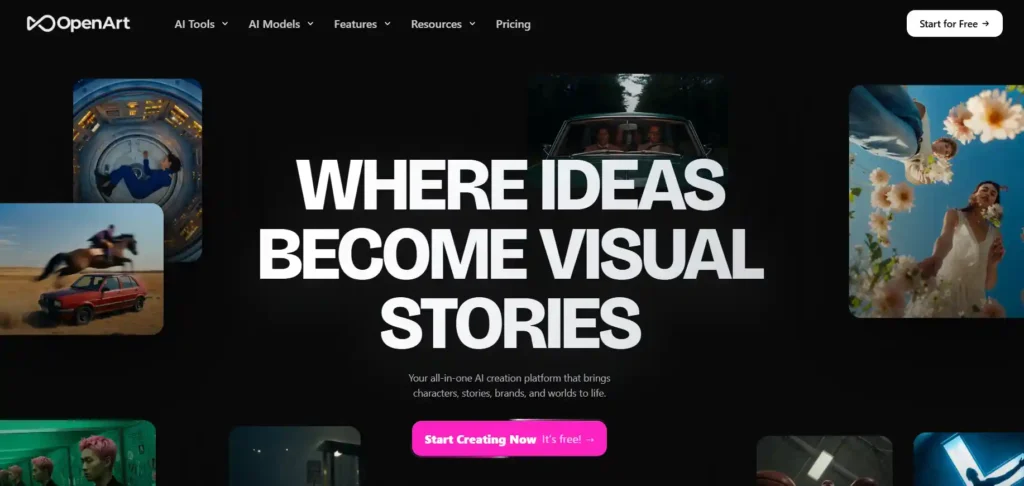
If Kling AI’s free plan feels limiting, OpenArt gives you a wider playground to experiment before paying for anything.
Instead of locking you into one model, OpenArt lets you generate video and image content using Kling 3.0, Veo 3, Seedance 2.0, Sora 2, and several others, all inside one platform.
You start creating for free, testing character consistency, cinematic video generation, and image editing without jumping between separate tools or subscriptions.
For creators who want to compare Kling’s output against other leading models before committing, OpenArt makes that comparison simple. It’s built for people who want range, not just one generator, whether that’s short films, product ads, or social content.
OpenArt Coupon: Get 15% Off Your Plan
Use code NISHA15 at checkout to save 15% on any OpenArt subscription plan, including Starter, Plus, Pro, and Wonder tiers.
Key Features:
- Multiple AI models in one place: access Kling, Veo, Sora, and Seedance together.
- Consistent AI characters: reuse the same character across scenes and videos.
- OpenArt Director: shape shots and edits through natural chat control.
- AI Worlds tool: generate navigable 3D environments from a single prompt.
Pricing: Free to start, with paid plans from $14/month for extra credits and commercial use rights.
Rating: Highly rated on Trustpilot, with strong praise for model variety and support.
Best for: Creators who want to test Kling alongside other top video models in one workspace.
Why pick it: OpenArt removes the need to compare Kling separately across multiple standalone platforms.
3. Akool — Best Free Kling AI Alternative for Avatars, Face Swap, and Video Translation
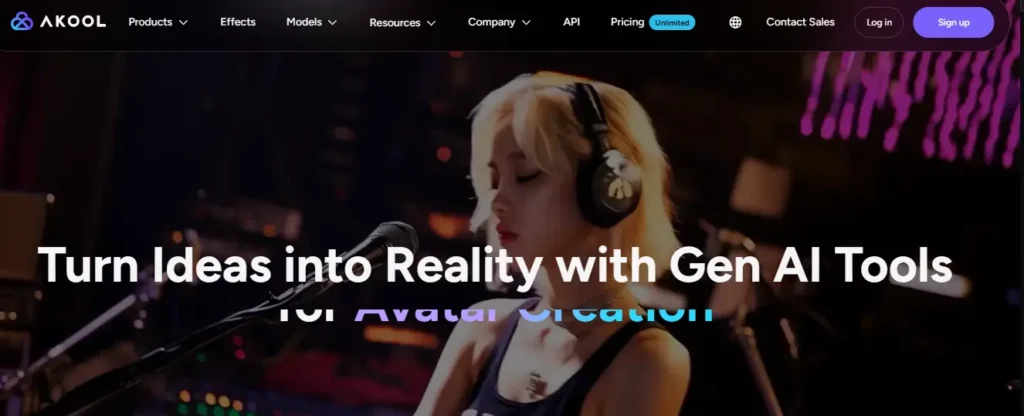
Kling AI focuses on cinematic motion, but Akool takes creation in a different direction entirely.
This platform combines AI avatars, face swap, video translation, and text-to-video generation inside one workspace, giving creators tools built for marketing, training, and personalized content rather than short motion clips alone.
Akool also gives direct access to Kling models alongside PixVerse, Seedance, Minimax, and Sora, so comparing outputs happens without leaving the platform.
Getting started requires no upfront commitment, making it easy to test avatars, translation, and face-swap features before choosing a paid tier. For marketers, agencies, and creators producing multilingual or personalized video content, Akool solves problems Kling’s free plan was never designed to handle.
Key Features:
- AI avatars and talking photos: create presenter-led videos without filming anything.
- Video translation with lip-sync: localize content across 155+ supported languages.
- Face swap technology: replace faces in images and videos with realistic blending.
- Multi-model access: generate using Kling, Seedance, PixVerse, and Sora together.
Pricing: Free plan available, with paid tiers starting at $12/month for expanded credits and features.
Rating: 4.8/5 on G2
Best for: Marketers and agencies producing avatar-led, translated, or personalized video content.
Why pick it: Akool covers avatars, translation, and face swap, areas well outside Kling’s core focus.
4. Invideo — Best Free Kling AI Alternative for AI Agent-Powered Filmmaking
Kling AI generates strong individual clips, but Invideo takes a different approach built around full projects, not single generations.
Its AI agents remember your project’s context, keeping characters, locations, and costumes consistent across every scene, something single-prompt tools rarely manage on their own.
You get access to over 200 models, including Kling 3.0, Veo 3.1, and Seedance 2.5, all inside one timeline editor built for real filmmaking, ads, and microdramas.
Creators who need multi-shot storytelling, storyboarding, and collaborative editing, not just isolated clips, tend to find invideo far more practical. It’s built for teams and solo creatives who want an AI partner that stays on-brand throughout an entire production, not just one scene at a time.
Key Features:
- Agent-based memory: keeps characters and settings consistent across shots.
- Multi-model access: generate using Kling, Veo, Seedance, and more.
- Full timeline editor: edit scripts, clips, and audio in one workspace.
- Multiplayer collaboration: work with teammates using live cursors.
Pricing: Plans start at $17/month, billed annually, with credits included for all models.
Rating: Backed by major investors, trusted by creative teams across industries.
Best for: Filmmakers and teams producing multi-scene projects with consistent characters.
Why pick it: invideo handles full productions, an area far outside Kling’s single-clip focus.
5. APOB AI — Best Free Kling AI Alternative for AI Influencer Video Content
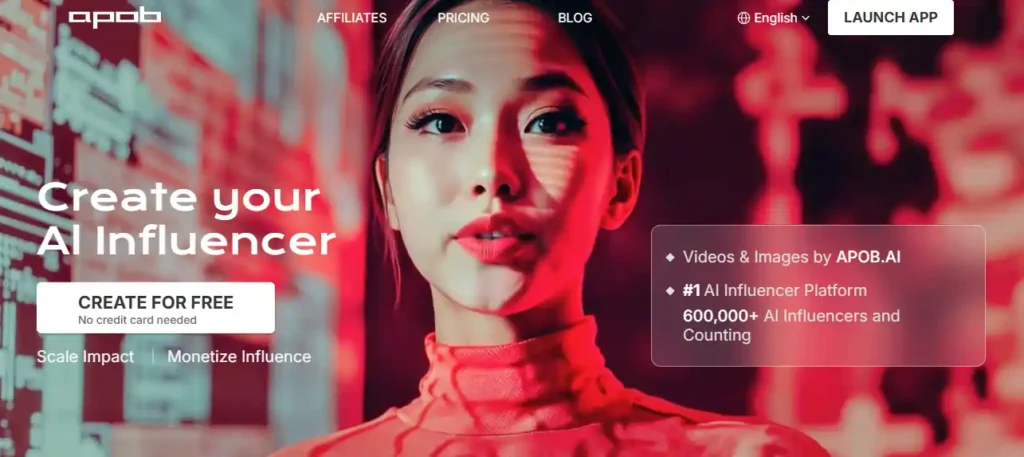
Kling AI generates cinematic clips, but APOB AI is built around a different goal entirely, turning static AI models into full digital personas.
This platform combines image generation, talking avatars, lip sync, and image-to-video tools, letting creators build a consistent AI influencer that can post, speak, and engage across social platforms.
You get 80 free credits daily with no credit card required, enough to test portrait generation, video motion, and face-swap features before upgrading.
For creators building faceless brands, social accounts, or influencer-style content, APOB AI solves a problem general video generators don’t focus on, character consistency across hundreds of posts. It’s less about single cinematic clips and more about building a recognizable, repeatable digital identity.
Key Features:
- AI Influencer Generator: build a fully customizable, consistent AI persona.
- Talking avatars with lip sync: make personas speak naturally on camera.
- Face-Lock technology: maintains the same look across every generation.
- Image-to-video and face swap: turn static portraits into shareable video.
Pricing: Free plan with 80 daily credits; paid plans start at $7.5/month billed annually.
Rating: Featured on Business Insider, Yahoo Finance, and other major outlets.
Best for: Creators building faceless brands or AI influencer accounts for social platforms.
Why pick it: APOB AI focuses on persona consistency, a use case Kling doesn’t address.
6. Runway — Best Free Kling AI Alternative for Editing Control and Production Quality
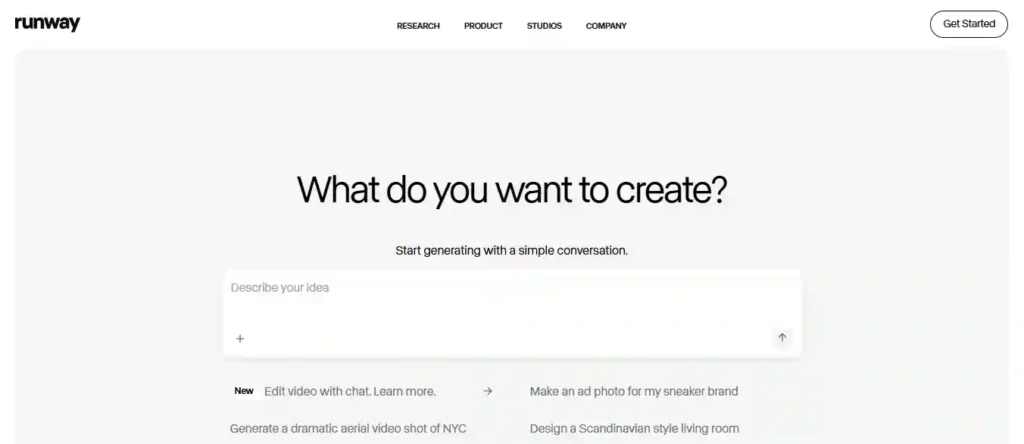
Kling AI handles motion well, but Runway is built for creators who need a complete editing environment, not just a single generation button.
You get free credits to start, no credit card required, giving you room to test video generation, image tools, and audio features before paying for anything.
Runway gives direct access to Kling 3.0 alongside its own Gen-4.5 model, Nano Banana Pro, and Seedance, so comparing outputs happens without switching platforms.
For creators producing product ads, brand films, or social content that needs real editing control, not just raw clips, Runway fills a gap Kling’s free plan doesn’t cover. It’s built for people who want to go from prompt to finished, publish-ready video in one place.
Key Features:
- Multi-model access: generate using Kling 3.0, Gen-4.5, and Seedance together.
- 4K upscaling: enhance video and image resolution without extra tools.
- Custom voice and lip sync: add natural narration to generated video.
- No watermark output: export clean video from paid plans instantly.
Pricing: Free plan with starter credits; paid plans start at $12/month billed annually.
Rating: Trusted by over 60 million creators and leading enterprise teams.
Best for: Creators and brands needing full editing control alongside AI generation.
Why pick it: Runway pairs Kling access with a complete production toolkit Kling lacks alone.
7. Synthesia — Best Free Kling AI Alternative for Business and Training Videos

Kling AI creates cinematic clips, but Synthesia solves a completely different problem, turning scripts and documents into professional presenter-led videos.
Instead of generating motion from prompts, Synthesia uses AI avatars speaking in 160+ languages, making it built for training, marketing, and internal communication rather than short creative clips.
The free plan includes 10 minutes of video per month and 9 stock avatars, with no credit card required to start testing the platform.
For businesses producing onboarding content, product explainers, or localized training videos, Synthesia solves problems Kling’s free tier was never designed for. It’s trusted by over 90% of Fortune 100 companies, which says a lot about its reliability for professional, repeatable video production at scale.
Key Features:
- AI avatars in 160+ languages: create presenter videos without cameras or actors.
- 1-click video translation: sync lip movement across multiple languages.
- Document-to-video conversion: turn existing content into videos instantly.
- SCORM export for LMS: integrate directly with learning management systems.
Pricing: Free plan available; paid plans start at $14/month billed annually.
Rating: 4.7/5 on G2, from over 2,000 reviews.
Best for: Businesses creating training, onboarding, or multilingual presenter videos.
Why pick it: Synthesia handles avatar-led business video, an area outside Kling’s focus.
Free Kling AI Alternatives: Watermark & Commercial-Use Rules Compared
Free plans vary considerably once you look past the headline “free” label. Watermarks and commercial-use rights are the two details that matter most.
Some platforms remove watermarks entirely on free plans, whilst others only do so once you upgrade. Commercial use follows a similar pattern, with several tools reserving it for paid tiers only.
Key differences to check before choosing a tool:
- Watermark on free output: Some alternatives add a visible watermark to every free generation; others don’t.
- Commercial licensing: Free-tier videos aren’t always cleared for client work, adverts or monetised content.
- Ownership vs usage rights: A few platforms grant only a licence to use the output, not full ownership.
- Credit-to-project ratio: Low daily credits can make commercial-scale work impractical, even where licensing allows it.
These terms change fairly often, so it’s worth confirming current policy directly on each platform before starting a paid or client project.
With that context in mind, here’s how each alternative performs individually, starting with the strongest overall free option.
FAQs: Free Kling AI Alternatives
Is there a free alternative to Kling AI?
Yes, several tools offer real free tiers instead of a single watermarked demo. Pictory, OpenArt, Akool, and Runway all provide usable free credits without requiring a credit card.
What is the closest free AI video generator to Kling AI?
OpenArt and Runway give direct access to Kling’s own model alongside alternatives, making it easy to compare motion quality and output style before choosing a paid plan.
Can I use a free Kling AI alternative for commercial projects?
It depends on the tool. Some free plans block commercial use entirely, while others like Runway and Akool allow limited commercial output. Always check licensing terms first.
Which free AI video tool has no watermark?
Runway, Akool, and Pictory remove watermarks even on select free or entry-level plans, unlike Kling AI, which restricts watermark-free exports to paid subscriptions.
What’s the best free Kling AI alternative for AI avatars?
Synthesia and Akool specialize in avatar-led videos with lip sync and multilingual voiceovers, making them stronger choices than Kling for training or presenter-style content.
Are there open-source alternatives to Kling AI?
Yes, open-source models give developers local deployment and full customization, unlike Kling AI, which runs exclusively through its own hosted, closed platform.
Which free Kling AI alternative is best for AI influencer content?
APOB AI focuses specifically on consistent AI personas with face-lock technology, talking avatars, and lip sync, features Kling AI doesn’t offer for influencer-style branding.
Conclusion — Nisha
Kling AI is impressive, but its free plan won’t fit every workflow. Whether you need business-ready avatars, influencer content, or full editing control, there’s a free alternative built for your specific need.
Start by testing two or three tools from this list against your actual project, not just the demo reel. Free credits go quickly, so pick based on what you’ll use most.
Ready to find your fit? Try Pictory, Akool, or Openart today and see which one earns a permanent spot in your workflow.