Picking an AI tool to create anime art usually comes down to one question: will it actually produce the style and consistency you’re looking for, or will it feel like a watered-down version of what you saw online? The OpenArt AI anime generator is one of the more talked-about options right now, built on a multi-model platform that lets you switch between anime, realism, and other styles without leaving the same workspace.
Before committing credits or a subscription, most people want to know how the free trial works, whether character consistency actually holds up across generations, and how the anime results compare to other AI art generators on the market.
This article walks through what the OpenArt AI anime generator offers, how the credit system and pricing plans work, and what to expect if you’re generating anime characters, portraits, or illustrations for the first time.
What Is the OpenArt AI Anime Generator?
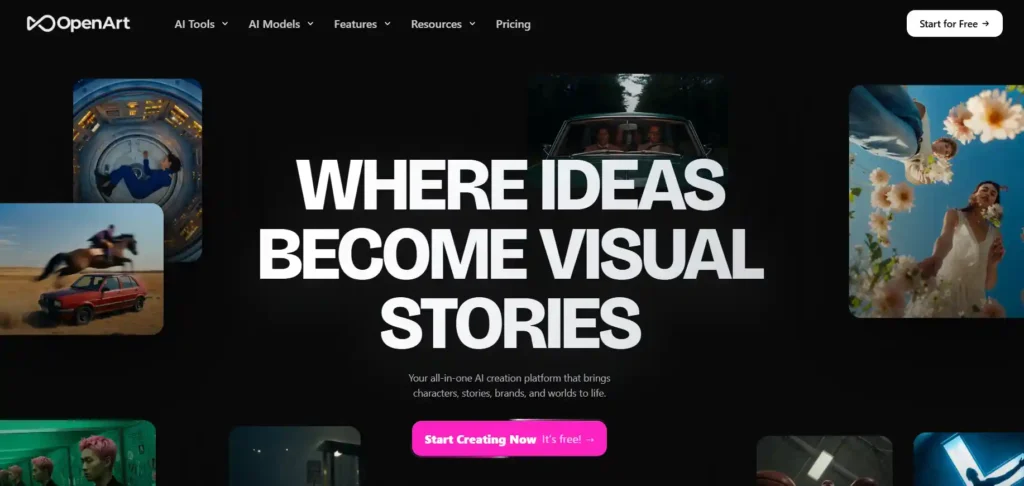
The OpenArt AI anime generator is one tool inside OpenArt’s broader creative suite, which also includes image editing, video generation, character consistency tools, and audio features. Rather than being a single standalone anime app, it works as one of many style options available across OpenArt’s image and video models.
You can access the anime generator through OpenArt’s image creation tool, where anime is offered alongside other styles such as photorealism, illustration, and concept art. The platform brings together more than 100 AI models under one account, so switching from a realistic style to an anime style typically takes just a couple of clicks rather than requiring a separate app or subscription.
This setup is aimed at people who want anime-style output without learning multiple tools — students, hobbyist artists, content creators, and anyone experimenting with anime character design.
OpenArt Coupon Code: Save 15% Today
Use code NISHA15 at checkout to get 15% off your OpenArt AI subscription plan instantly.
How the OpenArt AI Anime Generator Works (Step-by-Step)
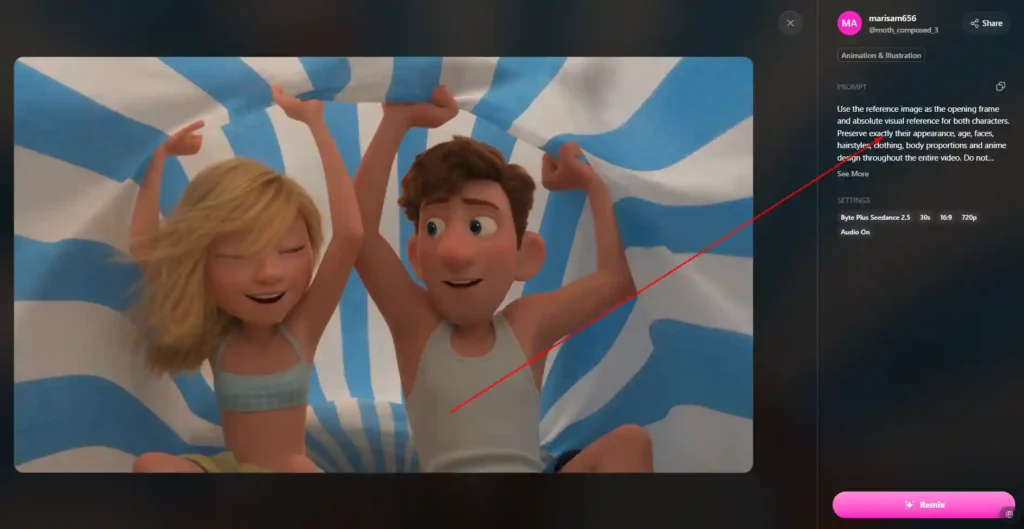
Using the anime generator follows a similar workflow to most modern AI image tools:
- Create or log into an OpenArt account.
- Open the image generation tool from the Tools menu.
- Select an anime-style model from the available model options.
- Write a text prompt describing the character, scene, or style you want.
- Adjust settings such as resolution, number of outputs, or reference images, depending on your plan.
- Generate the image, then review, regenerate, or edit the result.
- Save, download, or continue editing the image using OpenArt’s editing tools, such as background replacement or upscaling.
If you’re new to prompt writing, OpenArt also offers a prompt-enhancement feature that expands a short description into a more detailed prompt, which can help produce more consistent anime-style results without needing prior prompting experience.
Key Features of the OpenArt AI Anime Generator
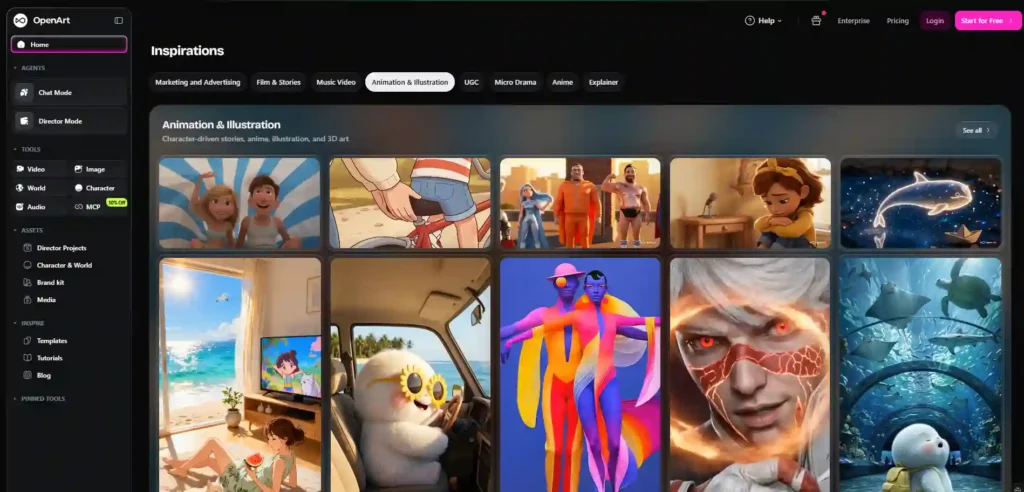
Several features are particularly relevant to anime generation specifically:
- Multiple anime-capable models — Since OpenArt aggregates 100+ models, you’re not limited to one anime “look.” Different models tend to produce different anime aesthetics, from classic shoujo/shonen styles to more modern digital-illustration looks.
- Consistent character generation — You can upload a reference image so the system maintains the same face, outfit, or design across multiple generations, which is useful for building an original character (OC) or a recurring cast for a story or comic.
- Image editing tools — Once an anime image is generated, you can erase, expand, restyle, or upscale it within the same canvas rather than starting over.
- Video generation with anime styling — OpenArt’s video tools also support anime and stylized genres, letting you extend a character or scene into short video clips.
- Parallel generations — Depending on your plan, you can queue multiple anime image variants at once instead of generating one at a time.
OpenArt AI Anime Generator Free Plan: What You Actually Get
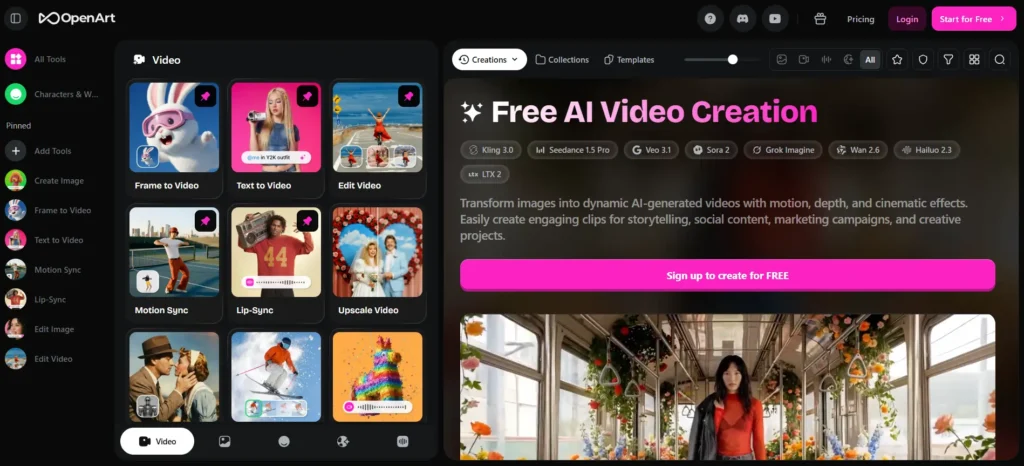
OpenArt offers a free tier that lets you try the anime generator without entering payment details. Based on OpenArt’s own product information, the free plan typically includes:
- A limited number of one-time trial credits for premium models and features.
- Access to basic models for unlimited or daily generations.
- Private creations by default.
- A capped number of parallel generations.
Free-tier output is generally restricted in resolution and model access compared to paid plans, and premium anime-specific tools — such as advanced character consistency or higher-resolution upscaling — are usually gated behind a paid subscription.
Exact free-tier credit amounts, resolution limits, and daily generation caps have varied across different points in OpenArt’s product history, so it’s worth checking the current free-plan details directly on OpenArt’s pricing page before relying on a specific number.
OpenArt AI Anime Generator Pricing Plans Explained
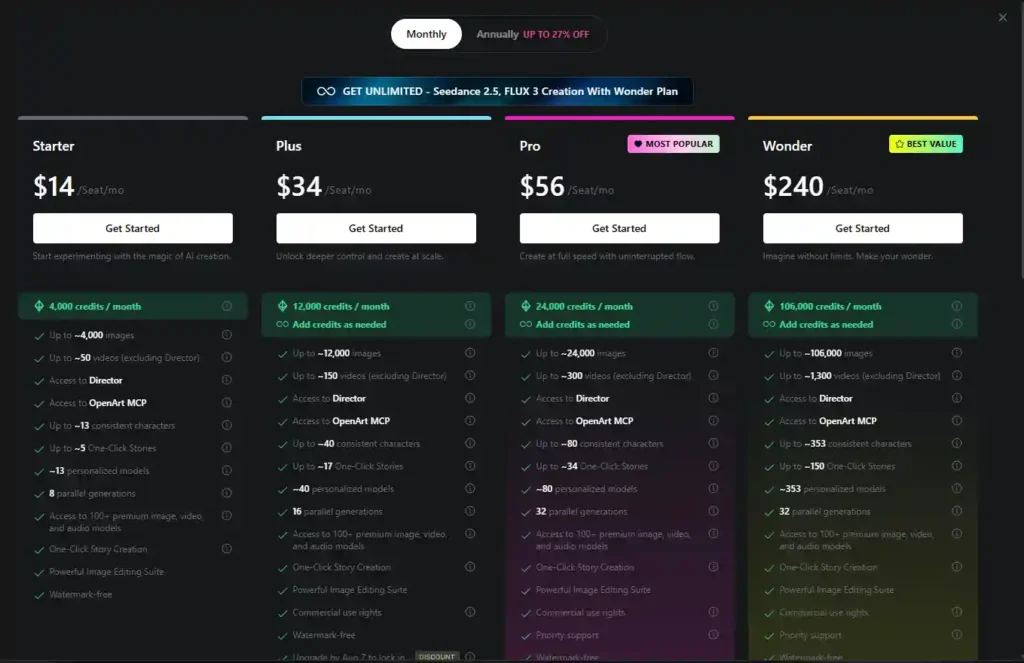
OpenArt uses a credit-based subscription model, meaning each generation — image, video, or edit — consumes credits from your monthly allowance. As of OpenArt’s current published pricing, the individual plans are:
| Plan | Price (annual billing) | Monthly Credits | Parallel Generations |
|---|---|---|---|
| Starter | $13/seat/mo | 4,000 | 8 |
| Plus | $27/seat/mo | 12,000 | 16 |
| Pro | $44/seat/mo | 24,000 | 32 |
| Wonder | $175/seat/mo | 106,000 | 32 |
All paid plans include access to OpenArt’s 100+ image, video, and audio models, one-click story creation, the image editing suite, and watermark-free output. Higher tiers add more consistent characters, more personalized models, and commercial use rights (available from the Plus plan upward).
Credit costs per generation can vary depending on the model and resolution chosen, so the number of anime images or videos you can produce will depend on which anime model you use and at what quality setting.
How Many Credits Do You Need for Anime Generation on OpenArt?
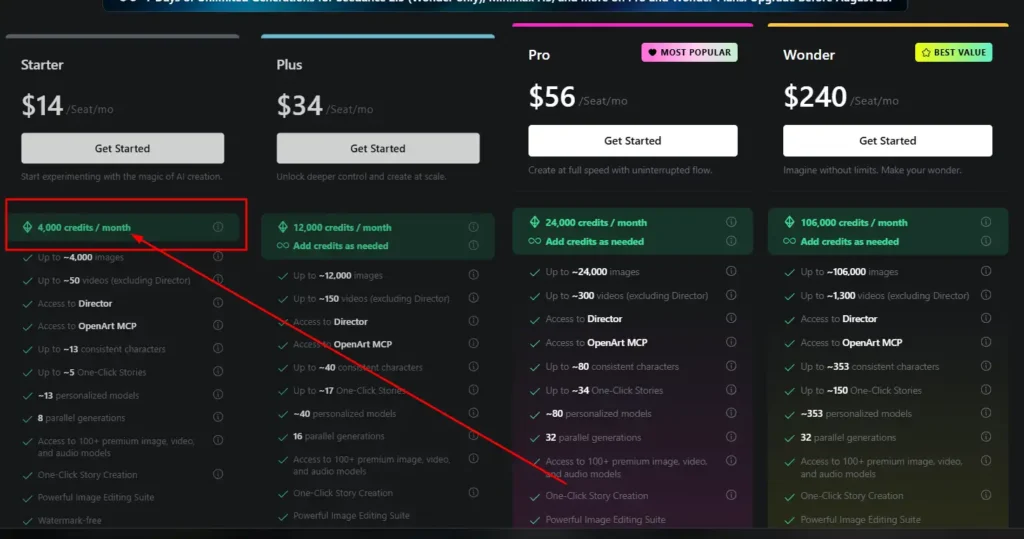
There isn’t a single fixed credit cost for anime generation, since it depends on:
- The specific model used (basic vs. premium anime-capable models.)
- The output resolution.
- Whether you’re generating a still image or a video clip.
Video generation generally consumes more credits per output than static image generation. If you’re testing the anime generator for the first time, starting with a lower-cost model and gradually testing premium anime models can help you understand your own usage pattern before committing to a higher-tier plan.
For an exact, up-to-date credit cost per anime generation, check OpenArt’s in-app credit indicator at the time of generation, as this can change as new models are added.
Creating Consistent Anime Characters with OpenArt AI
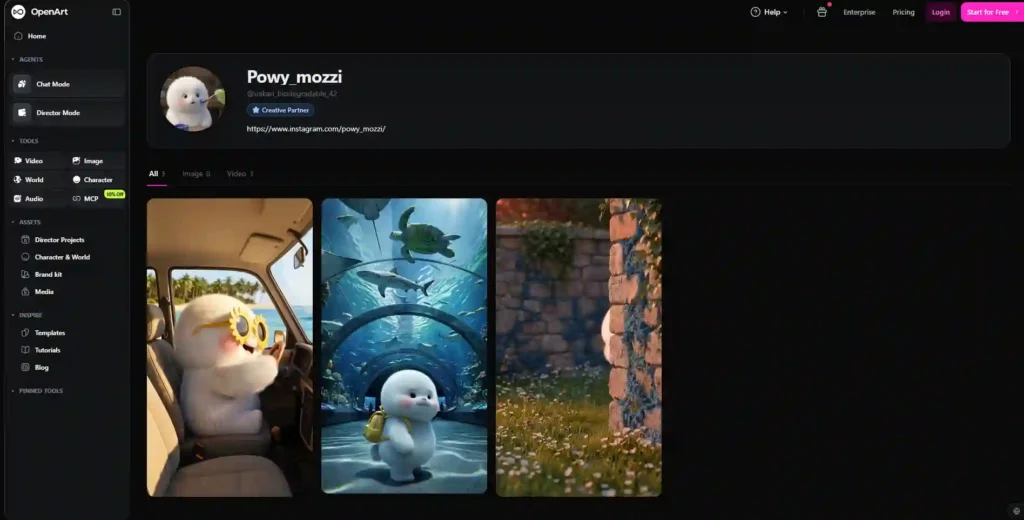
One of the more practical use cases for the OpenArt AI anime generator is building a recurring anime character — useful for webcomics, visual novels, personal OCs, or branded characters.
The general approach:
- Generate or upload a reference image of the character you want to keep consistent.
- Use OpenArt’s consistent character feature to link that reference to future generations.
- Adjust the prompt to place the character in new poses, outfits, or scenes while keeping the reference active.
- Review each output for consistency in facial features, proportions, and style, since results can still vary slightly between generations.
This feature is aimed at solving a common frustration with AI art tools — needing the “same” character across many images rather than a new-looking character each time.
Anime Styles and Models Available on OpenArt AI
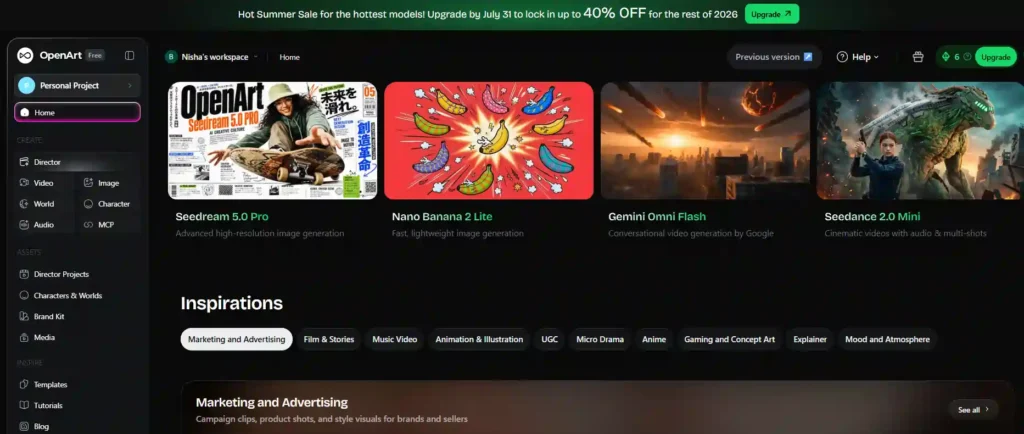
Because OpenArt pulls from a large model library, anime output isn’t limited to one visual style. Users can typically expect variation across:
- Classic anime/manga-inspired illustration styles.
- Modern digital anime art styles.
- Semi-realistic anime hybrids.
- Stylized character portraits suited for profile art or avatars.
Since model availability and quality can shift as OpenArt adds or updates models, the best way to identify which anime style suits your project is to test a few different models directly within the platform rather than relying on a fixed list.
OpenArt AI Anime Generator: Pros and Cons
Potential advantages:
- Access to many models under one subscription instead of separate tools.
- Consistent character feature useful for ongoing anime projects.
- Built-in editing tools alongside generation.
- Free tier available to test before subscribing.
Potential limitations:
- Free-tier credits are limited and typically one-time rather than recurring.
- Premium anime models and higher resolutions require a paid plan.
- Credit-based pricing means heavy users may need to monitor usage closely.
- Anime-specific model quality can vary depending on which of the 100+ models you choose.
OpenArt AI Anime Generator vs Other AI Anime Tools
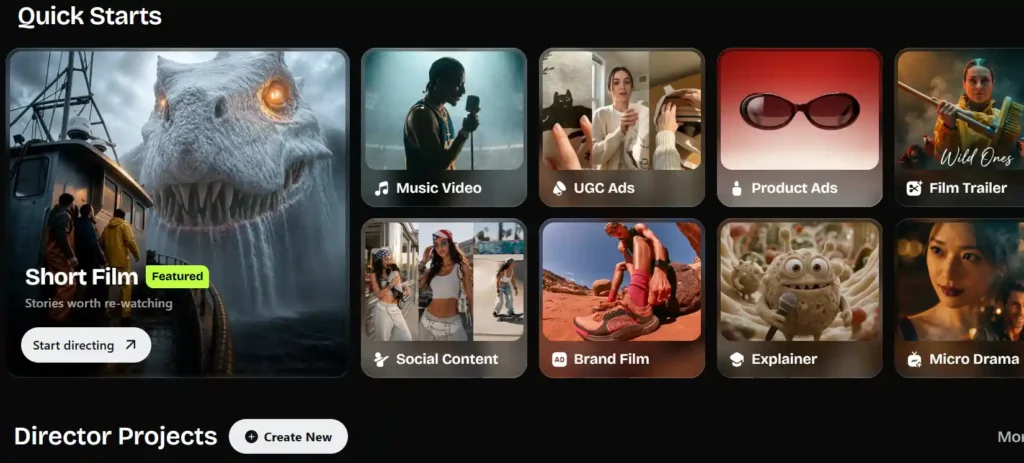
When comparing OpenArt to other AI art platforms, the most relevant factors for anime generation are model variety, character consistency, free-tier generosity, and pricing structure. OpenArt differentiates itself by aggregating many third-party models in one interface rather than relying on a single proprietary anime model, which can be an advantage for style variety but means anime quality specifically depends on which model you select within the platform.
Since competitor pricing and free-tier allowances change frequently, confirm current details directly on each platform before making a side-by-side decision.
[OpenArt AI vs Leonardo AI comparison]
Tips to Get Better Anime Art from OpenArt AI
- Be specific in prompts about art style (e.g., line weight, shading style, color palette) rather than only naming “anime.”
- Use the prompt-enhancement feature if you’re unsure how to phrase a detailed prompt.
- Test multiple anime-capable models before settling on one for a project, since results differ by model.
- Use a clear, well-lit reference image when trying to maintain character consistency.
- Start on lower-cost models to learn the interface before spending credits on premium models.
Is the OpenArt AI Anime Generator Worth It? (Final Take)
The OpenArt AI anime generator is a reasonable option if you want anime-style output without switching between multiple specialized AI tools, particularly if character consistency across images matters for your project. The free tier is useful for testing the interface and basic models, but anyone wanting higher-resolution output, premium anime models, or heavier daily use will likely need a paid plan.
Whether it’s the right fit depends on how much you value having many models in one place versus a tool built specifically around a single anime aesthetic. Testing the free tier directly is the most reliable way to judge whether the anime output matches what you’re looking for.
FAQs About the OpenArt AI Anime Generator
Is OpenArt AI free to use for anime art?
Yes, OpenArt offers a free plan that includes some trial credits and access to basic models, though premium anime models and higher resolutions typically require a paid plan.
Can OpenArt AI create consistent anime characters?
Yes, OpenArt includes a consistent character feature that uses a reference image to help maintain the same character design across multiple generations.
How much does OpenArt AI cost per month?
As of current pricing, individual plans start at $13/seat/month (Starter, annual billing) and scale up to $175/seat/month (Wonder) based on credit allowance and features.
Does OpenArt AI have a free trial without a credit card?
Based on OpenArt’s product information, the free plan is accessible without requiring credit card details, though the exact credit allowance should be confirmed on OpenArt’s current pricing page.
What AI models does OpenArt use for anime art?
OpenArt aggregates over 100 AI models covering multiple styles, including several capable of anime-style output. Specific model names and availability can change over time.
Nisha’s Take
Honestly, the OpenArt AI anime generator won’t fit everyone the same way. If you want one platform with tons of anime styles, consistent characters, and room to grow into paid features later, it’s worth your time. If you just want a quick, no-fuss anime picture, the free tier alone might satisfy you.
My advice? Don’t overthink it — open OpenArt, try the anime generator with a simple prompt, and see how the first result feels. That’s the real test, not this article.