Picking between Pictory AI and Descript AI usually comes down to one question: do you start with a script, or do you start with a recording?
Pictory turns text and blog posts into video content automatically, pulling in stock footage and voiceovers with minimal editing. Descript works differently, treating video and audio editing like editing a document, letting you cut footage by deleting text and clean up recordings with tools like filler word removal and overdub.
Both use AI to speed up production, but they’re built for different workflows and different creators. This comparison looks at how Pictory AI and Descript AI handle editing, transcription, voice generation, and pricing, so you can see which one actually fits how you create content.
What Is Pictory AI?

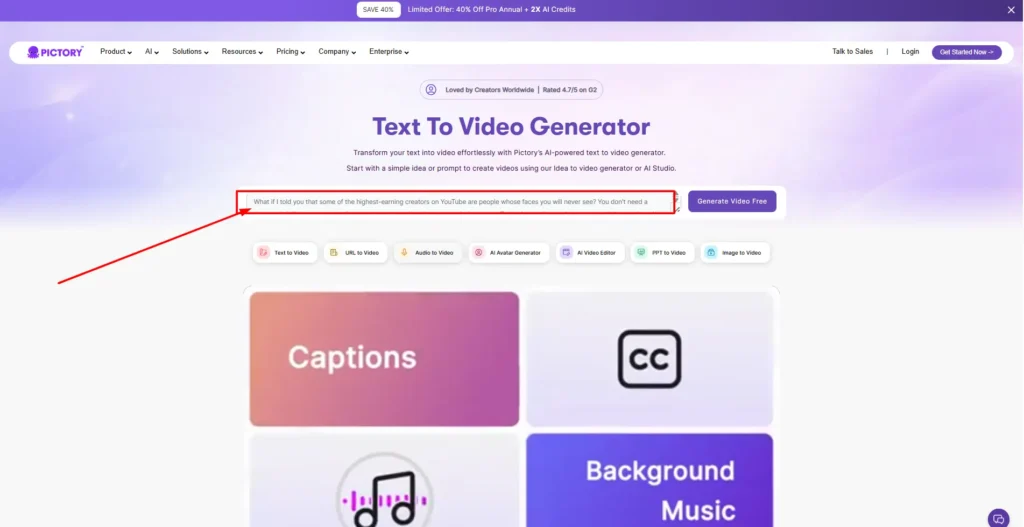
Pictory AI is a text-to-video platform. You start with a script, blog post, presentation, image set, or URL, and Pictory converts that content into a video using AI-selected stock footage, automatic scene breaks, captions, and AI voiceovers. It’s built for people who don’t want to shoot original footage — marketers, educators, and content teams who need to turn existing written material into video quickly.
The platform also includes AI Studio, which generates images and video clips from text prompts, along with an AI script generator, image-to-video tools, and AI avatars for narration.
Save Big on Pictory AI Video Creation Tools
Unlock powerful AI video editing at a discount — use code CABF20 and save 15% instantly today!
What Is Descript?
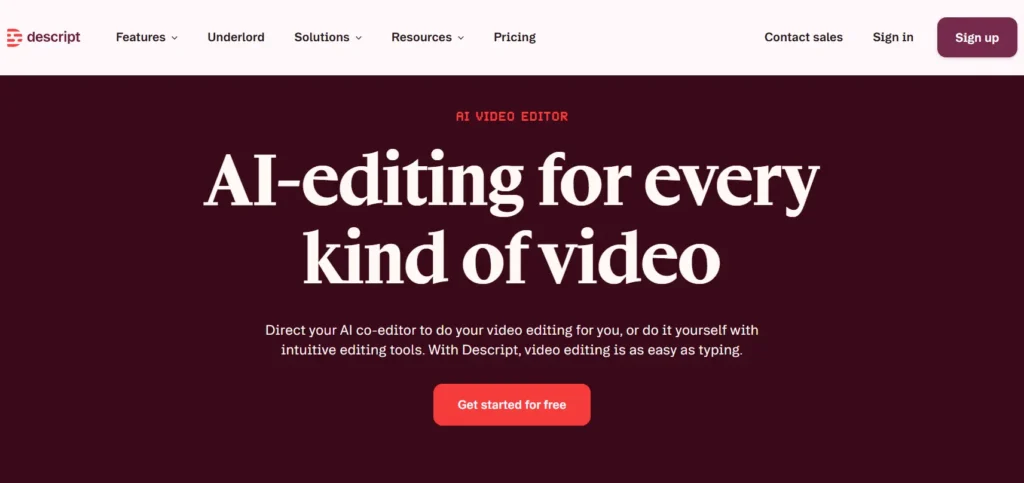
Descript is a text-based video and audio editor. You record or upload footage, and Descript automatically transcribes it. From there, you edit the video by editing the transcript itself — deleting a sentence in the text removes that clip from the timeline. Descript is built around an AI agent called Underlord, which can write or revise scripts, apply layouts, and generate custom video on request.
Descript is used heavily by podcasters, YouTubers, and teams producing screen recordings, webinars, and tutorials, since much of its toolset is designed around cleaning up and repurposing existing recordings rather than generating new footage.
Pictory AI vs Descript AI: Core Editing Approach Compared
The clearest difference between these tools is what they assume you’re starting with.
| Features | Pictory AI | Descript |
|---|---|---|
| Starting point | Text, script, blog post, images, or URL | A recording (video or audio) |
| Core workflow | AI builds a video from written content | You edit a transcript to edit the video |
| Best suited for | Creating video from content you already have in writing | Editing and polishing footage you already recorded |
If you regularly have footage to edit — podcasts, interviews, screen recordings, webinars — Descript’s transcript-based editing will likely feel faster. If you’re starting from written content and don’t have footage to work with at all, Pictory’s text-to-video approach removes that step entirely.
Text-to-Video vs Text-Based Editing: Pictory AI vs Descript AI
These two phrases sound similar but describe different things.
Text-to-video (Pictory) means the software generates a video from text you provide — it selects visuals, times scenes, and builds a structure automatically, without you filming anything.
Text-based editing (Descript) means you edit existing recorded footage by editing its transcript. The video already exists; you’re trimming, rearranging, or removing parts of it by working with the words instead of a timeline.
Both approaches reduce manual editing work, but they solve different problems. Pictory removes the need to film. Descript removes the need for traditional timeline editing.
Pictory AI vs Descript: AI Script and Content Generation Features
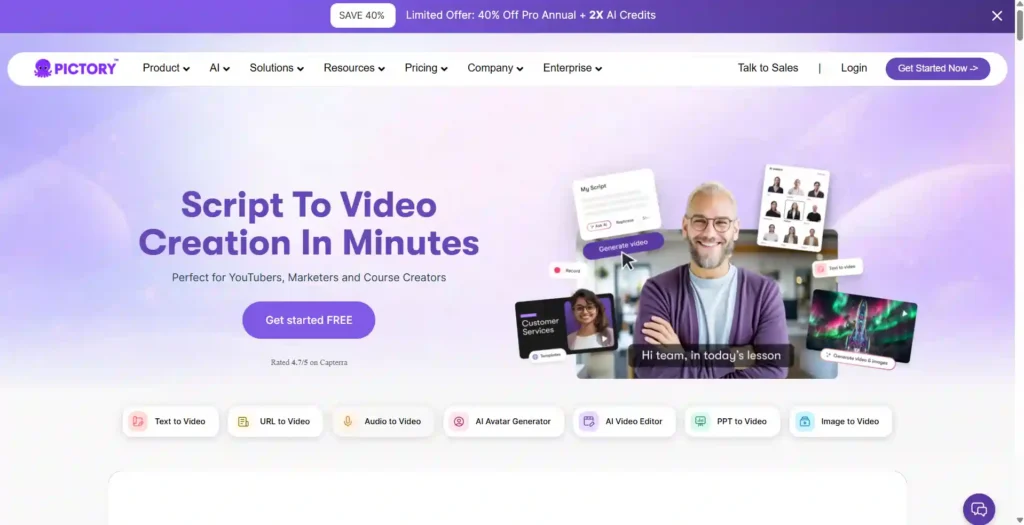
Pictory includes an AI Script Generator that turns ideas or prompts into full video scripts, which then feed directly into its video generation pipeline.
Descript’s Underlord agent can also write or revise a script, provide feedback on a draft, and then apply edits and design changes based on that script — but Underlord’s scope extends beyond scripting into applying layouts, adjusting color, and generating custom B-roll on request within the editor itself.
Both tools support AI-assisted scriptwriting, but Pictory’s script tools are built to feed its video generation engine directly, while Descript’s script features are one part of a broader in-editor AI assistant.
Pictory AI vs Descript: Transcription and Captioning Compared
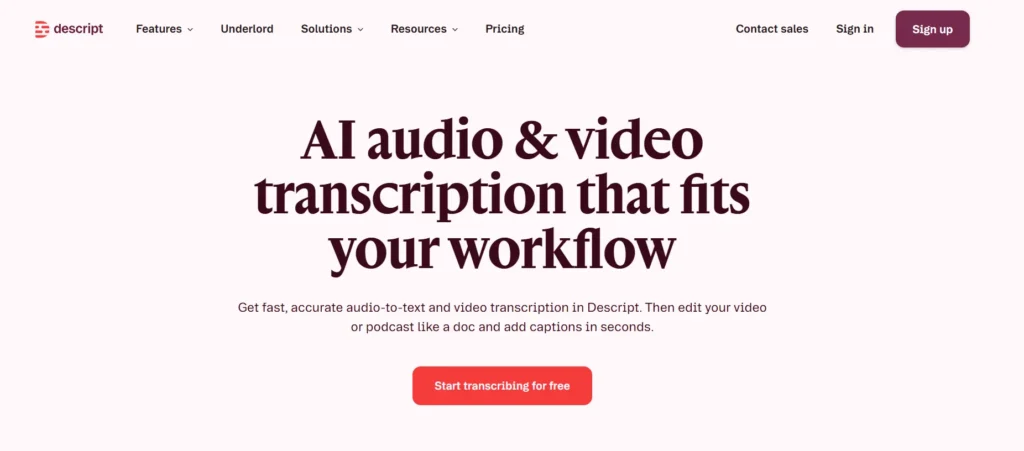
Both platforms offer automatic transcription and captioning, though they’re used differently.
Descript’s transcription is central to the entire editing process — every recording you bring in is transcribed first, and that transcript becomes your editing interface. Descript supports multi-language transcription across 25 languages on its paid plans.
Pictory generates automatic captions and subtitles as part of its video output, with export options including .srt, .vtt, and .txt formats, but transcription isn’t the primary way you interact with the editor the way it is in Descript.
AI Voices and Avatars: Pictory AI vs Descript
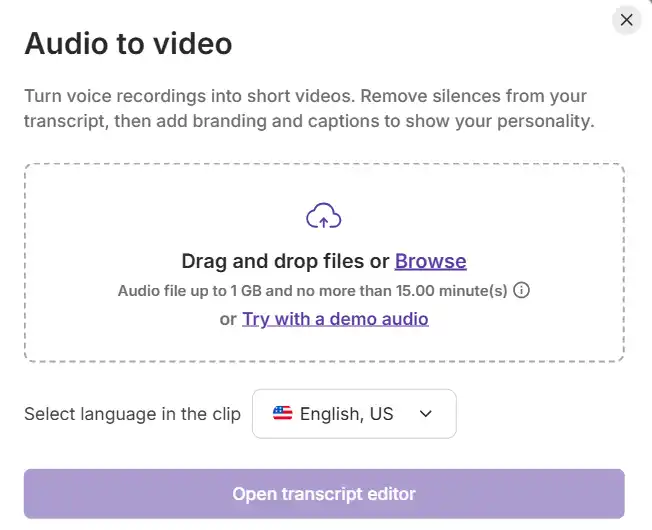
Both tools offer AI voiceovers and AI avatars, but with different voice partnerships and avatar approaches.
Pictory offers standard AI voices along with premium ElevenLabs voices in 29 languages, with the amount of premium voice minutes varying by plan. It also includes avatar generation as part of its feature set.
Descript offers its own AI Speech tools, including text-to-speech, voice regeneration, and custom voice cloning on paid plans, along with an avatar gallery and the ability to create custom avatars from a photo upload.
If having a wide range of premium, natural-sounding narration voices matters most, compare the specific voice minutes and language support included in the plan you’re considering, since both platforms limit premium voice usage by tier.
Pictory AI vs Descript: Filler Word Removal and Audio Cleanup
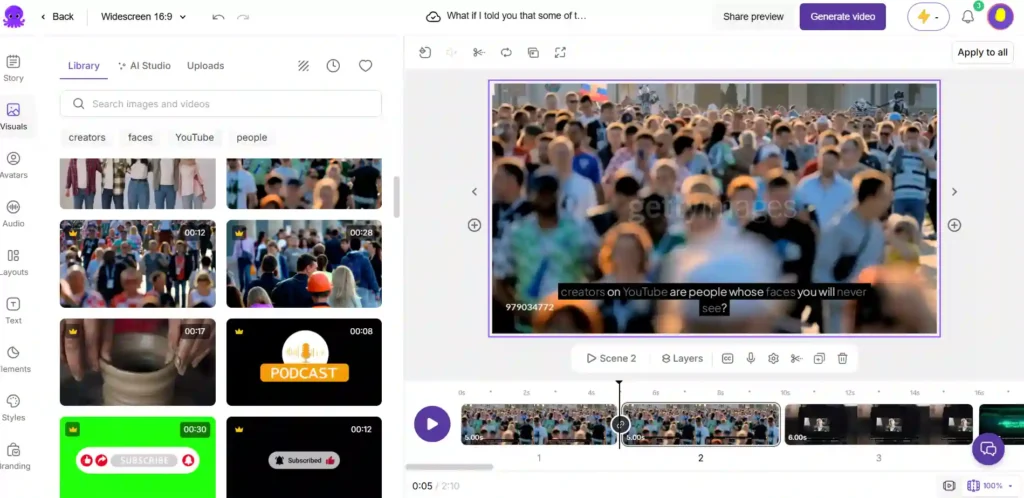
Descript has dedicated tools for cleaning up recorded audio, including Remove Filler Words (which cuts “ums,” “uhs,” and similar words automatically), Studio Sound for noise reduction and voice enhancement, and Shorten Word Gaps to tighten pacing.
Pictory doesn’t center its workflow around cleaning up recorded audio in the same way, since it’s primarily generating video from text rather than editing existing recordings. If your main need is polishing recorded speech — removing filler words, background noise, or dead air — Descript’s tools are built specifically for that task.
Pictory AI vs Descript: Templates, Branding, and Customization
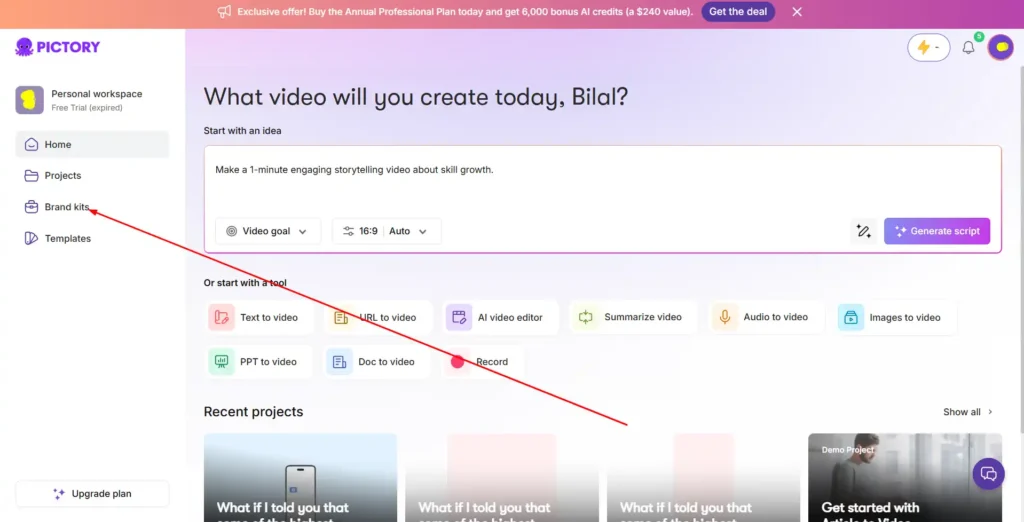
Both platforms support brand kits, letting you apply logos, colors, and fonts consistently across projects. Pictory’s plans include a set number of brand kits depending on tier, along with layout templates, prompt-based visual generation through AI Studio, and stock media from Getty Images and Storyblocks.
Descript offers layout packs, with the ability to create and share custom layout packs on higher tiers, plus a Brand Studio feature (on Business and Enterprise plans) for team-wide branding guardrails and custom fonts.
Pictory AI vs Descript for Podcast Editing
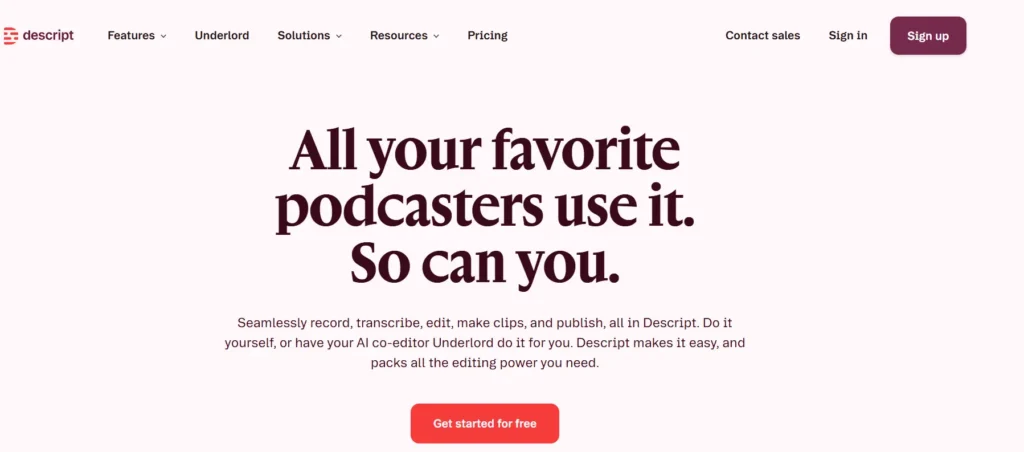
Descript is generally the stronger option for podcast production. It supports audio-only, video, or combined podcast workflows in one place, and includes recording, transcript-based editing, and tools built specifically for spoken-word content like filler word removal and studio-quality audio cleanup, plus tools for generating promotional clips from longer episodes.
Pictory isn’t built around a recording-and-cleanup workflow, so it’s less suited to editing raw podcast audio, though it can still be used to turn podcast transcripts or show notes into promotional video content.
Pictory AI vs Descript for Social Media and Short-Form Clips
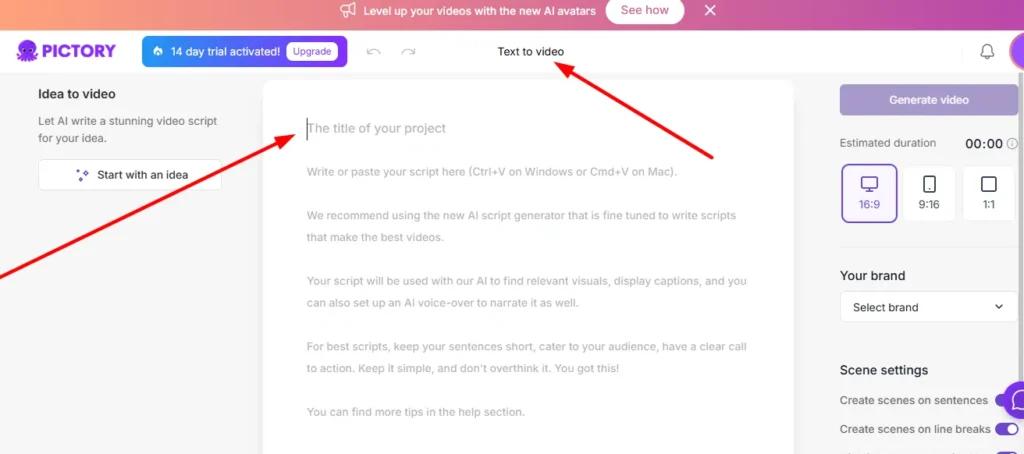
Both tools support short-form and social content, but from different angles.
Pictory can resize and repurpose a single video for multiple platforms and aspect ratios, and can generate short videos directly from blog posts or scripts — useful for turning existing written content into a batch of social clips.
Descript includes AI-assisted clip creation that identifies moments in longer recordings likely to perform well as standalone clips, which is particularly useful if you’re repurposing podcast or long-form video content into shorter cuts.
If you’re starting from written content, Pictory’s approach is more direct. If you’re starting from a longer recording and want to pull out the best moments, Descript’s clip tools are built for that specific task.
Pictory AI vs Descript: Ease of Use for Beginners
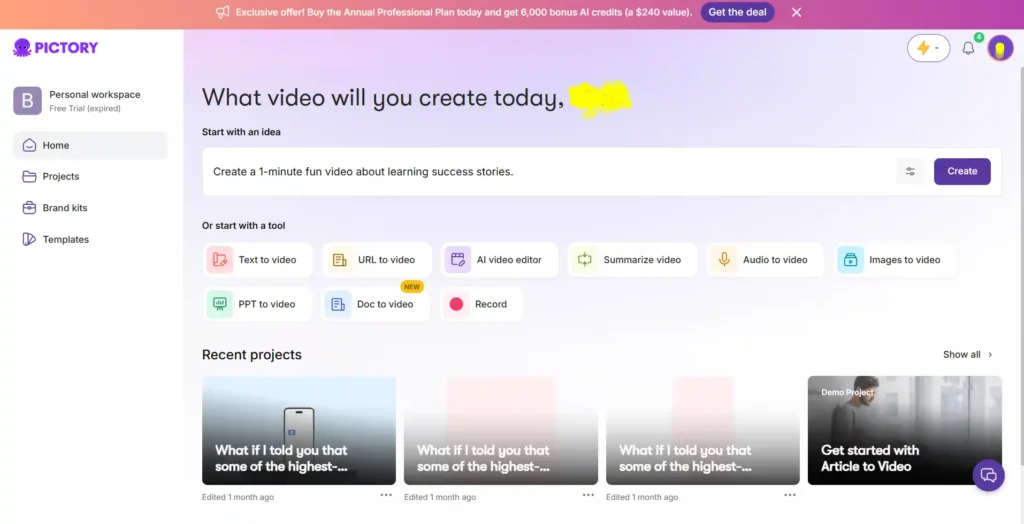
Pictory’s workflow — paste text, let AI build the video, adjust visuals — has a relatively low learning curve for people with no editing background, since most of the heavy lifting happens automatically.
Descript’s text-based editing is also considered approachable for beginners, since editing a transcript is more intuitive for many people than a traditional timeline-based editor. However, Descript’s fuller feature set (multitrack audio, Studio Sound, screen recording, avatars, and more) means there’s more to learn as you go deeper into the tool.
Both platforms are positioned as accessible to non-editors, though the type of “easy” differs: Pictory minimizes editing decisions, while Descript simplifies the editing interface itself.
Pictory AI vs Descript: Pricing Plans Compared
Pricing and included usage change frequently on both platforms, so treat the figures below as a general comparison rather than a final quote — always confirm current pricing directly on each provider’s site before purchasing.
Pictory AI plans (billed annually, per month):
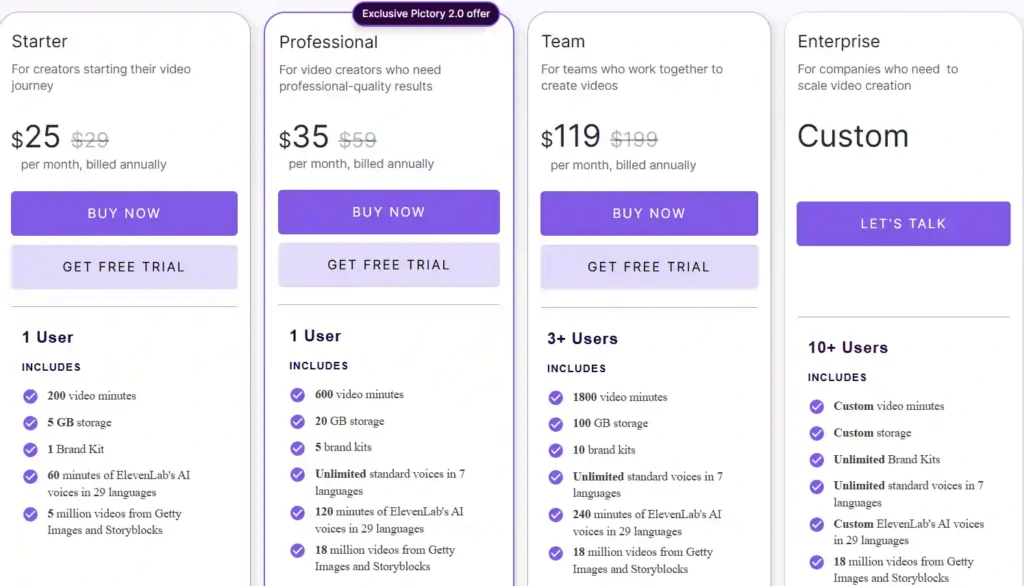
| Plan | Price/month | Video minutes/year | Storage | Brand kits |
|---|---|---|---|---|
| Starter | $25 | 2,400 | 5 GB | 1 |
| Professional | $35 | 7,200 | 20 GB | 5 |
| Team | $119 | 21,600 | 100 GB | 10 |
| Enterprise | Custom | Custom | Custom | Unlimited |
Descript plans (billed annually, per month):
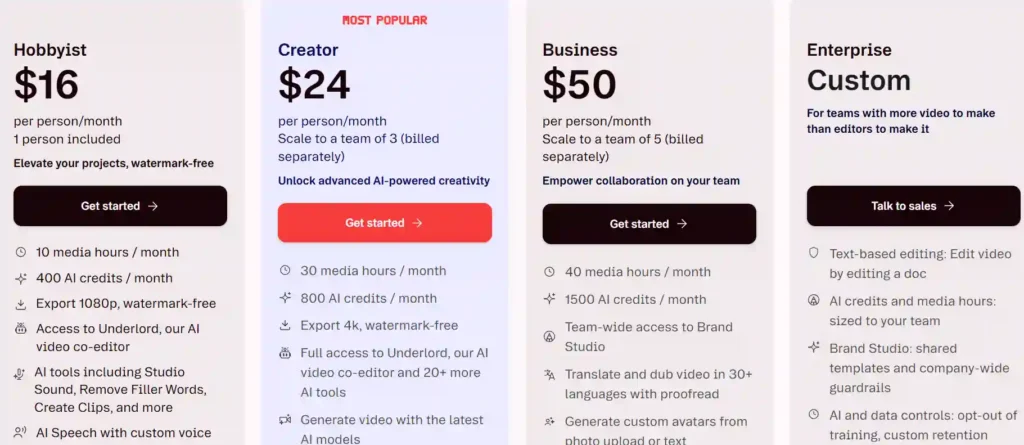
| Plan | Price/month | Media hours/month | Storage | Seats |
|---|---|---|---|---|
| Free | $0 | 1 hour | 5 GB | 1 |
| Hobbyist | $16 | 10 hours | 100 GB | 1 |
| Creator | $24 | 30 hours | 1 TB | Up to 3 |
| Business | $50 | 40 hours | 2 TB | Up to 5 |
| Enterprise | Custom | Custom | Custom | Custom |
[VERIFY CURRENT INFORMATION — pricing, included credits, and plan limits are subject to change]
Broadly, Pictory’s plans are structured around video generation minutes, while Descript’s plans are structured around media hours you can upload or record plus AI credits for its editing tools. Descript’s free plan gives more people a way to try the tool without a subscription, while Pictory offers a free trial rather than an ongoing free tier.
Pictory AI vs Descript: Free Plan and Free Trial Comparison
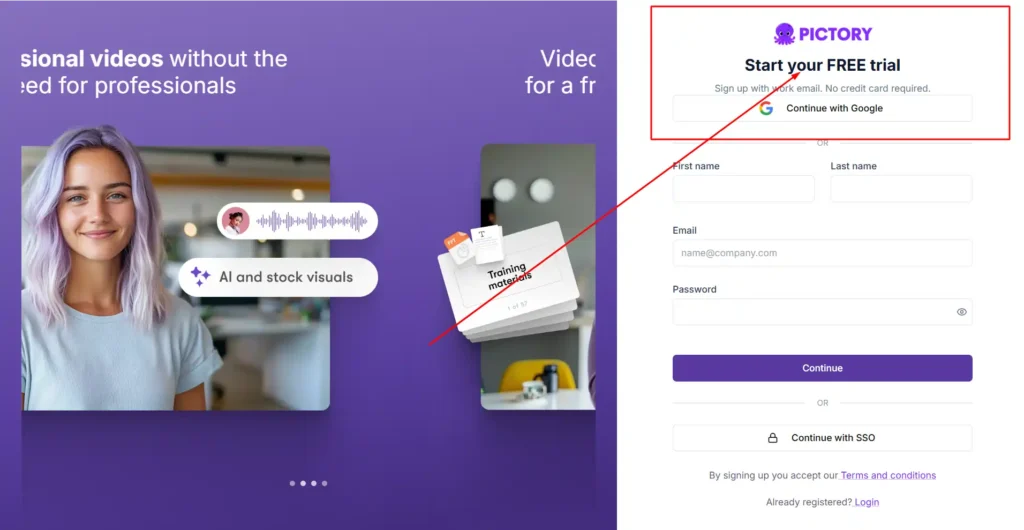
Descript offers a free-forever plan with limited monthly media hours, watermark-free 720p export, and a one-time allotment of AI credits — useful for testing the editor before committing to a paid tier.
Pictory offers a free trial rather than a permanent free plan, giving new users a limited period to test the platform’s video generation tools before choosing a paid plan.
If you want to try a tool indefinitely at no cost before deciding, Descript’s free plan allows that. If you’d rather test full paid-tier features briefly, Pictory’s trial gives a closer look at what a paid plan includes.
Pictory AI vs Descript: Best Use Cases for Marketing, Training, and Education
Pictory tends to fit better for:
- Turning blog posts or articles into video content.
- Producing marketing or explainer videos from a script with no filming required.
- Converting presentations (PPT) into video.
- Teams that need to produce a high volume of video from existing written material.
Descript tends to fit better for:
- Podcast editing and production.
- Cleaning up and editing recorded video (interviews, webinars, screen recordings.)
- Teams collaborating on footage that’s already been filmed.
- Creators who want fine-grained control over recorded audio and video.
Pictory AI vs Descript: Integrations and Workflow Automation
Pictory connects to Zapier and Make for automating video delivery into storage systems or connected apps, and offers a Chrome extension that can generate a video directly from a webpage URL. It also provides API access on higher-tier and enterprise plans for automating video creation at scale.
Descript offers integrations aimed at team workflows and offers API access as part of its broader platform, along with export compatibility with professional editing tools like Premiere, Final Cut Pro, and Pro Tools for teams that need to move projects into other software.
Pros and Cons of Pictory AI vs Descript
Pictory AI
Pros:
- Fast way to turn written content into video without filming.
- Strong for repurposing blog posts, scripts, and presentations.
- Built-in AI Studio for generating custom visuals.
Cons:
- Less suited to editing existing recorded footage.
- No permanent free plan, only a free trial.
- Fewer dedicated audio-cleanup tools.
Descript
Pros:
- Strong transcript-based editing for recorded video and audio.
- Dedicated tools for filler word removal, noise reduction, and clip creation.
- Free-forever plan available.
Cons:
- Requires footage to start with — not built for generating video purely from text.
- Deeper feature set means a longer learning curve for advanced tools.
- Media hour limits can be restrictive on lower tiers for frequent recorders.
Pictory AI vs Descript: Which One Should You Choose?
Choose Pictory AI if you regularly work from written content — scripts, blog posts, presentations — and want video generated automatically without filming anything yourself.
Choose Descript if you already record video or audio and want an efficient way to edit, clean up, and repurpose that footage, especially for podcasts or long-form content.
Some teams use both: Pictory for turning written content into new video, and Descript for editing and polishing anything that’s actually been recorded.
Pictory AI vs Descript FAQs
What is the difference between Pictory AI and Descript?
Pictory generates video from text, scripts, or presentations without requiring footage. Descript is a transcript-based editor for video and audio you’ve already recorded.
Is Pictory AI better than Descript?
Neither is universally better — it depends on your starting point. Pictory suits text-to-video creation; Descript suits editing existing recordings.
Does Descript have a free plan?
Yes, Descript offers a free plan with limited monthly media hours and a one-time AI credit allotment.
Does Pictory AI have a free trial?
Yes, Pictory offers a free trial rather than an ongoing free plan.
How much does Pictory AI cost per month?
Pictory’s annual-billed plans start at $25/month for the Starter tier, based on current published pricing.
Can Descript remove filler words automatically?
Yes, Descript’s Remove Filler Words tool automatically cuts words like “um” and “uh” from recordings.
Which tool is better for podcast editing, Pictory or Descript?
Descript is generally better suited to podcast editing, since it’s built around recording, transcript-based editing, and audio cleanup tools.
Does Pictory AI support voiceover generation?
Yes, Pictory includes standard AI voices and premium ElevenLabs voices across multiple languages, with usage limits varying by plan.
Is Descript good for beginners with no editing experience?
Yes, Descript’s transcript-based editing is designed to be approachable for beginners, though its broader toolset takes longer to fully explore.
Final Thoughts from Nisha
Choosing between Pictory AI and Descript doesn’t have to be overwhelming. It really just comes down to your daily content strategy.
If you want to turn written blog posts into faceless videos on autopilot, go with Pictory. But if you record podcasts or talking-head videos and need to polish them quickly, Descript is your best friend.
I highly recommend grabbing the free trials for both tools to see which workflow actually fits your style best.
Which AI video editor are you planning to try first? Let me know in the comments below!